
Conta Contactos
O seu carrinho
Envio por DPD e FedEx
Precisa de ajuda? Pergunte à IA

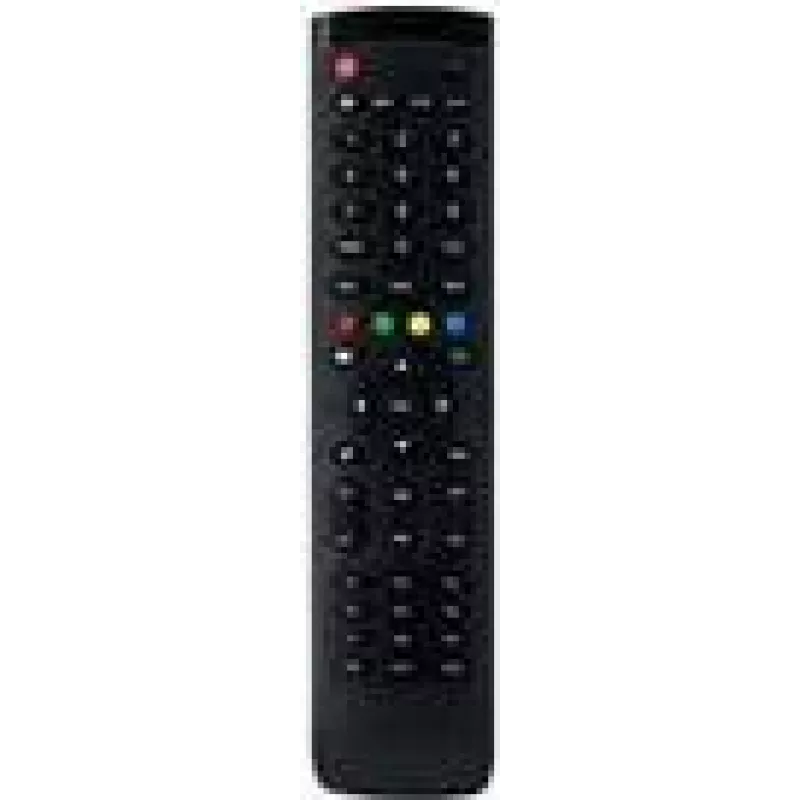
IIYAMA RC Remote Control RC REMOTEV07 para TH6567 TE 68 Series — telecomando de substituição para monitores IIYAMA compatíveis

IIYAMA RC Remote Control RC REMOTEV07 para TH6567 TE 68 Series — telecomando de substituição para monitores IIYAMA compatíveis
35,88 €
Replacement IIYAMA RC REMOTEV07 remote control designed for use with TH6567 and TE 68 series displays. This compact replacement remote restores basic control functions such as power on/off, input selection and on-screen menu navigation for compatible IIYAMA monitors. The remote provides a familiar b... Ler mais
Stock EsgotadoSem stock Código 2360641 Marca IIYAMA Modelo RC REMOTEV07 Garantia 2 anos

Envios e devoluções

Replacement IIYAMA RC REMOTEV07 remote control designed for use with TH6567 and TE 68 series displays. This compact replacement remote restores basic control functions such as power on/off, input selection and on-screen menu navigation for compatible IIYAMA monitors. The remote provides a familiar button layout and infrared transmission to operate the display without changing existing display settings, making it suitable for classrooms, meeting rooms and digital signage environments where the original controller has been lost or damaged.

Advantages

The IIYAMA RC REMOTEV07 offers straightforward operation and compatibility with IIYAMA TH6567 and TE 68 series displays. Its standard button set covers essential commands needed for everyday use, while infrared connectivity ensures immediate response from the display without additional configuration. The remote is lightweight and easy to position, allowing quick replacement without service intervention and enabling continued use of the display’s built-in on-screen menu system.

Suitable for

Key specifications

How to use

Insert the appropriate batteries into the remote according to polarity markings, then point the remote at the display’s IR receiver and press the power button to switch the screen on or off. Use the input or source buttons to cycle through connected inputs and navigate the on-screen menu with the directional and confirm buttons to adjust settings. No special pairing is required for standard infrared operation; replace batteries or reposition the remote if response is intermittent.

Recommendations

For reliable operation, keep a clear line of sight between the remote and the display’s IR receiver and use fresh batteries. Store the remote in a designated location in classrooms or meeting rooms to reduce loss. If a display does not respond, check battery orientation, battery charge, and ensure the display’s IR sensor is not obstructed or covered.

Destaques principais
  • Classroom interactive displays where the original remote is missing
  • Meeting rooms and conference spaces requiring remote control of inputs and power
  • Digital signage installations that need a simple on-site controller
  • Maintenance and support inventories as a spare replacement part
  • Functionality: power, input selection, menu navigation and basic display controls
  • Interface: infrared (IR) remote transmission
  • Compatibility: IIYAMA TH6567 and TE 68 series compatible displays
  • Form factor: compact handheld remote with tactile buttons
  • Power source: battery-powered (standard replaceable batteries)
Histórico de preços nos últimos 6 meses
IIYAMA RC Remote Control RC REMOTEV07 para TH6567 TE 68 Series — telecomando de substituição para monitores IIYAMA compatíveis
Atual
35,88 €
Mais baixo
35,39 €
Mais alto
37,30 €
Variação 24 h
+0,30 €   +1%
Semana
+0,00 €   +0%
Mês
+0,17 €   +0%

Produtos populares nesta categoria

Vendedor: UAB KUR LT · Laisvės pr. 125A, LT-06118 Vílnius, Lituânia · Código da empresa 303192950 · NIF/IVA UE LT100008198612 · Envio a partir da UE (Lituânia)
Olá, sou o assistente de IA da DistriNode. Posso ajudá-lo a encontrar produtos, comparar opções, criar orçamentos em PDF ou abrir pedidos de suporte.