
Conta Contactos
O seu carrinho
Envio por DPD e FedEx
Precisa de ajuda? Pergunte à IA

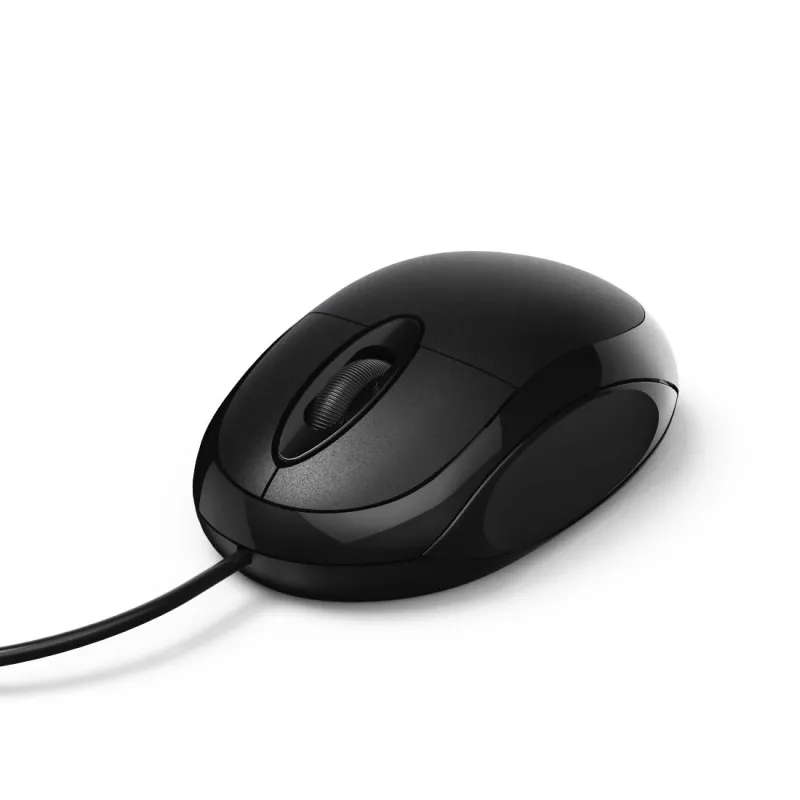
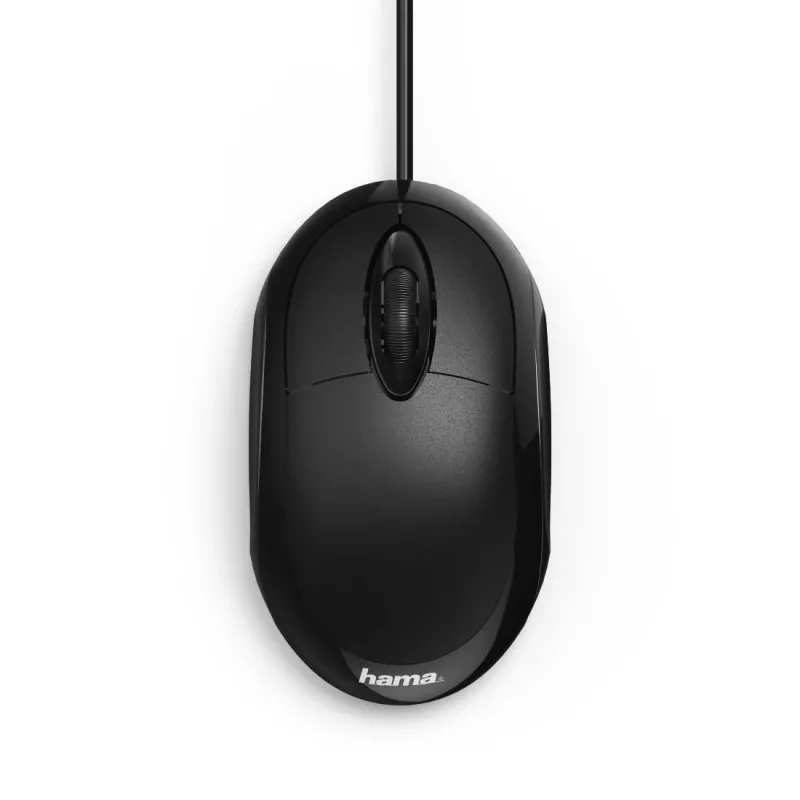
Rato Hama MC-100 Escritório Destro USB Type-A Ótico 1000 DPI

Rato Hama MC-100 Escritório Destro USB Type-A Ótico 1000 DPI
16,50 €
The Hama MC-100 USB Type-A Optical Right-hand 1000 DPI is a wired optical mouse designed for right-handed users. It connects via a USB Type-A plug and offers a 1000 DPI optical sensor, three pressed buttons and a scroll wheel for standard navigation. The ergonomic shape and compact dimensions make i... Ler mais
Stock EsgotadoSem stock Código 1504123 Marca HAMA Modelo 00182600 Garantia 2 anos

Envios e devoluções

The Hama MC-100 USB Type-A Optical Right-hand 1000 DPI is a wired optical mouse designed for right-handed users. It connects via a USB Type-A plug and offers a 1000 DPI optical sensor, three pressed buttons and a scroll wheel for standard navigation. The ergonomic shape and compact dimensions make it suitable for office desks and home workstations, while the black finish provides a neutral, professional appearance.

Advantages

The mouse combines a simple plug-and-play USB Type-A connection with an optical sensor tuned to 1000 DPI for reliable pointer accuracy in everyday office tasks. Its three-button layout and tactile scroll wheel support efficient document navigation and web browsing. The right-hand form factor and ergonomic contours help reduce strain during prolonged use, and the low-maintenance wired design eliminates the need for batteries.

Suitable for

Key specifications

How to use

Connect the mouse to any available USB Type-A port on your computer; the device is recognized automatically by modern operating systems without additional drivers. Place it on a flat, non-reflective surface for best optical tracking. Use the left and right buttons for standard click and selection actions and the scroll wheel to move through documents and web pages. Adjust pointer speed and button settings in your operating system’s mouse control panel if needed.

Recommendations

For optimal performance, use the mouse on a suitable mouse pad or a matte desk surface, keep the optical sensor area free of dust, and avoid reflective or glass surfaces that can interfere with tracking. If you experience pointer sensitivity issues, review the operating system pointer speed settings or try a different USB port.

Destaques principais
  • Office productivity tasks: word processing, spreadsheets, email
  • Web browsing and online research
  • Basic photo viewing and simple image editing
  • Home computer setups and small workstations
  • Form factor: right-hand ergonomic design
  • Interface: USB Type-A wired connection
  • Sensor type: optical
  • Resolution: 1000 DPI
  • Buttons: 3 pressed buttons plus scroll wheel
  • Scroll type: wheel
  • Colour: black
Especificações
Altura
33 mm
Cor do produto
Black
Finalidade
Office
Formato
Right-hand
Interface do dispositivo
USB Type-A
Largura
55 mm
Número de botões
3
Profundidade
100 mm
Resolução de movimento
1000 DPI
Tecnologia de deteção de movimento
Optical
Tipo de botões
Pressed buttons
Tipo de scroll
Wheel
Utilização recomendada
PC/Laptop

Folheto

Abrir documento
O histórico de preços ainda não está disponível
Ainda estamos a recolher dados de preços diários suficientes para este produto.

Produtos populares nesta categoria

Olá, sou o assistente de IA da DistriNode. Posso ajudá-lo a encontrar produtos, comparar opções, criar orçamentos em PDF ou abrir pedidos de suporte.