

Conta Contactos
O seu carrinho
Envio por DPD e FedEx
Precisa de ajuda? Pergunte à IA

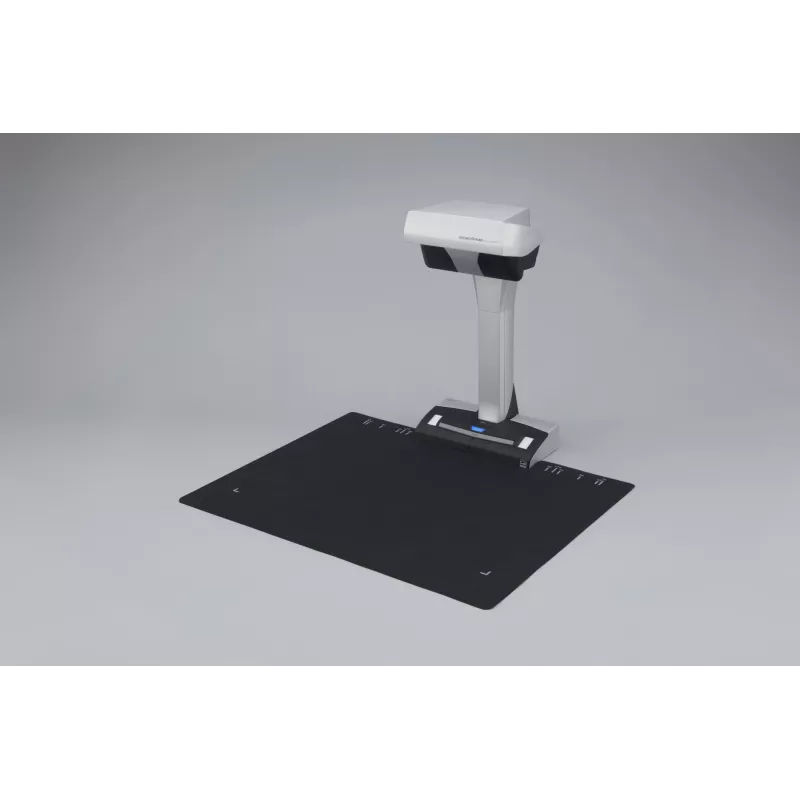
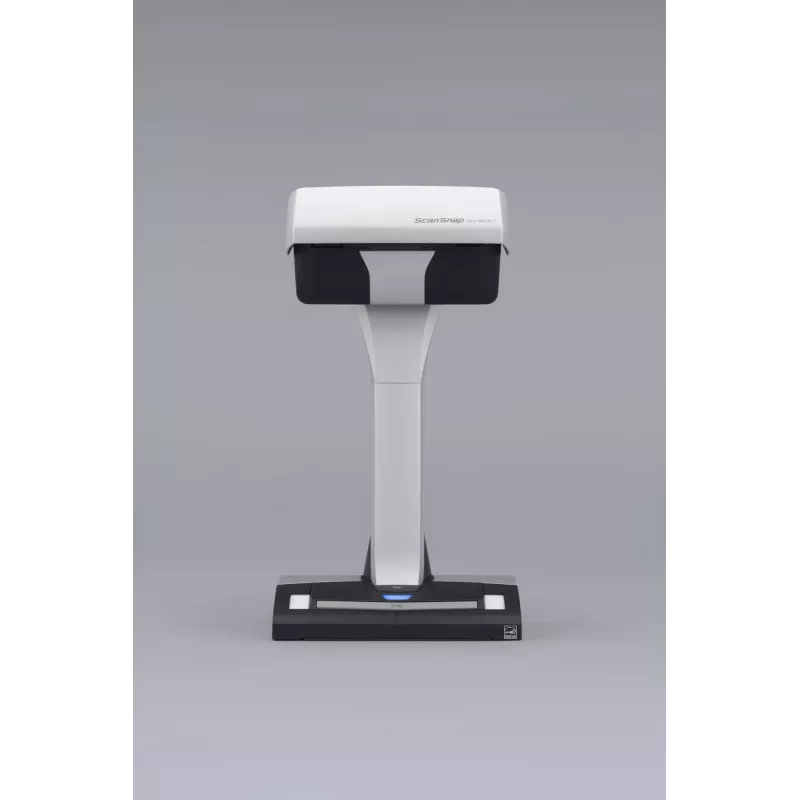
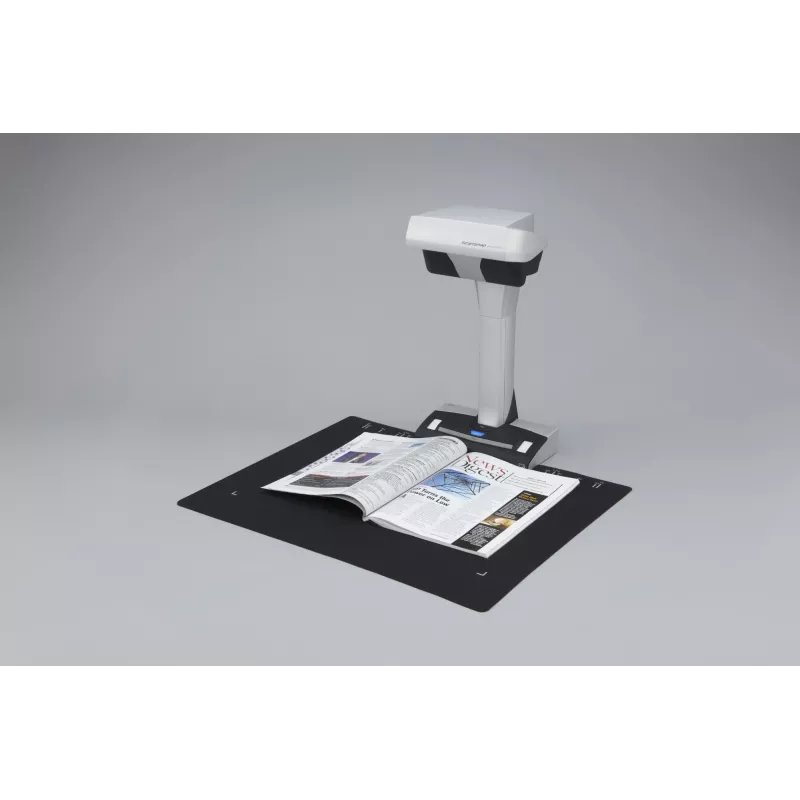
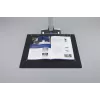
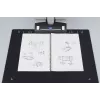
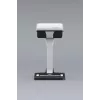
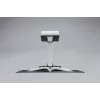
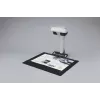
Scanner de mesa Fujitsu ScanSnap SV600 285 x 218 DPI A3 preto, branco

Scanner de mesa Fujitsu ScanSnap SV600 285 x 218 DPI A3 preto, branco
993,55 €
- One touch operation for PC and Mac- Scan a multitude of everyday documents including loose paper, bound material and delicate items- Multi cropping capability allowing for scanning of various documents at the same time- Continuous scanning capability with “page turning detection” and “timed scanni... Ler mais
Stock EsgotadoSem stock Código 2403262 Marca Fujitsu Modelo PA03641-B001 Garantia 2 anos

Envios e devoluções

- One touch operation for PC and Mac
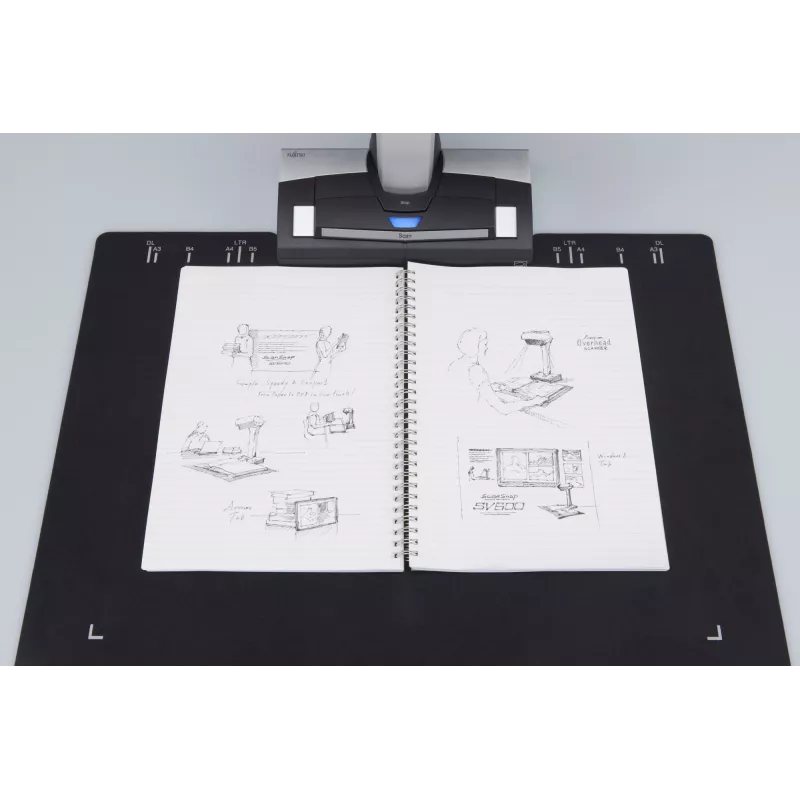
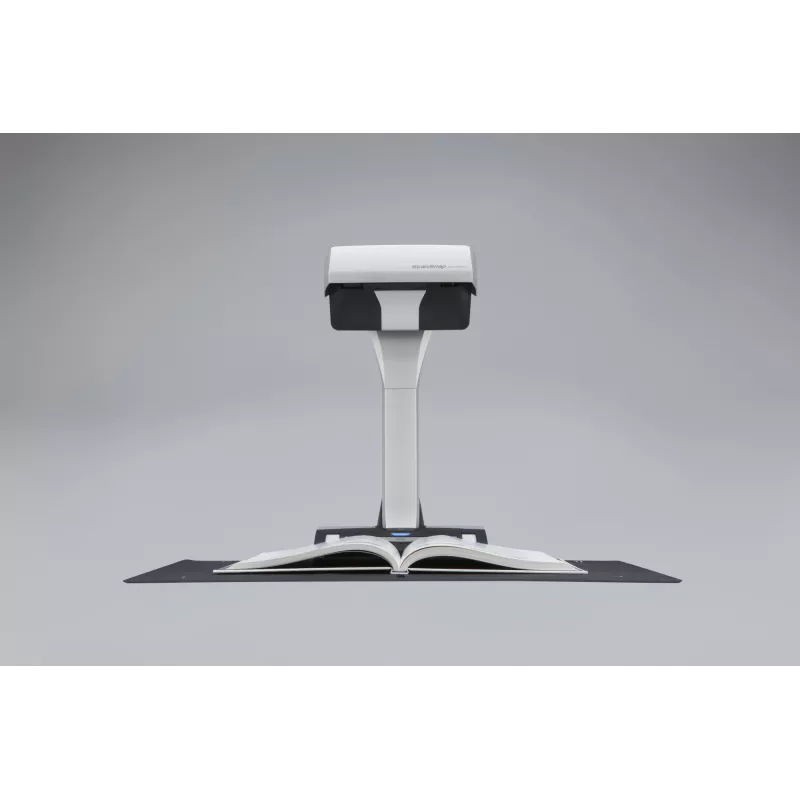
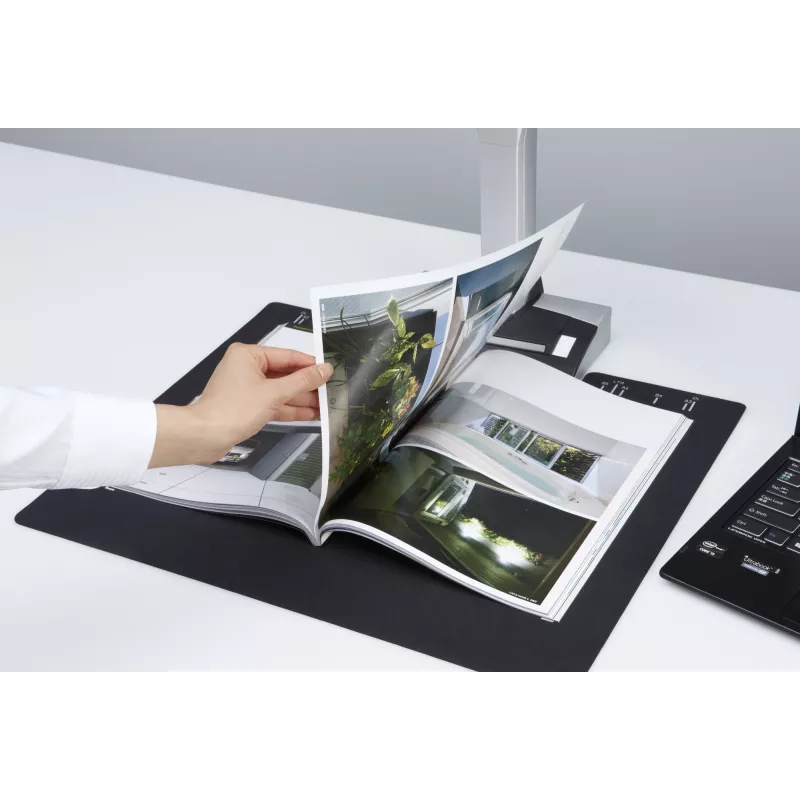
- Scan a multitude of everyday documents including loose paper, bound material and delicate items
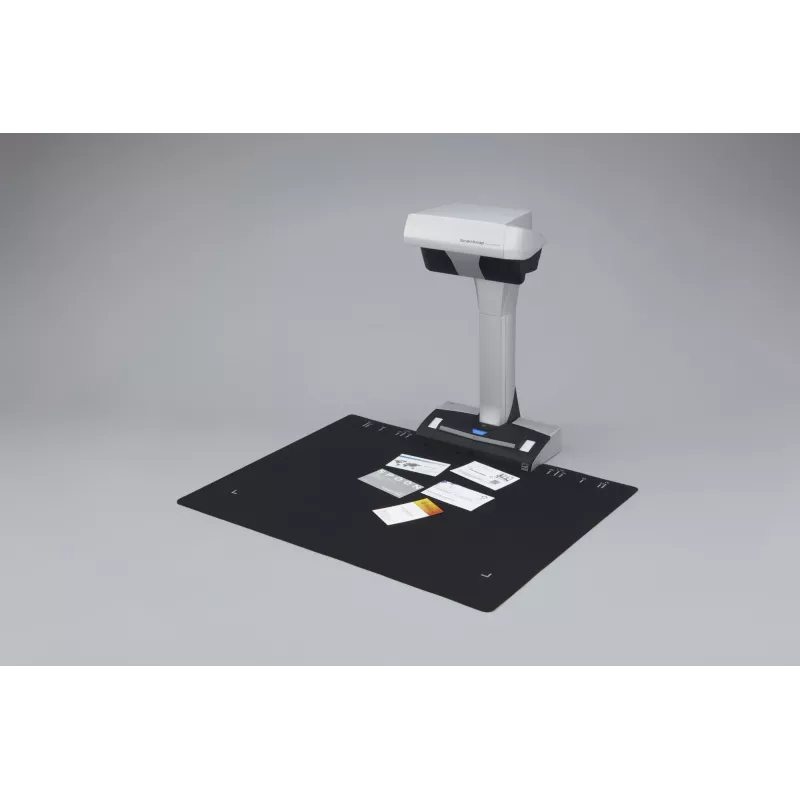
- Multi cropping capability allowing for scanning of various documents at the same time
- Continuous scanning capability with “page turning detection” and “timed scanning”
- “VI technology” helps minimise any unevenness in image quality
- Correct distortion and curvature of bound material with “Book Image Correction”
- Small footprint and robust design allows for easy positioning in any environment.

Digitise anything with ease
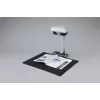
The ScanSnap SV600 allows you to scan newspapers, bound documents, magazines or books without the need for cutting or causing damage.

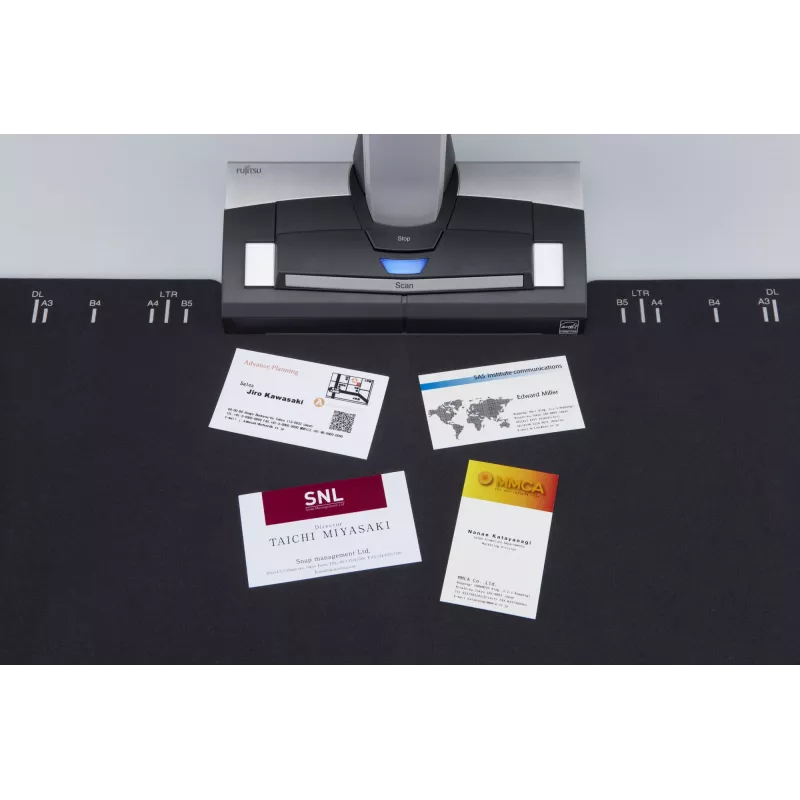
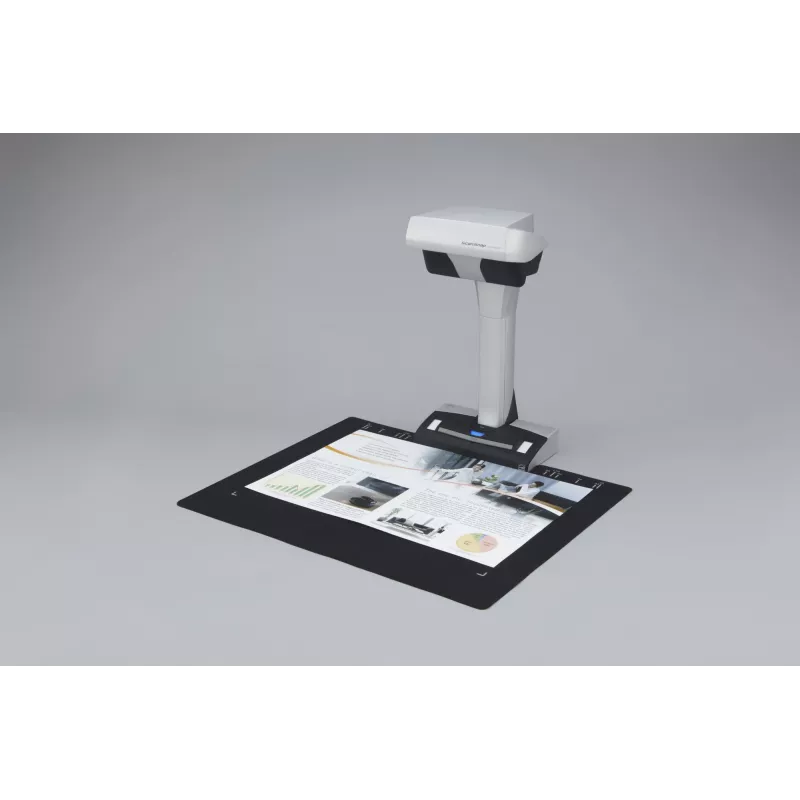
Scan anything from business cards to A3 size (landscape)* documents
Any documents larger than A4 such as maps, historical documents and blueprints can be simply positioned on the black pad and scanned directly without any extra effort. User interaction retouch tool allows the possibility to hold the document in a good position without worrying about fingers on the scanned image.
* The maximum document size will be 400 x 300 mm when the thickness of the document
is over 5 mm.

New VI technology
Equipped with “VI technology” which combines a ‘deep depth of field lens’, a ‘CCD linear image sensor’ and a ‘high directivity LED lamp’ the SV600 is able to comfortably minimise any unevenness in image quality and generate a smooth image even when scanning from a distance.

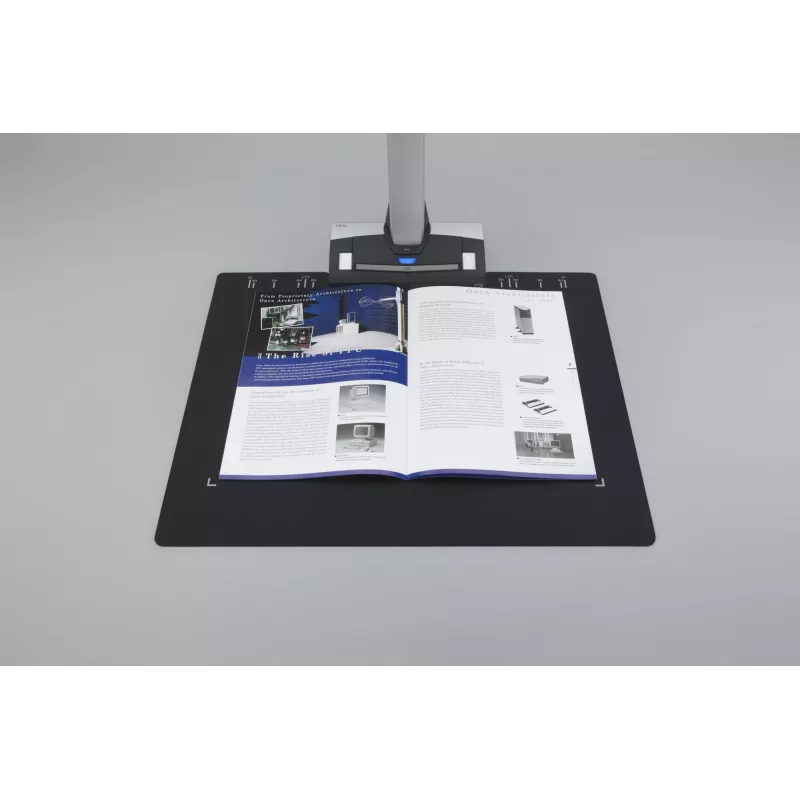
No problem scanning bound documents
The SV600 can comfortably scan books and magazines and also documents with sticky notes can be scanned without any issues.

No need to worry about your delicate documents or books
With “VI technology”, scanning can be performed without touching the document. You do not need to worry that documents such as crayon or oil paintings, pencil writings or photos will be damaged by touching.

Long depth of field lens
Wide auto focus area even when the focus distance is variable

CCD linear image sensor
Helps produce smooth images.

The SV600 scans documents with a movable head and incorporates a High directivity LED lamp
Helps maintain the same brightness level without any impact from surroundings.

Rack2-Filer Smart is a feature-rich scanning and content viewing application incorporating an ultra-intuitive bookshelf and binder interface that gives users a familiar and enjoyable interaction with their scanned paperwork.

Smooth operation with the assistance of various functions
The SV600 is enhanced with a host of customised features which helps continue ScanSnap’s concept of being simple, speedy and compact.

Quick Menu facilitates operability
ScanSnap’s Quick Menu will automatically pop up after scanning enabling you to link your scanned data to an application both quickly and easily, scan directly to the cloud for example thereby easily sharing your documents.

ScanSnap SV600 includes
Rack2-Filer Smart and Magic Desktop

ScanSnap SV600 offers a unique and intuitive way to scan your books, magazines and newspapers to your e-reading devices. It comes bundled with filing software Rack2-Filer Smart and Magic Desktop with which you can easily generate, virtually organise and read your own scanned material.

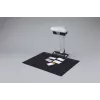
Automatically crop several documents with ‘Multiple Document Detection”
In just one touch you can capture multiple documents of differing sizes in just one scan pass. Place several business cards, receipts and photos within the scanning area and the SV600 will capture all the documents and will intelligently crop to the exact size.
* Up to 10 documents can be cropped automatically. At least 15 mm
is needed between documents.

Fast start up time and scanning speed lead to time savings and efficiencies
The SV600 can be ready to scan in no time from power up and just 3 seconds is then required to scan an A3 landscape sized document.

Compact design with a small footprint
The SV600 is incredibly robust with a firm footing and is compact enough to enable efficient usage of your workspace without imposing to your daily routines when not in use.

Step 1

Scan with one touch!
With a host of impressive features, you can continuously scan multiple pages smoothly.

Page Turning Detection
Automatically detect when the page is turned.

Timed Mode
- You can set the time to start scanning after the “Scan” button is pressed.
- For continuous scanning you can set the time interval before the next scanning to begin.

Step 2

Auto image correction; enhances the reading experience
Book Image Correction – Automatically correct distortion caused by the curve of an opened book or magazine. You can confirm and fine tune the scanned images on the preview dialog after scanning or have this be performed automatically.

Book Image Correction
Can easily correctdistortion of the document.

User interaction retouch
Finger images scanned while suppressing the document can be deleted with ease.

Step 3

Go paperless with digital filing
The new feature of “Rack2-Filer Smart”, “Easy book creation”, is especially added for SV600. You can divide pages and create thumbnails using the scanned front and back cover of the book after scanning.

Step 4

Organising and Viewing on the go
Carry your scanned documents with you anywhere and anytime; you can conveniently browse your scanned digitised material from your tablet or Smartphone. “Rack2-Filer Smart” manages and organises all your scanned images while providing you with the
functionality to utilise data in many ways.

ScanSnap Receipt
*
The ScanSnap Receipt software allows you to easily scan and extract information from your receipts, and even export the data for tax filing.

*Available via an online update only.

ScanSnap Sync*
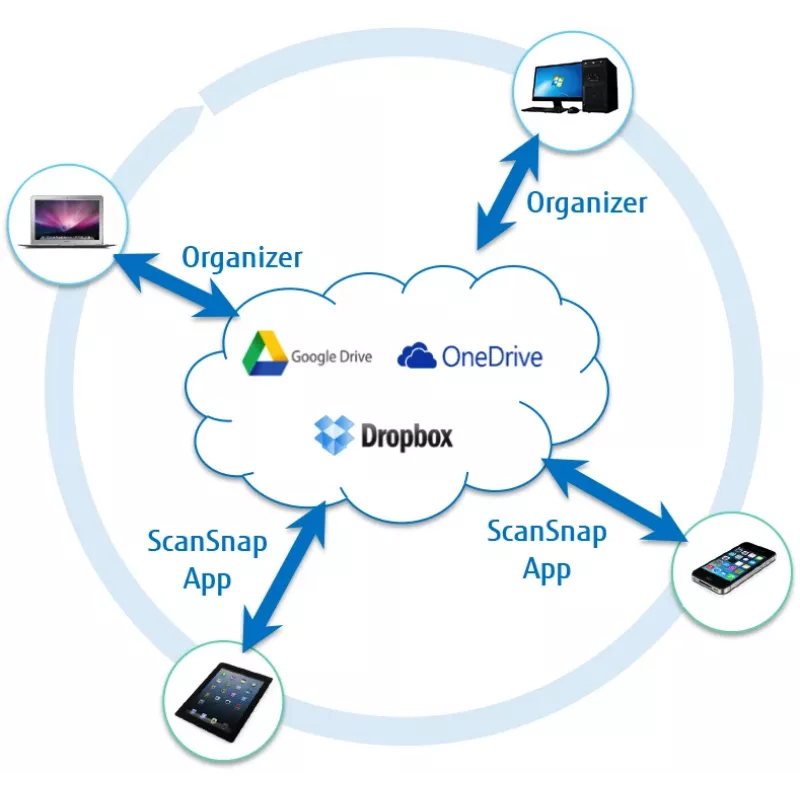
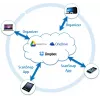
With ScanSnap Sync built into ScanSnap Organizer software and the ScanSnap Connect app, captured documents are automatically synchronized with all your devices through Dropbox, Google Drive or Microsoft OneDrive.

*Available via an online update only.

Fujitsu ScanSnap SV600. Maximum scan size: 432 x 300 mm, Optical scanning resolution: 285 x 218 DPI, Black/white scanning colour modes: Grayscale, Monochrome. Scanner type: Overhead scanner, Product colour: Black, White. Sensor type: CCD, Light source: White LED (2x). Maximum ISO A-series paper size: A3, Scanning media types supported: Business Card, Post Card(JPN), ISO A-series sizes (A0...A9): A3, A4, A5, A6. Standard interfaces: USB 1.1, USB 2.0

Destaques principais
  • Scanner type: Overhead scanner 285 x 218 DPI
  • Colour scanning
  • A3 Scanning media types supported: Business Card, Post Card(JPN)
  • Maximum scan size: 432 x 300 mm Sensor type: CCD
  • USB port
  • Power supply type: AC 20 W
Especificações
Altura
383 mm
Ampliação de digitalização vertical
±1.5%%
Carta
Yes
Certificados de conformidade
RoHS
Certificados de sustentabilidade
ENERGY STAR
Conforme com Green (Eco)
Yes
Consumo de energia (desligado)
0.4 W
Consumo de energia (em espera)
2.6 W
Consumo de energia (típico)
20 W
Cor do produto
Black, White
Deteção automática do modo de cor
Yes
Digitalização a cores
Yes
Digitalização frente e verso
No
Espessura do suporte
30 mm
Fonte de luz
White LED (2x)
Frequência de entrada CA
50 - 60 Hz
Humidade relativa de funcionamento (H-H)
20 - 80%
Informação legal
Yes
Interfaces padrão
USB 1.1, USB 2.0
Largura
210 mm
Modos de cor de digitalização a preto e branco
Grayscale, Monochrome
Peso
3 kg
Porta USB
Yes
Profundidade
156 mm
Resolução de digitalização ótica
285 x 218 DPI
Resolução ótica de digitalização horizontal (máx.)
285 DPI
Resolução ótica de digitalização horizontal (mín.)
218 DPI
Resolução ótica de digitalização vertical (máx.)
283 DPI
Resolução ótica de digitalização vertical (mín.)
152 DPI
Sistemas operativos Mac compatíveis
Yes
Sistemas operativos Windows compatíveis
Windows 10 Education, Windows 10 Education x64, Windows 10 Enterprise, Windows 10 Enterprise x64, Windows 10 Home, Windows 10 Home x64, Windows 10 Pro, Windows 10 Pro x64, Windows 7 Enterprise, Windows 7 Enterprise x64, Windows 7 Home Basic, Windows 7 Home Basic x64, Windows 7 Home Premium, Windows 7 Home Premium x64, Windows 7 Professional, Windows 7 Professional x64, Windows 7 Starter, Windows 7 Starter x64, Windows 7 Ultimate, Windows 7 Ultimate x64, Windows 8, Windows 8 Enterprise, Windows 8 Enterprise x64, Windows 8 Pro, Windows 8 Pro x64, Windows 8 x64, Windows 8.1, Windows 8.1 Enterprise, Windows 8.1 Enterprise x64, Windows 8.1 Pro, Windows 8.1 Pro x64, Windows 8.1 x64, Windows Vista Business, Windows Vista Business x64, Windows Vista Enterprise, Windows Vista Enterprise x64, Windows Vista Home Basic, Windows Vista Home Basic x64, Windows Vista Home Premium, Windows Vista Home Premium x64, Windows Vista Ultimate, Windows Vista Ultimate x64, Windows XP Home, Windows XP Home x64, Windows XP Professional, Windows XP Professional x64
Software incluído
ScanSnap Manager 6.2 ScanSnap Organizer 5.1 ScanSnap Organizer Preview CardMinder 5.0 ABBYY FineReader for ScanSnap 5.0 Evernote for Windows 4.5 Scan to Microsoft SharePoint 3.4 Rack2-Filer Smart with Magic Desktop
Tamanho máximo de digitalização
432 x 300 mm
Tamanho máximo de papel da série ISO A
A3
Tamanho mínimo de digitalização
25.4 x 25.4 mm
Tamanhos da série ISO A (A0...A9)
A3, A4, A5, A6
Tamanhos da série ISO B (B0...B9)
B4, B5, B6
Temperatura de funcionamento (T-T)
5 - 35 °C
Tempo de digitalização
3 s
Tensão de entrada
100-240 V
Tipo de fonte de alimentação
AC
Tipo de scanner
Overhead scanner
Tipo de sensor
CCD
Tipos de suporte de digitalização suportados
Business Card, Post Card(JPN)
Versão USB
2.0
Visor integrado
No

Documento

Abrir documento

Documento

Abrir documento

Documento

Abrir documento

Documento

Abrir documento

Folheto

Abrir documento
O histórico de preços ainda não está disponível
Ainda estamos a recolher dados de preços diários suficientes para este produto.

Avaliações independentes da imprensa tecnológica

digitalartsonline.co.ukGiacomo
6/10

“This unique scanner-camera takes up a lot less space than an A3 flatbed and can scan thick books and other non-flat objects – but the quality lets it down. We first came across the Fujitsu ScanSnap SV600 in an unusual way, noticing its use in creating…”

Leia a avaliação completa em digitalartsonline.co.uk →
itpro.co.ukSimon
8/10

Veredicto: A unique and versatile scanner, the SV600 is good, but you'll have to make sure that you use it in low-light conditions to avoid washed out images....

Pontos positivos
  • Accepts single sheet, stapled or bound up to A3 size
  • Simple to use
  • Software deskews, crops and rotates automatically
Pontos negativos
  • Slower than a sheetfed scanner
  • Changing settings can be a fiddle
  • Sensitive to light
Leia a avaliação completa em itpro.co.uk →

Produtos populares nesta categoria

Olá, sou o assistente de IA da DistriNode. Posso ajudá-lo a encontrar produtos, comparar opções, criar orçamentos em PDF ou abrir pedidos de suporte.