Conta Contactos
O seu carrinho
Envio por DPD e FedEx
Precisa de ajuda? Pergunte à IA

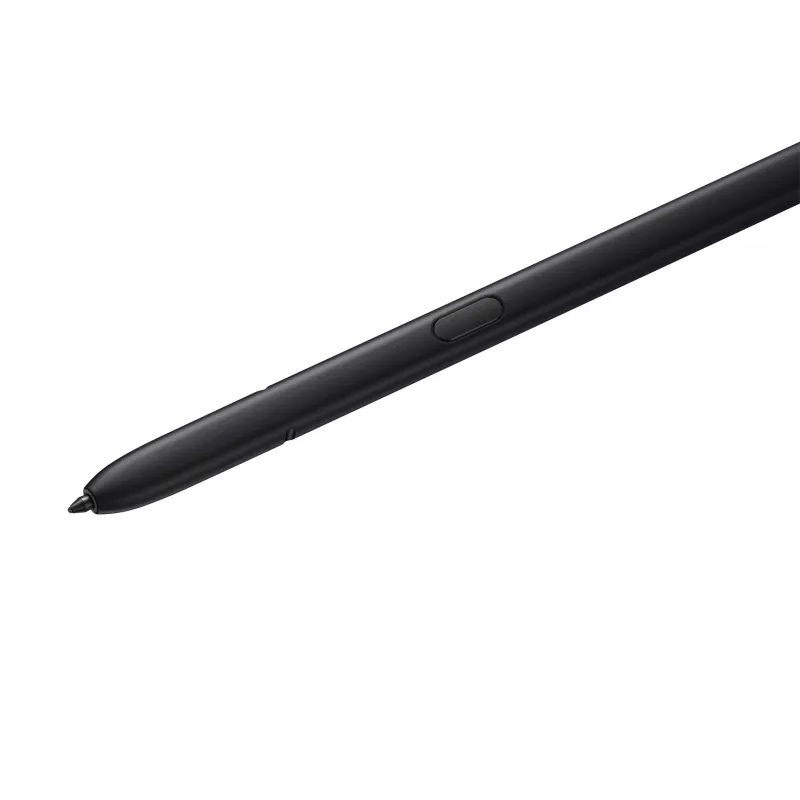
Stylus Pen Samsung EJ-PS918 Preto 0,7 mm para smartphones

Stylus Pen Samsung EJ-PS918 Preto 0,7 mm para smartphones
82,26 €
The Samsung Stylus Pen EJ-PS918 in black is a 0.7 mm tip S Pen designed for precise touch input on smartphones. It matches Samsung devices and is intended for writing, sketching and precise navigation on compatible mobile screens. The pen offers pressure-sensitive control and remote functions to ext... Ler mais
Stock EsgotadoSem stock Código 2412220 Marca SAMSUNG Modelo EJ-PS918BBEGEU Garantia 2 anos

Envios e devoluções

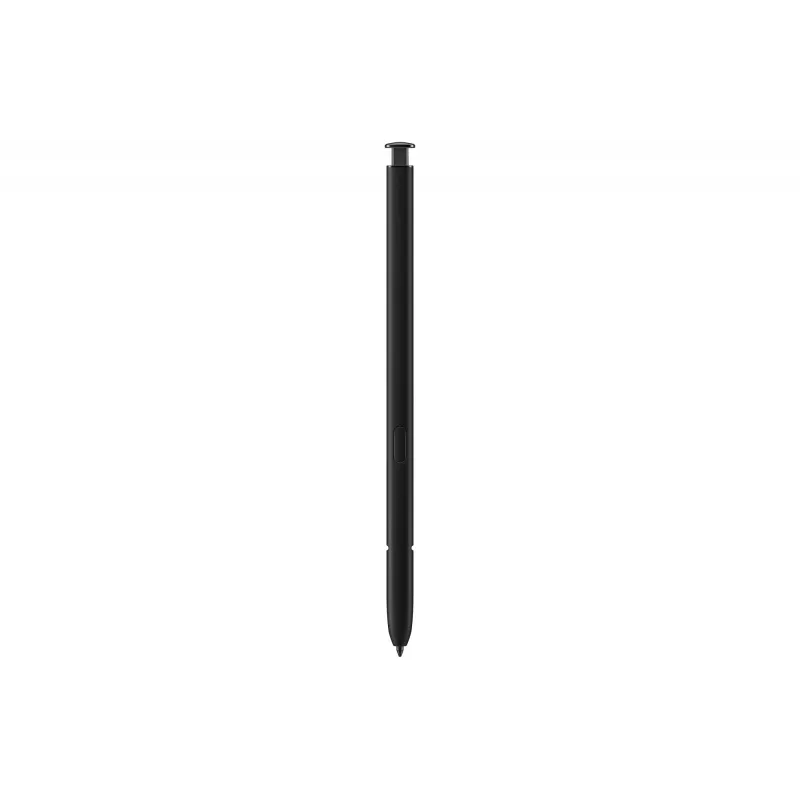
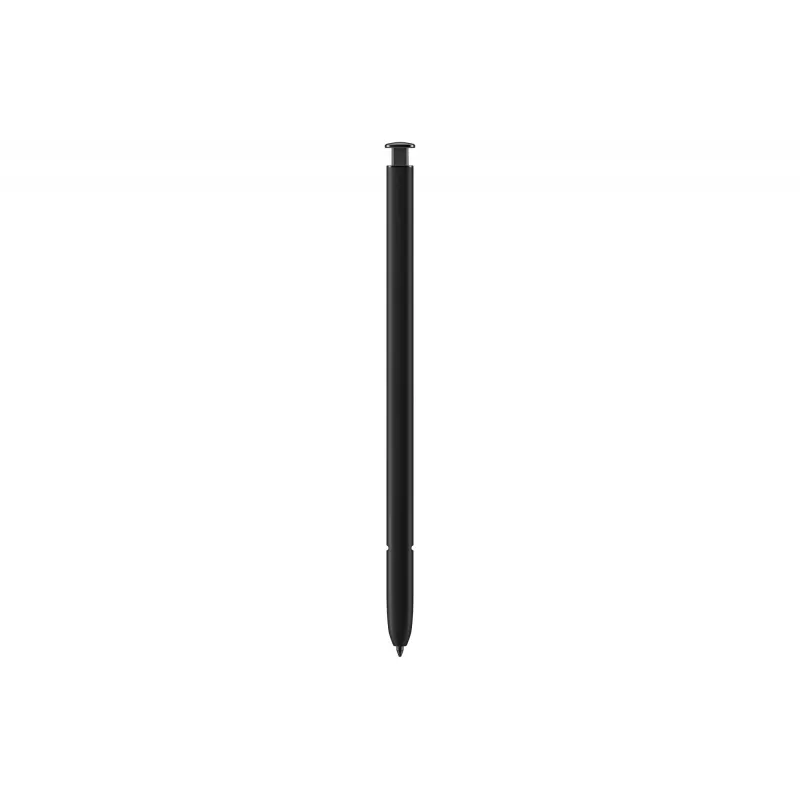
The Samsung Stylus Pen EJ-PS918 in black is a 0.7 mm tip S Pen designed for precise touch input on smartphones. It matches Samsung devices and is intended for writing, sketching and precise navigation on compatible mobile screens. The pen offers pressure-sensitive control and remote functions to extend touchscreen interaction.

Advantages

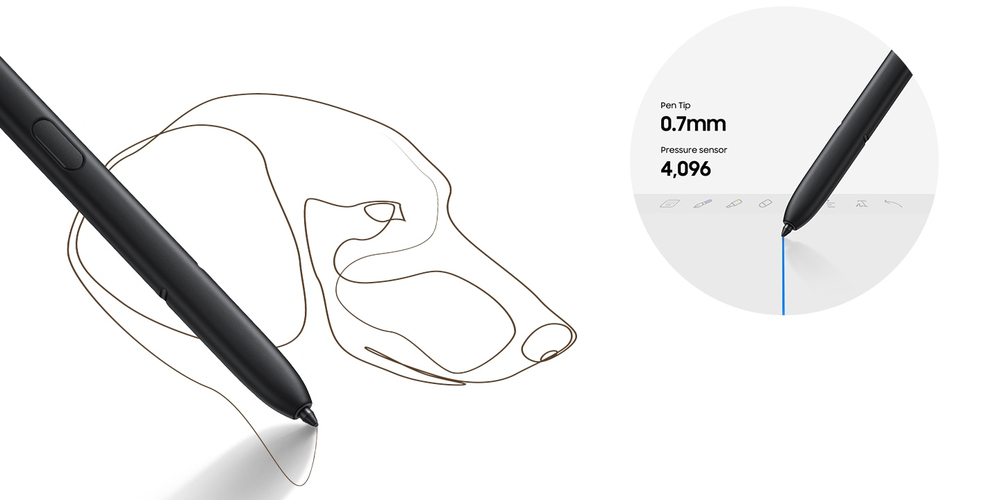
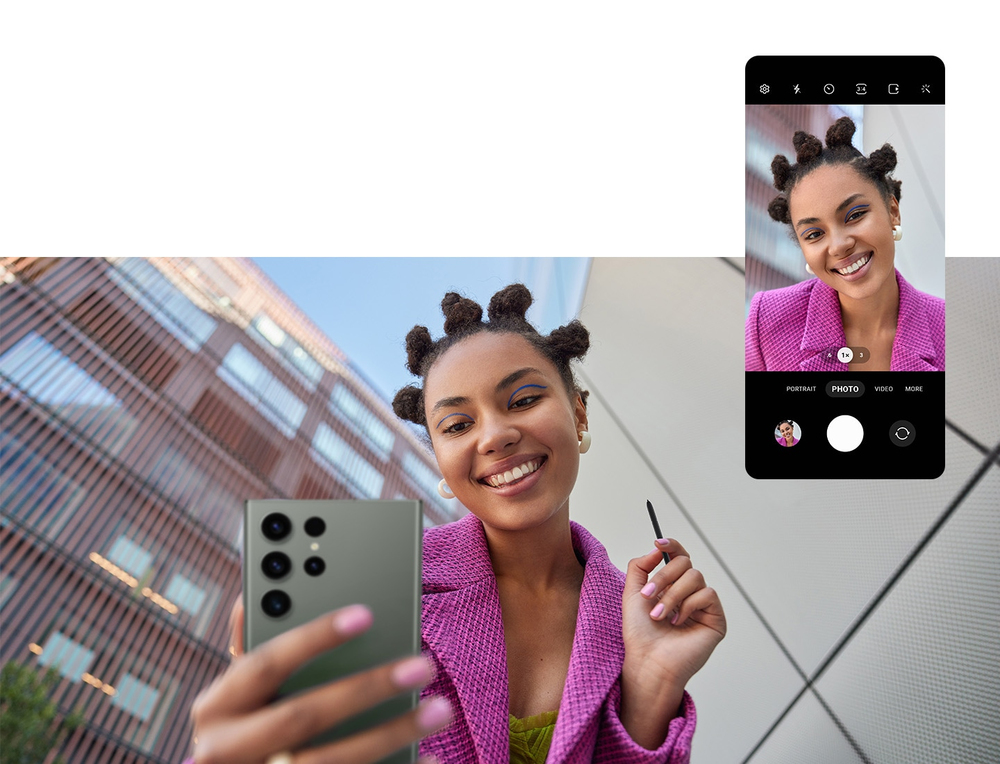
The S Pen delivers a fine 0.7 mm tip for accurate strokes and detailed input. With 4,096 levels of pressure sensitivity it provides a natural pen-on-paper feel for note-taking and drawing. The pen also supports remote control features—side-button clicks and mid-air gestures let you capture photos, control media playback and navigate presentations without touching the device.

Suitable for

When it may not be suitable

This S Pen is designed for compatible Samsung smartphones and may not work with non-compatible devices or older models without S Pen support. It is not a universal stylus for all touchscreen technologies; expected functionality such as pressure sensitivity and remote actions requires a compatible Samsung device and supporting firmware or apps.

Key specifications

How to use

Hold the S Pen like a regular pen and use the fine tip to write or draw directly on the smartphone screen. Press the side button to access remote functions or perform mid-air gestures to trigger actions such as taking photos, playing or pausing media and switching presentation slides. Use the device’s Air Command or S Pen settings to customise shortcuts and behaviour to suit your workflow.

What to consider before purchase

Recommendations

For best results enable S Pen features in your phone settings, update device firmware, and customise Air Command shortcuts. Store the pen securely when not in use and avoid applying excessive force to the 0.7 mm tip to preserve accuracy.
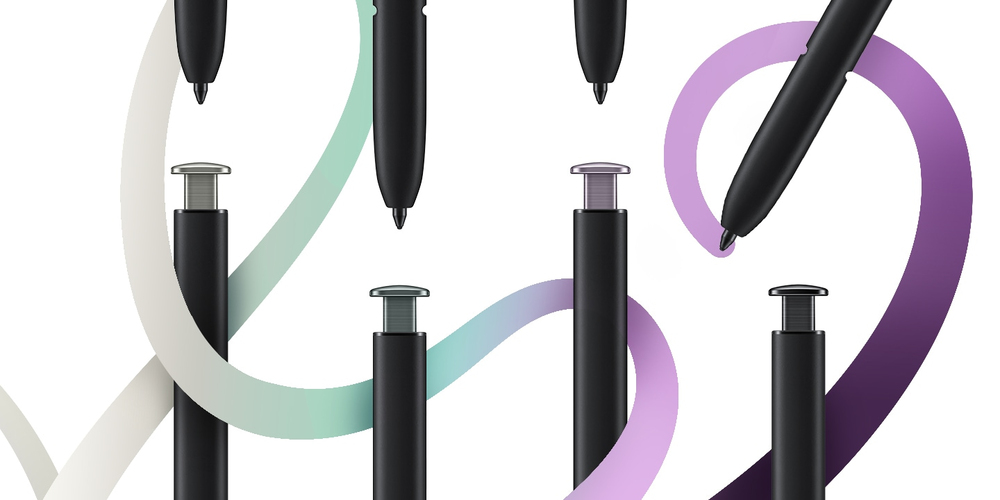
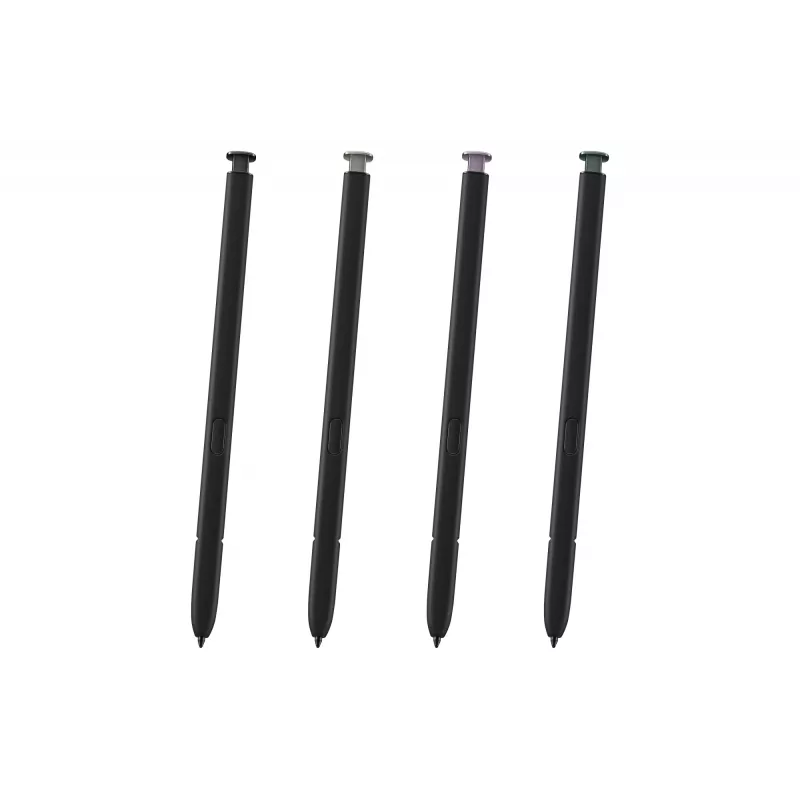
Pick your favorite color to match your creativity

Pick your favorite color to match your creativity

Create, edit and navigate on-screen content with the updated S Pen in four eye-catching hues. Available in Cream, Lavender, Green and Phantom Black, the enhanced S Pen will bring your ideas to life.

Organic feel with in-depth accuracy

The high-sensitive 4,096 pressure levels offer a natural and accurate pen-on-paper feel that brings comfort and convenience when writing or sketching. The 0.7mm fine tip adds precision to your creations.
Organic feel with in-depth accuracy
Take control of your phone from afar

Take control of your phone from afar

Use the S Pen as a remote control. By clicking the side button or with a simple mid-air gesture, you can capture shots, play music or videos, switch presentation slides and much more.

Get to S Pen actions quickly with Air Command
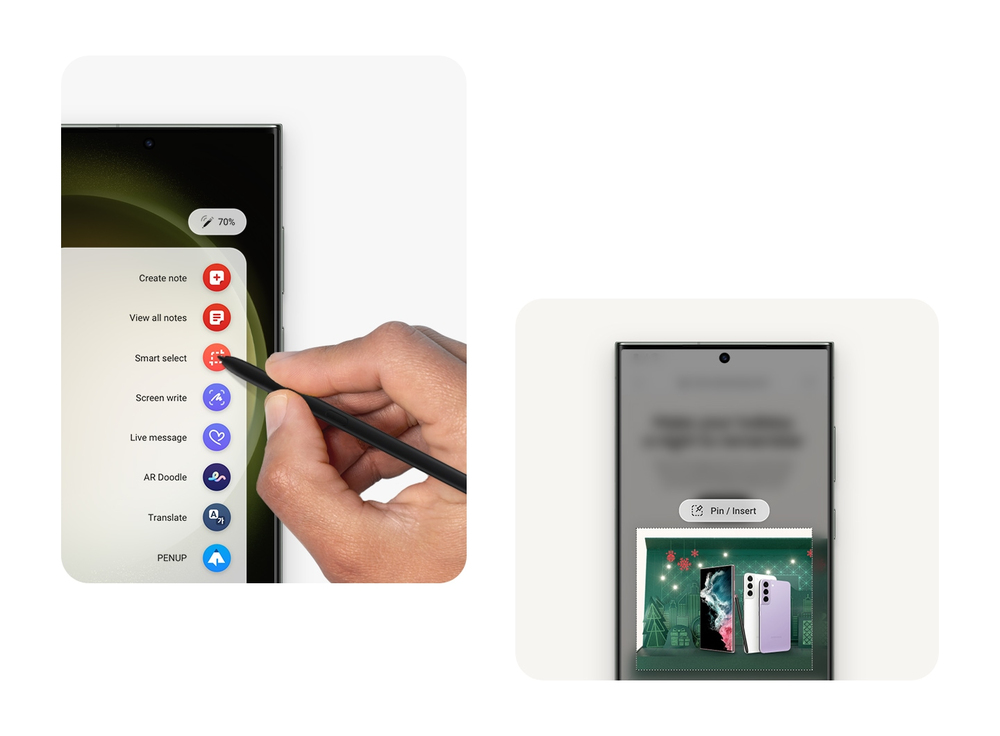
Air Command lets you personalize the S Pen actions to your preference. The shortcut menu enables a faster workflow with greater degree of control, making your busy lifestyle more convenient.
Get to S Pen actions quickly with Air Command
Destaques principais
  • Precise note-taking and handwriting on smartphones
  • Sketching, drawing and detailed touchscreen editing
  • Remote camera shutter, media control and presentation navigation
  • Everyday navigation and precise tapping on compatible Samsung phones
  • Tip size: 0.7 mm
  • Pressure sensitivity: 4,096 levels
  • Colour: Black
  • Primary use: Capacitive touchscreen input for smartphones
  • Functions: Stylus input, pressure-sensitive drawing, side-button remote, mid-air gesture control
  • Check device compatibility: ensure your Samsung smartphone supports S Pen features and remote functions.
  • Confirm required software/firmware: some features need specific OS versions or Samsung apps.
  • Colour preference: available in black for this model; other colour variants exist for different SKUs.
Especificações
Adequado para tipo de ecrã tátil
Capacitive
Compatibilidade
Galaxy S23 Ultra
Compatibilidade com marcas
Samsung
Compatibilidade do dispositivo
Mobile phone/Smartphone
Cor do produto
Black
Diâmetro da ponta
0.7 mm

Folheto

Abrir documento
O histórico de preços ainda não está disponível
Ainda estamos a recolher dados de preços diários suficientes para este produto.

Produtos populares nesta categoria

Olá, sou o assistente de IA da DistriNode. Posso ajudá-lo a encontrar produtos, comparar opções, criar orçamentos em PDF ou abrir pedidos de suporte.