
Conta Contactos
O seu carrinho
Envio por DPD e FedEx
Precisa de ajuda? Pergunte à IA

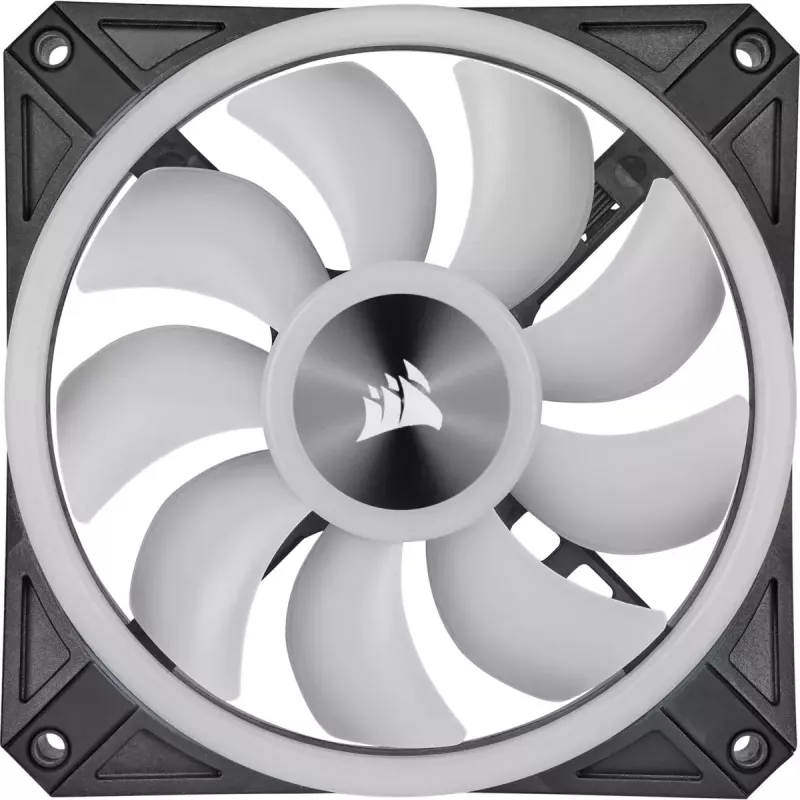
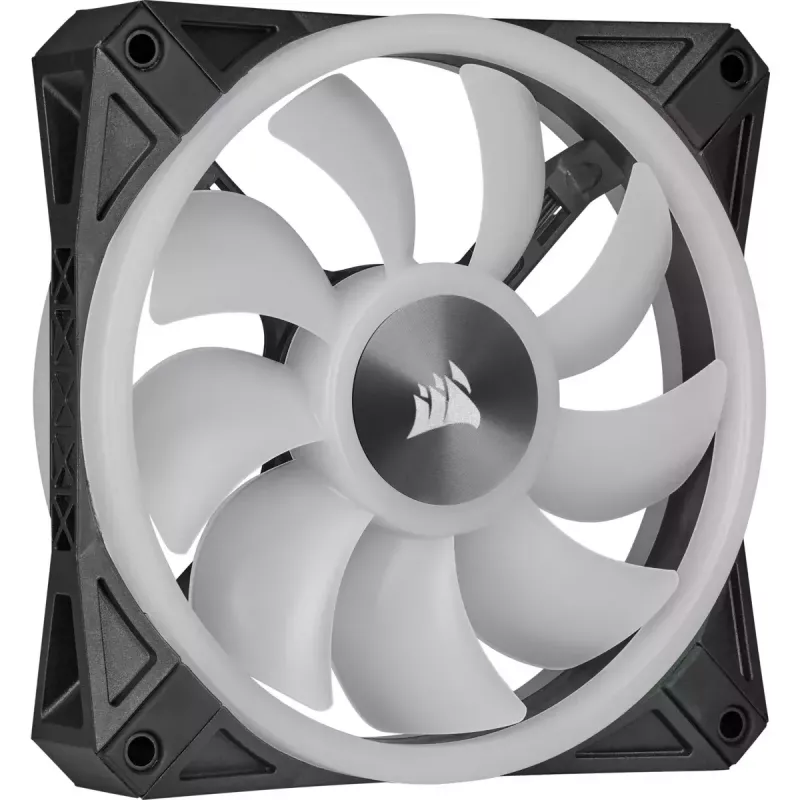
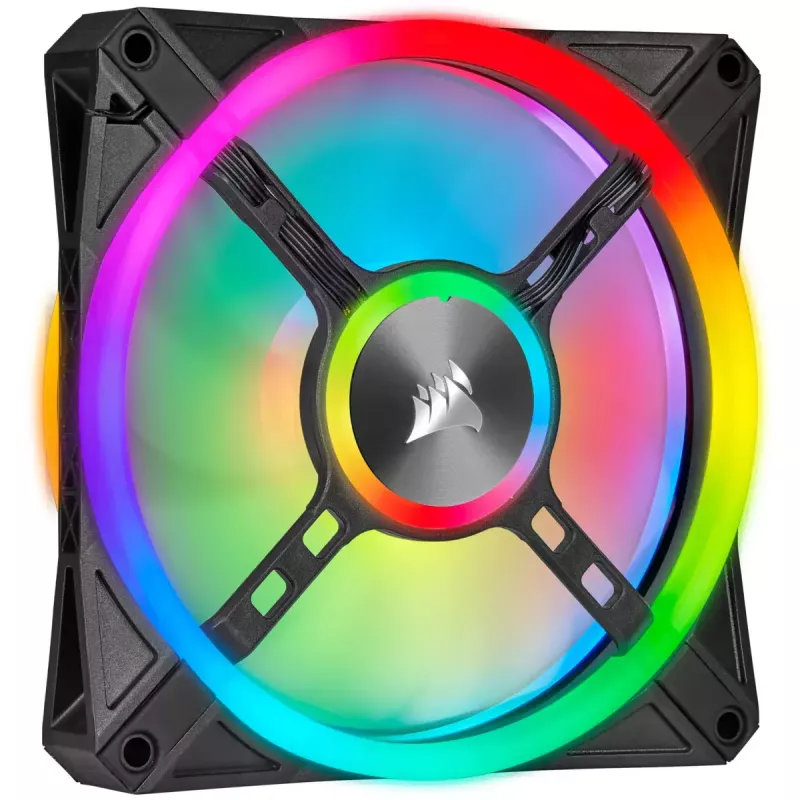
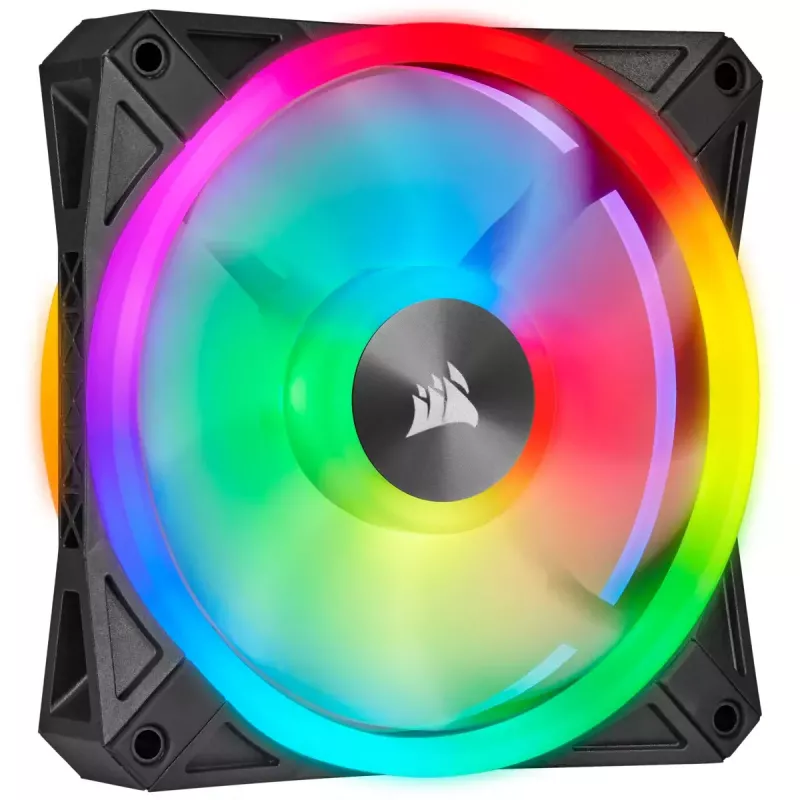
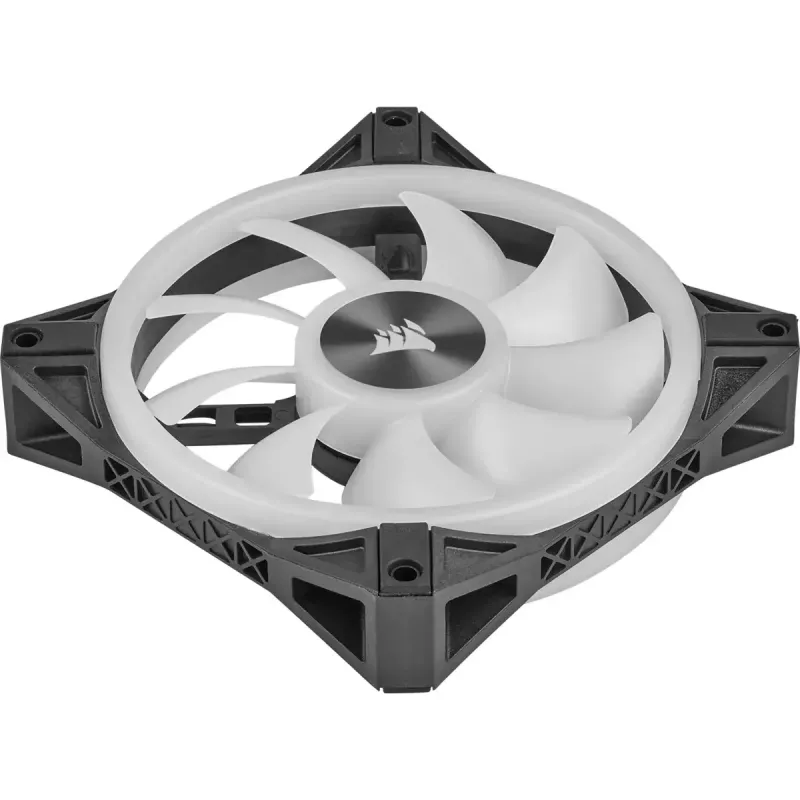
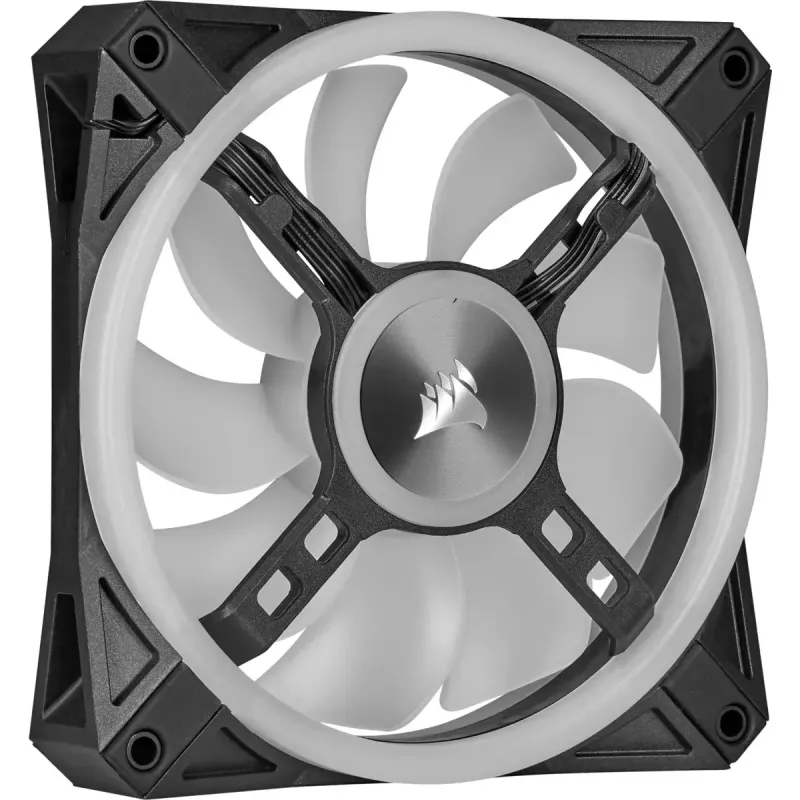
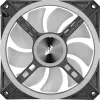
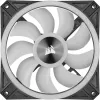
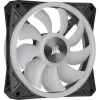
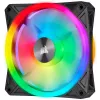
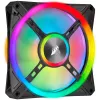
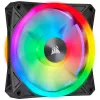
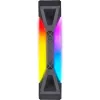
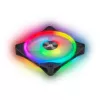
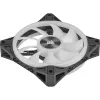
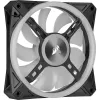
Ventoinha Corsair CO-9050099-WW 14 cm Preto Cinzento

Ventoinha Corsair CO-9050099-WW 14 cm Preto Cinzento
84,66 €
The Corsair CO-9050099-WW is a 140 mm case fan with integrated RGB lighting and a black-and-grey design. It delivers up to 1,250 RPM and a maximum air pressure of 1.4 mmH2O to provide effective airflow for system cooling. The fan uses a hydraulic bearing for quieter operation and connects via USB 2.... Ler mais
Stock EsgotadoSem stock Código 306819 Marca CORSAIR Modelo CO-9050099-WW Garantia 2 anos

Envios e devoluções

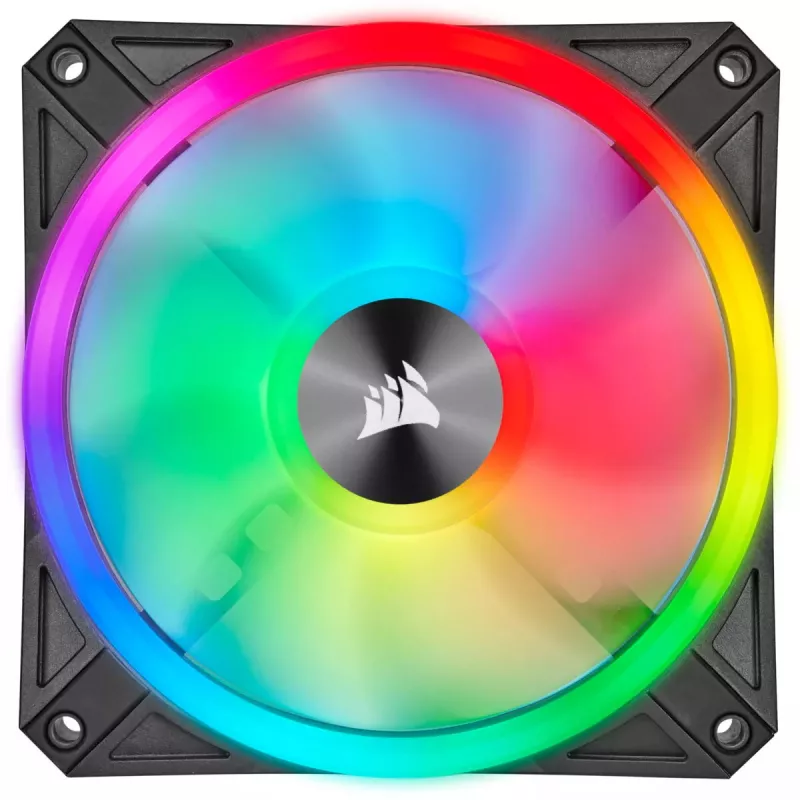
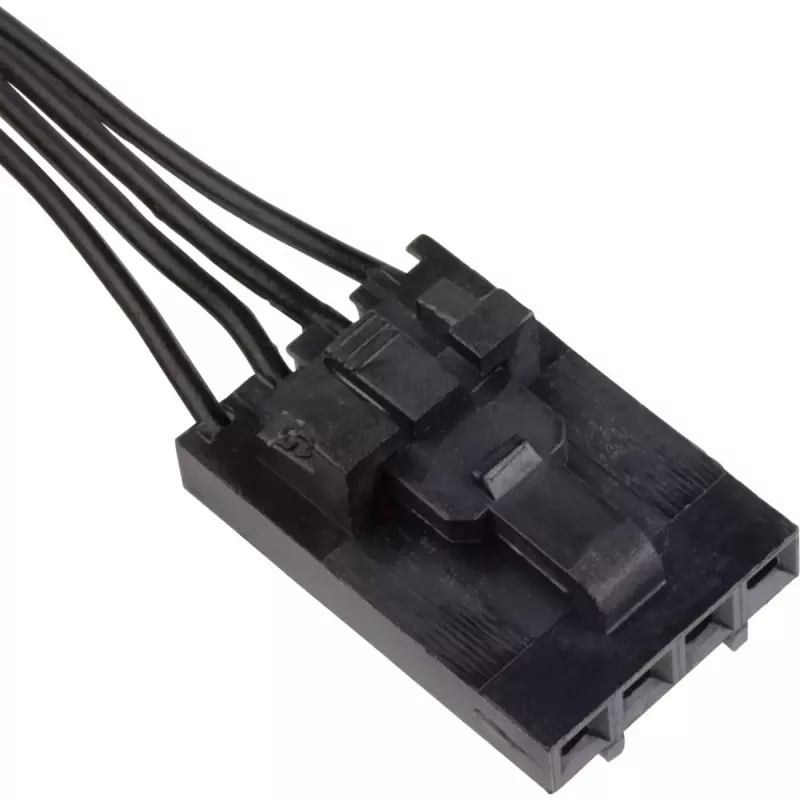
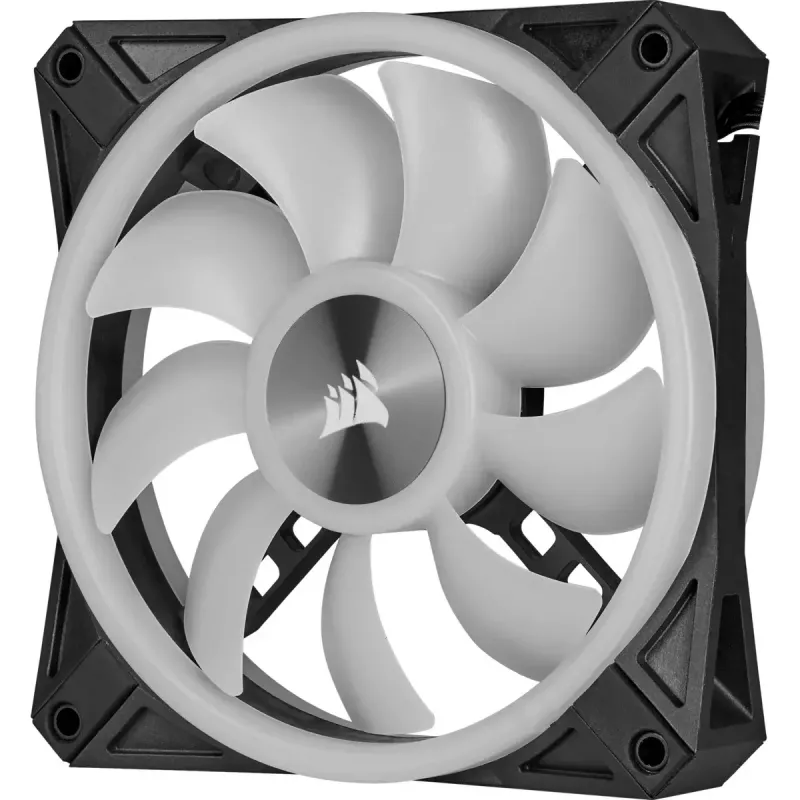
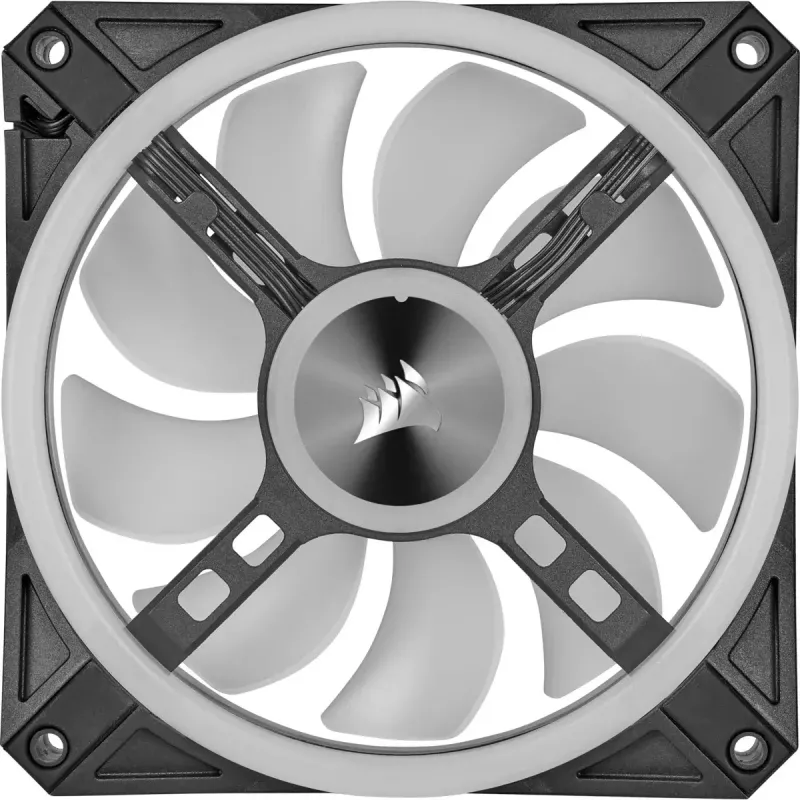
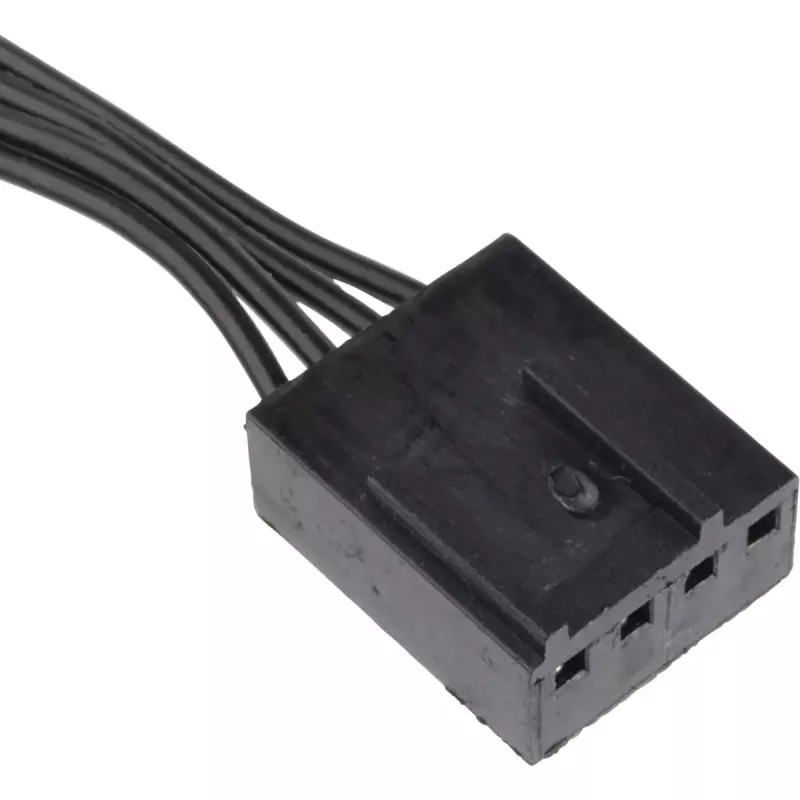
The Corsair CO-9050099-WW is a 140 mm case fan with integrated RGB lighting and a black-and-grey design. It delivers up to 1,250 RPM and a maximum air pressure of 1.4 mmH2O to provide effective airflow for system cooling. The fan uses a hydraulic bearing for quieter operation and connects via USB 2.0 and SATA when paired with the Lighting Node CORE for RGB control through CORSAIR iCUE.

Advantages

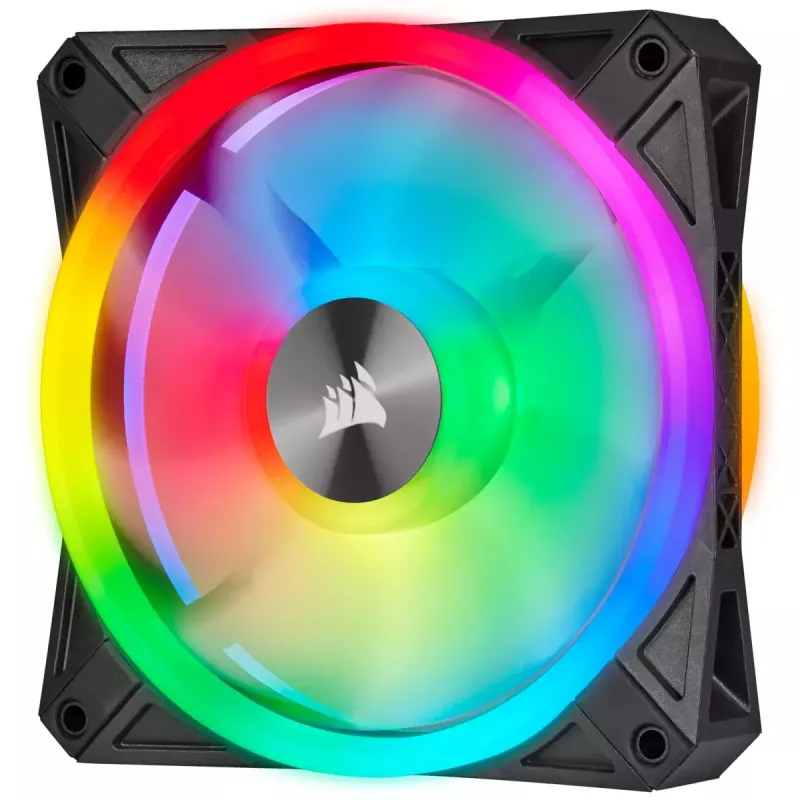
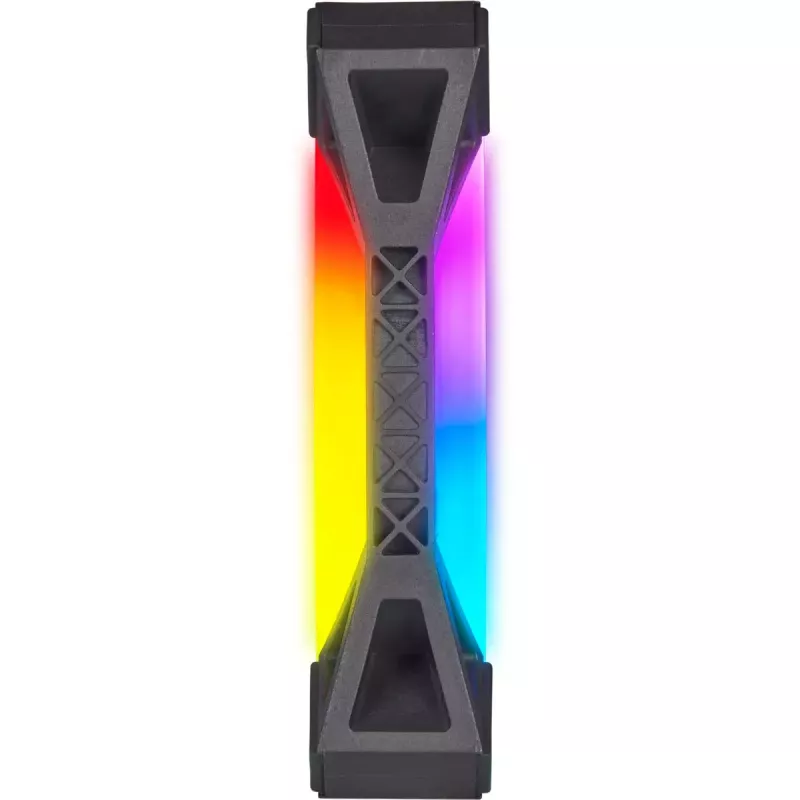
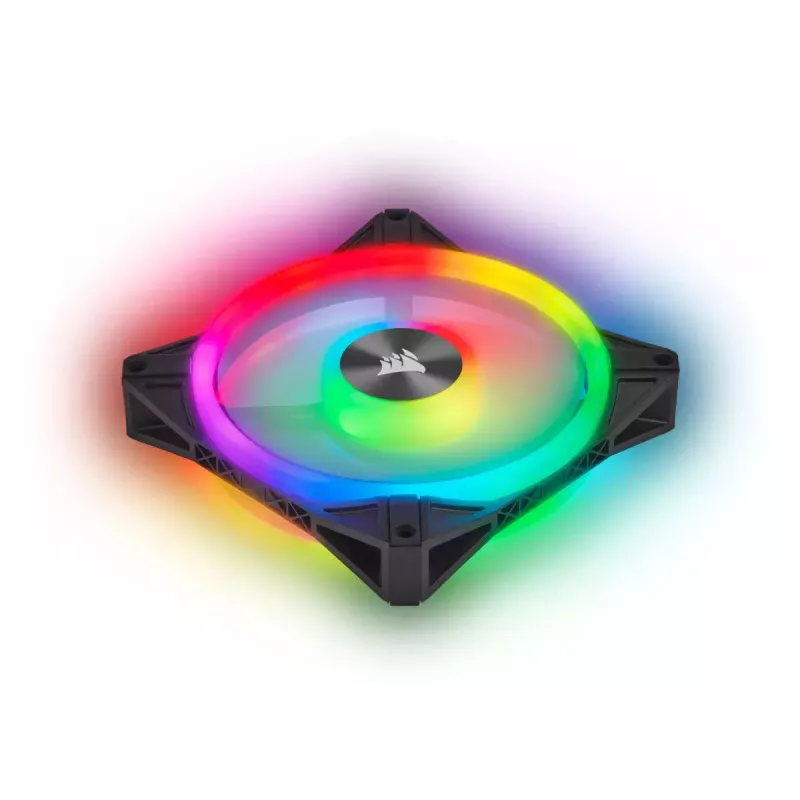
Four lighting zones and 34 LEDs per fan produce rich RGB effects visible from both sides, while a semi-transparent blade lets the lighting shine through with reduced noise. PWM control and the fan's rated speeds balance cooling performance and low noise; built-in anti-vibration rubber dampers reduce vibration noise at all speeds. Metal logo plates on the hub provide discreet, durable accents. When connected to the Lighting Node CORE and CORSAIR iCUE software, lighting is centrally controllable and synchronisable with other iCUE-compatible components.

Suitable for

  • PC cases that accept 140 mm fans
  • Systems where RGB lighting synchronization with iCUE is desired
  • Gaming rigs and workstations needing improved airflow and reduced noise
  • Builders seeking fans with anti-vibration mounts and a compact lighting controller

Key specifications

  • Model: Corsair CO-9050099-WW
  • Fan diameter: 140 mm
  • Maximum speed: up to 1,250 RPM
  • Maximum airflow: 50.2 CFM (manufacturer specification for 140 mm size)
  • Maximum air pressure: 1.4 mmH2O
  • Bearing type: hydraulic
  • Colour: black, grey
  • Lighting: 4 zones, 34 LEDs per fan
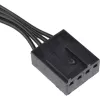
  • Connections for Lighting Node CORE: USB 2.0 and SATA (for power and control)

How to use

Install the fan into a compatible 140 mm mounting location in your case using the supplied screws, ensuring the airflow direction matches your intended intake or exhaust configuration. Connect the fan's power and PWM cable to the appropriate header on your motherboard or fan controller for speed control. For RGB lighting control, connect the fan to the Lighting Node CORE and attach the Node to your system via USB 2.0 and SATA power, then configure lighting patterns and synchronization in CORSAIR iCUE.

Recommendations

Use PWM settings in BIOS or your fan controller to balance noise and cooling depending on workload; enable iCUE lighting profiles to synchronize effects across other compatible components. Ensure secure mounting and check airflow orientation during installation for optimal thermal performance.
Destaques principais
  • PC cases that accept 140 mm fans
  • Systems where RGB lighting synchronization with iCUE is desired
  • Gaming rigs and workstations needing improved airflow and reduced noise
  • Builders seeking fans with anti-vibration mounts and a compact lighting controller
  • Model: Corsair CO-9050099-WW
  • Fan diameter: 140 mm
  • Maximum speed: up to 1,250 RPM
  • Maximum airflow: 50.2 CFM (manufacturer specification for 140 mm size)
  • Maximum air pressure: 1.4 mmH2O
  • Bearing type: hydraulic
  • Colour: black, grey
  • Lighting: 4 zones, 34 LEDs per fan
  • Connections for Lighting Node CORE: USB 2.0 and SATA (for power and control)
Especificações
Código do Sistema Harmonizado (HS)
84733080
Compatibilidade com modulação por largura de impulso (PWM)
Yes
Cor da iluminação
Multi
Cor do produto
Grey, Black
Corrente nominal
0.3 A
Diâmetro da ventoinha
140 mm
Fluxo de ar máximo
41.8 cfm
LED de iluminação
Yes
Local adequado
Computer case
Nível de ruído (velocidade alta)
26 dB
Número de parafusos
4
Número de ventoinhas
1 fan(s)
País de origem
China
Parafusos incluídos
Yes
Peso da ventoinha
234 g
Pressão de ar máxima
1.4 mmH2O
Tensão
6 - 13.2
Tipo
Fan
Tipo de rolamento
Hydraulic
Velocidade de rotação (máx.)
1250 RPM
Histórico de preços nos últimos 6 meses
Ventoinha Corsair CO-9050099-WW 14 cm Preto Cinzento
Atual
84,66 €
Mais baixo
26,43 €
Mais alto
84,66 €
Variação 24 h
+58,23 €   +220%
Semana
+28,56 €   +51%
Mês
+28,43 €   +51%

Produtos populares nesta categoria

Olá, sou o assistente de IA da DistriNode. Posso ajudá-lo a encontrar produtos, comparar opções, criar orçamentos em PDF ou abrir pedidos de suporte.