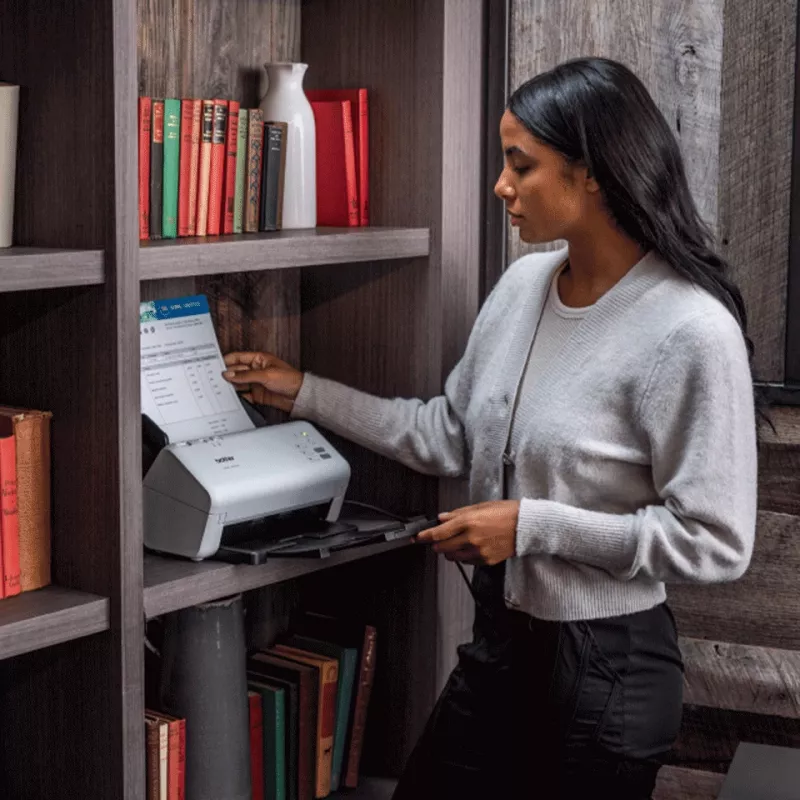
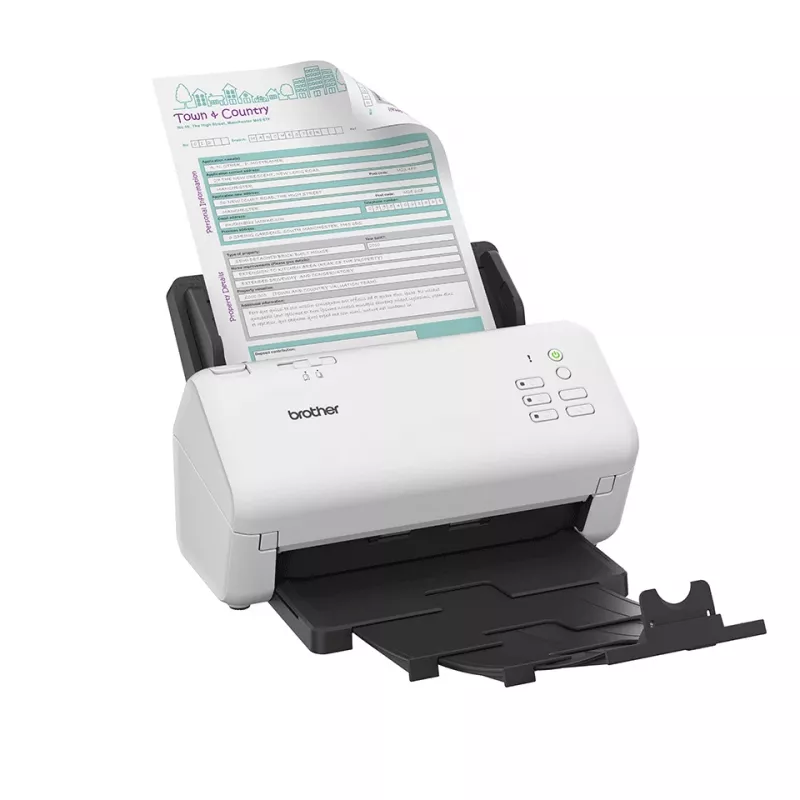
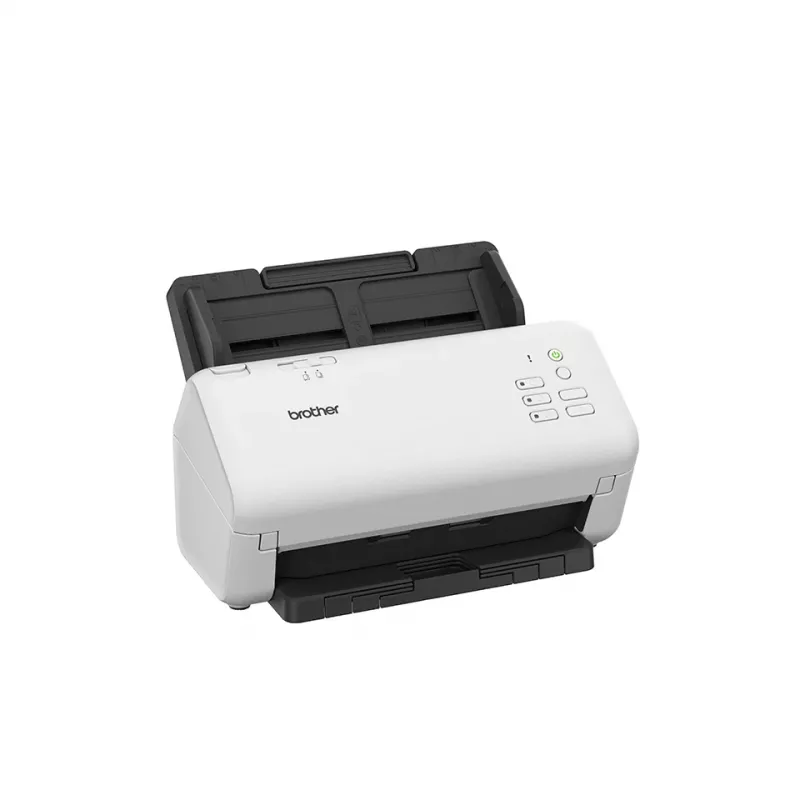
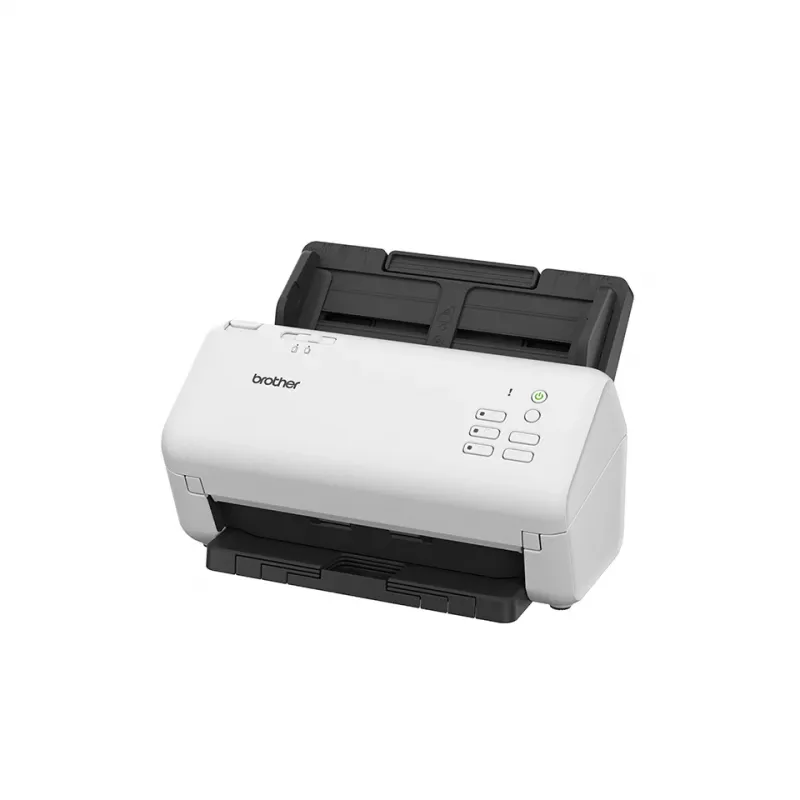
The Brother ADS-4300N is an ADF scanner designed for office document management, offering optical scanning resolution of 600 x 600 DPI with enhanced resolution up to 1200 x 1200 DPI. It supports scanning up to A4 size (maximum 215.9 x 355.6 mm), accepts a variety of media including business cards, p... Ler mais
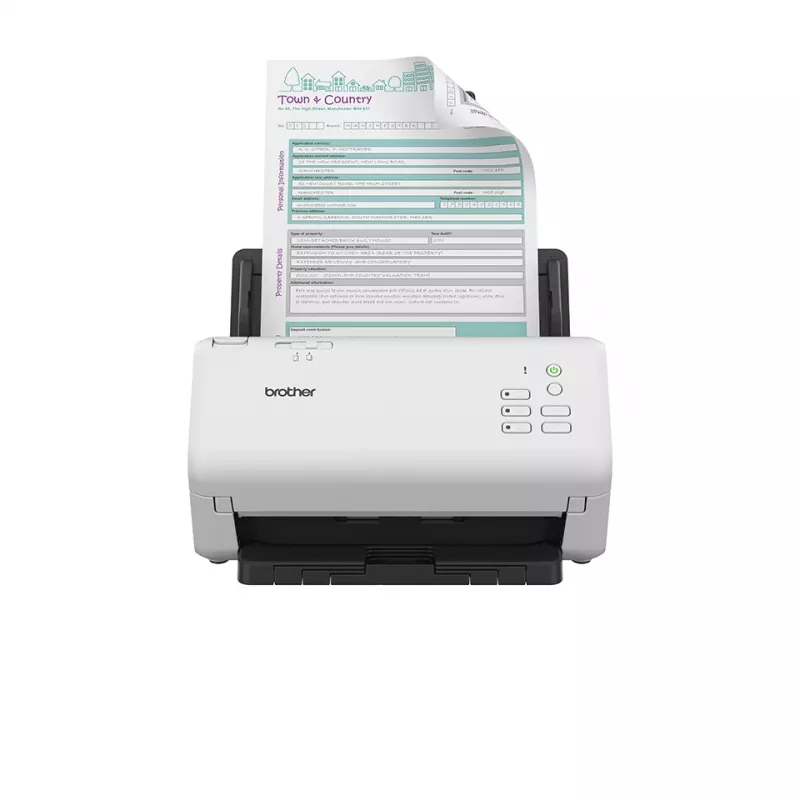
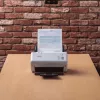
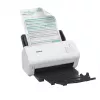
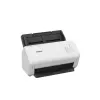
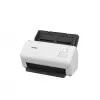
The Brother ADS-4300N is an ADF scanner designed for office document management, offering optical scanning resolution of 600 x 600 DPI with enhanced resolution up to 1200 x 1200 DPI. It supports scanning up to A4 size (maximum 215.9 x 355.6 mm), accepts a variety of media including business cards, plastic cards and different paper types, and features an 80-sheet automatic document feeder. The unit is available in black and white and provides duplex scanning and multiple scan destinations such as PC, USB, FTP and network (SMB).
Advantages
The scanner delivers consistent 600 x 600 DPI optical quality with enhanced 1200 x 1200 DPI for improved image detail. Its 80-sheet ADF increases throughput for batch scanning while dual CIS sensors support reliable duplex capture. Multiple output options (PC, USB, FTP, SMB, image) and support for standard drivers (WIA, ISIS, SANE) enable easy integration into existing workflows. The compact form factor and straightforward button controls simplify everyday use.
Suitable for
Office environments requiring frequent batch scanning of A4 documents
Digitising mixed media: business cards, plastic ID cards, thin and thick paper
Workflows needing networked scan destinations (SMB, FTP) or local transfer (USB, PC)
Optical scanning resolution: 600 x 600 DPI; enhanced up to 1200 x 1200 DPI
Maximum scan size: 215.9 x 355.6 mm (supports ISO A4)
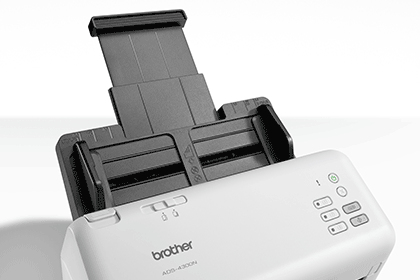
ADF capacity: 80 sheets
Sensor type: Dual CIS
Supported media: Business card, plain paper, plastic card, recycled paper, thick and thin paper; maximum card thickness 1.1 mm
Scan to: PC, USB, FTP, SMB, Image
Scan drivers: WIA, ISIS, SANE
Product colours: Black, White
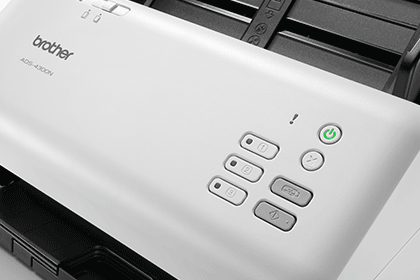
Control type: Buttons
Weight: 2.64 kg
How to use
Place originals face up or according to the ADF markings into the 80-sheet feeder and select the desired destination (PC, USB, FTP, SMB) using the control buttons. Choose appropriate scan settings in the driver (WIA, ISIS or SANE) to set resolution, duplex mode and file format. For best results with mixed media, separate thick or plastic cards and confirm card thickness does not exceed 1.1 mm before feeding. Monitor output destination and storage location on the connected PC or network server.
Recommendations
For reliable long-term operation, feed documents stacked neatly, avoid folded or stapled originals, and run occasional cleaning cycles following Brother’s maintenance instructions. When scanning sensitive or important documents, verify scan results and file backups on your chosen storage location.
Brother ScanEssentials
Our ScanEssentials software provides you with additional features which you can tailor to your business. For added security, you can set up passwords and protect your workflows, with the option to save your documents in a variety of formats.The metadata function can also read barcodes or specific strings of text to easily facilitate the separation and file naming of documents.
Advanced connectivity
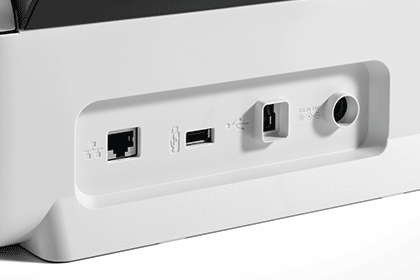
With USB3.0 and USB host, you can securely scan documents without the need for a PC.
Simple and intuitive
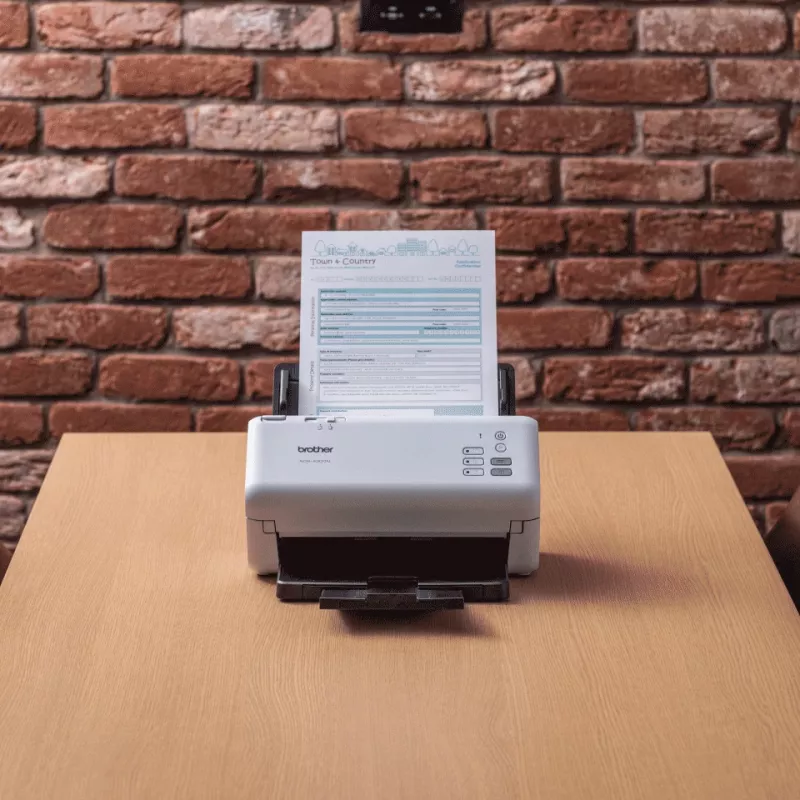
Design simplicity means it's easy to set up and easy to use.
Fast and reliable
With an in-built ultrasonic multifeed to eliminate misfeeds, the ADS-4300N has a large 80 sheet ADF capacity and rapidly scans up to 40 pages per minute. The separation switch enables very thick and thin documents, plastic cards and crumpled paper to smoothly feed through with ease.
Advanced image capture and processing
Effortless and impressive image capture and processing - from easily referencing and locating scanned pages with the digital imprinter, to optimising image quality through the automatic vertical streaks and moiré reduction tools.The document separation functionality also automatically detects and removes any scanned blank pages, thus reducing file sizes and document preparation time.
Industry recognised software
Increase post-scanning productivity with industry recognised software including Kofax and Newsoft, available as standard with device.
Destaques principais
Office environments requiring frequent batch scanning of A4 documents
Digitising mixed media: business cards, plastic ID cards, thin and thick paper
Workflows needing networked scan destinations (SMB, FTP) or local transfer (USB, PC)