
Conta Contactos
O seu carrinho
Envio por DPD e FedEx
Precisa de ajuda? Pergunte à IA

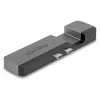
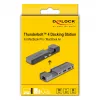
Docking station DeLOCK 87757 Thunderbolt 4 5K 100W PD 10Gbps LAN áudio

Docking station DeLOCK 87757 Thunderbolt 4 5K 100W PD 10Gbps LAN áudio
69,15 €
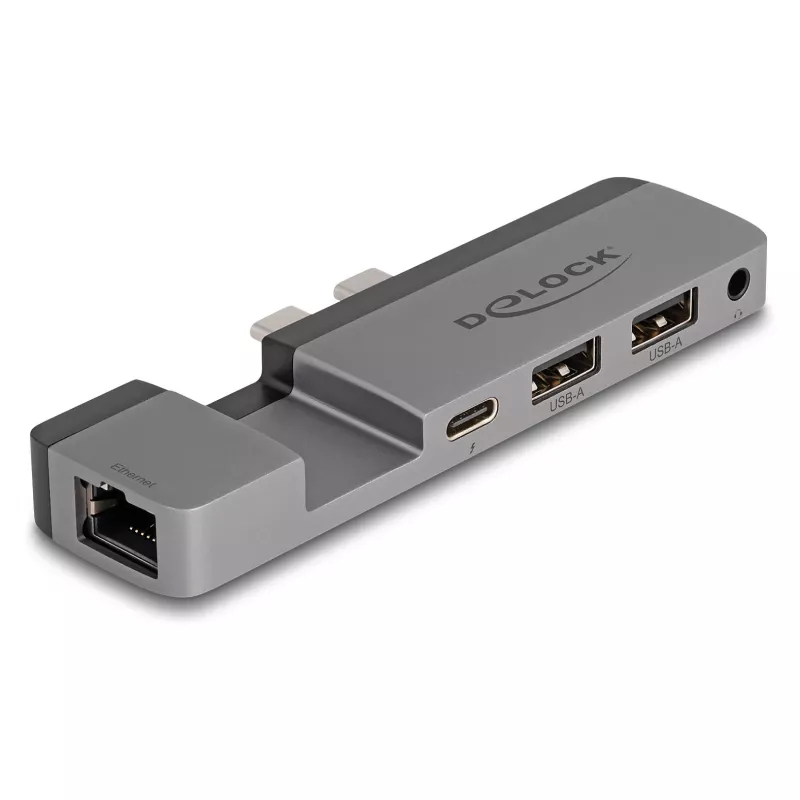
This Delock docking station connects to a MacBook Pro or Air with two adjacent Thunderbolt™ 4 ports and provides a Thunderbolt™ 4 pass-through, two USB Type-A ports, headset connection and a Gigabit Ethernet port. It supports Power Delivery (USB PD 3.0) up to 100 W and DP Alternate Mode for video ou... Ler mais
Stock 44 Código 1741541 Marca DELOCK Modelo 87757 Garantia 2 anos

Envios e devoluções

Entrega prevista Quinta-feira, Outubro 15
Receberá atualizações através do nosso sistema de seguimento detalhado
Opções de pagamento
Cartão bancárioVisaMastercardPayPalApple PayGoogle PayTransferência bancária

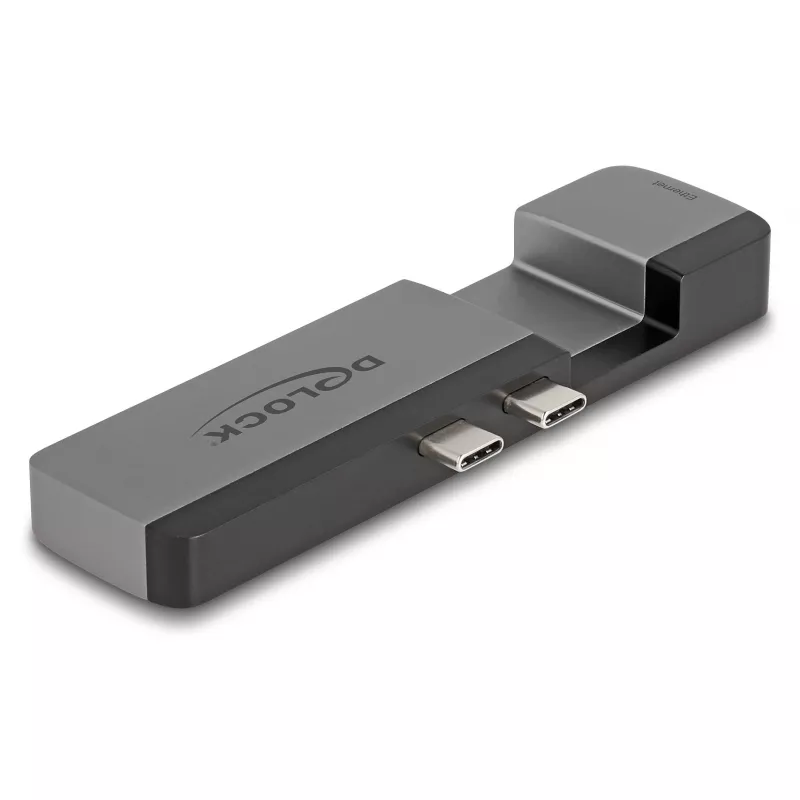
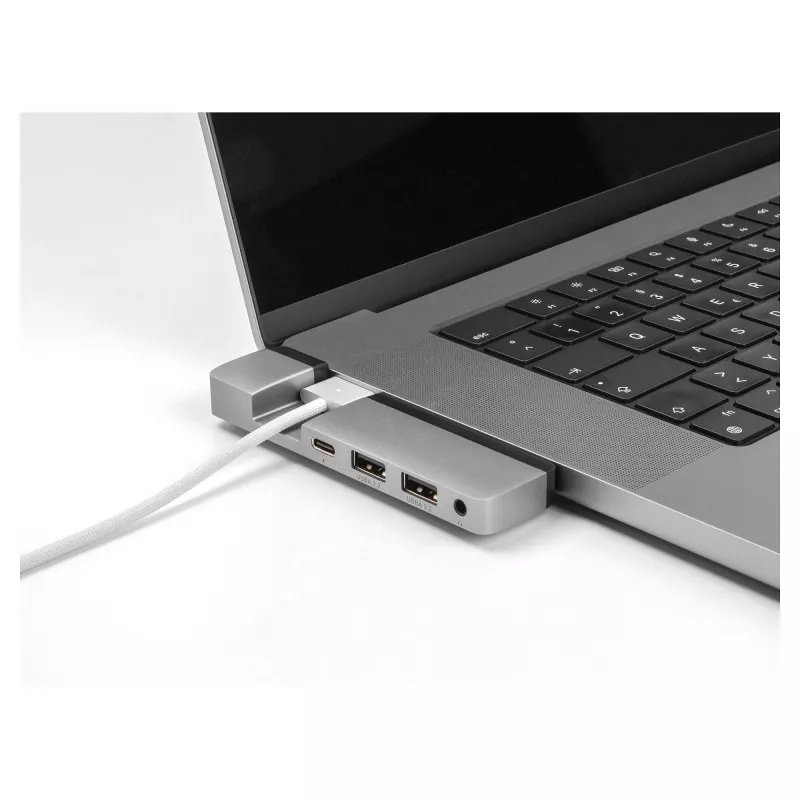
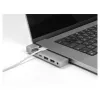
This Delock docking station connects to a MacBook Pro or Air with two adjacent Thunderbolt™ 4 ports and provides a Thunderbolt™ 4 pass-through, two USB Type-A ports, headset connection and a Gigabit Ethernet port. It supports Power Delivery (USB PD 3.0) up to 100 W and DP Alternate Mode for video output, and its compact, sturdy housing includes a gap to allow continued use of a MagSafe 3 connector.

Advantages

The Thunderbolt™ 4 pass-through port lets you connect additional Thunderbolt devices such as docks, SSDs or monitors while also supporting DP Alt Mode for HDMI/DisplayPort/DVI via suitable adapters. USB PD 3.0 charging up to 100 W enables laptop charging through the dock. Two built-in USB Type-A ports provide connectivity for peripherals and a Gigabit Ethernet port offers stable wired network access. The small, robust aluminium-coloured housing and a MagSafe 3 gap make the unit convenient for travel and continuous MagSafe use.

Suitable for

  • MacBook Pro and MacBook Air users with adjacent Thunderbolt 4 ports
  • Users needing laptop charging (up to 100 W) via dock
  • Connecting external displays via DP Alt Mode with adapters
  • Connecting USB-A peripherals such as keyboard, mouse or storage
  • Working with wired networks via Gigabit Ethernet

Key specifications

  • Brand: DELOCK, model number 87757 (EAN 4043619877577)
  • Interface: Thunderbolt™ 4 pass-through (supports DP Alt Mode)
  • Power Delivery: USB PD 3.0, up to 100 W
  • USB: 2 × USB 3.2 Gen 1 (Type-A)
  • Network: 1 × Gigabit Ethernet (RJ-45)
  • Audio: headset connection
  • Data rate: up to 10 Gbps (Thunderbolt/USB)
  • Dimensions: approx. 29 mm × 108 mm × 13 mm
  • Colour: grey / black

How to use

Connect the docking station to the MacBook using the Thunderbolt™ 4 connector into one of the two adjacent Thunderbolt™ 4 ports on the laptop. Plug additional Thunderbolt devices into the pass-through port if needed, and connect monitors using appropriate adapters that support DP Alternate Mode. Attach USB peripherals to the Type-A ports, connect a headset to the audio jack and plug an Ethernet cable into the RJ-45 port for wired network access. If you use MagSafe 3, route the MagSafe connector through the docking station’s gap so the laptop can still be charged via MagSafe while the dock is attached.

Recommendations

For optimal performance, use high-quality Thunderbolt 4 and Ethernet cables and ensure your MacBook firmware and OS are up to date. When connecting high-resolution displays or charging at high power, confirm that connected devices and adapters support the required specifications.
Destaques principais
  • MacBook Pro and MacBook Air users with adjacent Thunderbolt 4 ports
  • Users needing laptop charging (up to 100 W) via dock
  • Connecting external displays via DP Alt Mode with adapters
  • Connecting USB-A peripherals such as keyboard, mouse or storage
  • Working with wired networks via Gigabit Ethernet
  • Brand: DELOCK, model number 87757 (EAN 4043619877577)
  • Interface: Thunderbolt™ 4 pass-through (supports DP Alt Mode)
  • Power Delivery: USB PD 3.0, up to 100 W
  • USB: 2 × USB 3.2 Gen 1 (Type-A)
  • Network: 1 × Gigabit Ethernet (RJ-45)
  • Audio: headset connection
  • Data rate: up to 10 Gbps (Thunderbolt/USB)
  • Dimensions: approx. 29 mm × 108 mm × 13 mm
  • Colour: grey / black
Especificações
Altura
13 mm
Certificados de conformidade
CE
Compatibilidade
MacBook Pro 14″ (2021), MacBook Pro 16″ (2021), MacBook Air (M2 2022) with two adjacent Thunderbolt 4 ports
Conformidade em sustentabilidade
Yes
Cor do produto
Grey, Black
Entrada de microfone
No
Ethernet LAN
Yes
Interface do anfitrião
Thunderbolt 4
Largura
29 mm
Leitor de cartões integrado
No
Manual
Yes
Material da carcaça
Metal
Modos de visualização
Mirror, Extended
Número de portas Thunderbolt 4
1
Número de portas USB 3.2 Gen 1 (3.1 Gen 1) tipo A
2
País de origem
China
Plug and Play
Yes
Porta combinada de auscultadores/microfone
Yes
Portas Ethernet LAN (RJ-45)
1
Profundidade
108 mm
Quantidade por embalagem
1 pc(s)
Resolução digital máxima
5120 x 2880
Revisão de USB Power Delivery
3.0
Saídas para auscultadores
1
Taxa de atualização máxima
30 Hz
Taxa de transferência de dados
10 Gbit/s
Tecnologia de conectividade
Docking
Tipo de fonte de energia
Thunderbolt 4, USB
Tipo de HD
5K Ultra HD
USB Power Delivery (USB PD)
Yes
USB Power Delivery até
100 W
Velocidades de dados Ethernet LAN
1000, 10, 100

Folheto

Abrir documento
Histórico de preços nos últimos 6 meses
Docking station DeLOCK 87757 Thunderbolt 4 5K 100W PD 10Gbps LAN áudio
Atual
69,15 €
Mais baixo
67,09 €
Mais alto
70,96 €
Variação 24 h
+0,01 €   +0%
Semana
+0,50 €   +1%
Mês
+0,84 €   +1%

Produtos populares nesta categoria

Olá, sou o assistente de IA da DistriNode. Posso ajudá-lo a encontrar produtos, comparar opções, criar orçamentos em PDF ou abrir pedidos de suporte.