
Conta Contactos
O seu carrinho
Envio por DPD e FedEx
Precisa de ajuda? Pergunte à IA

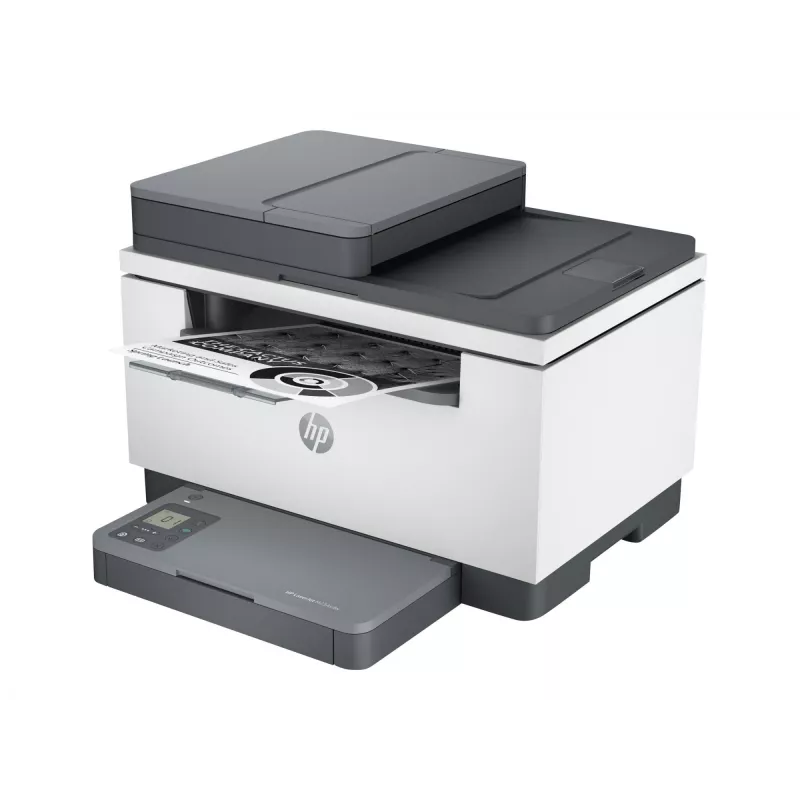
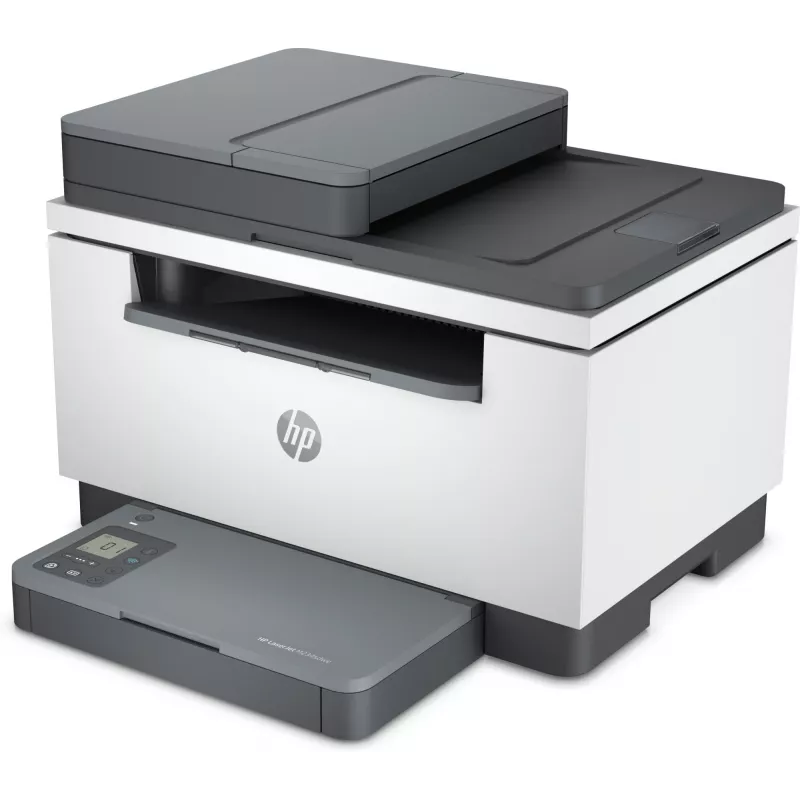
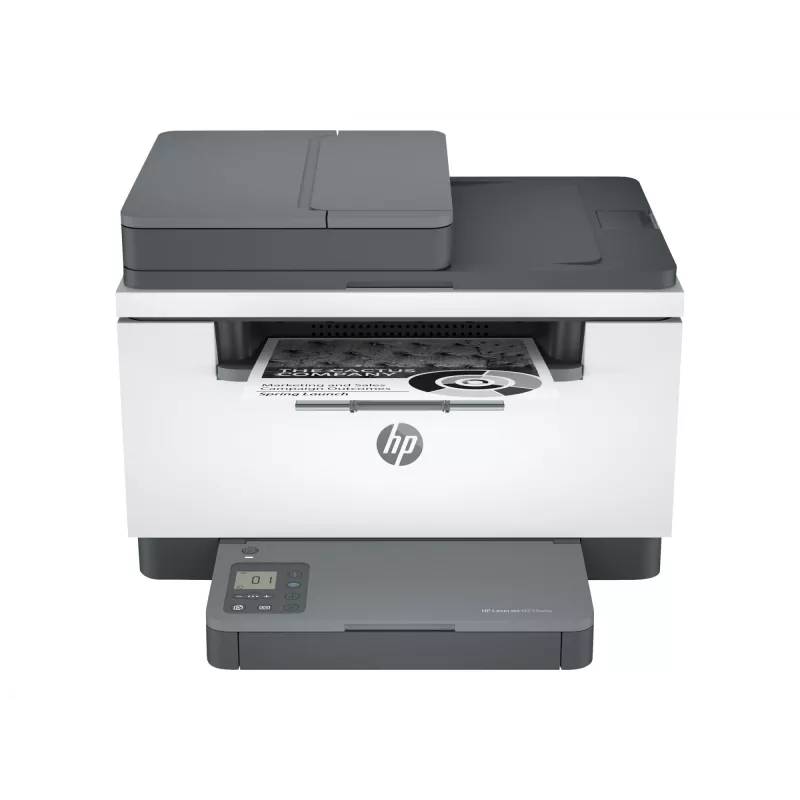
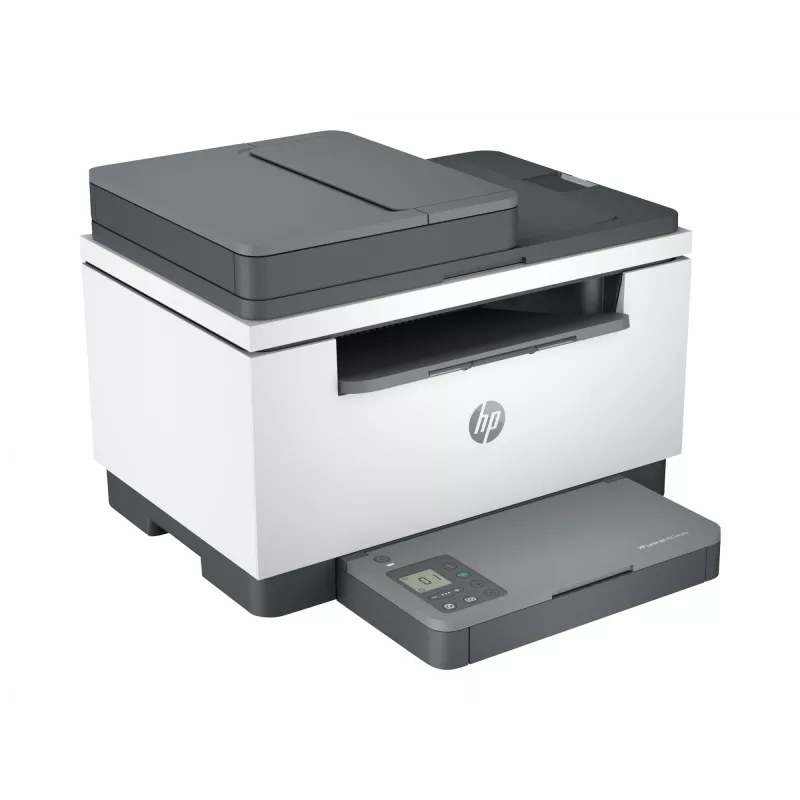
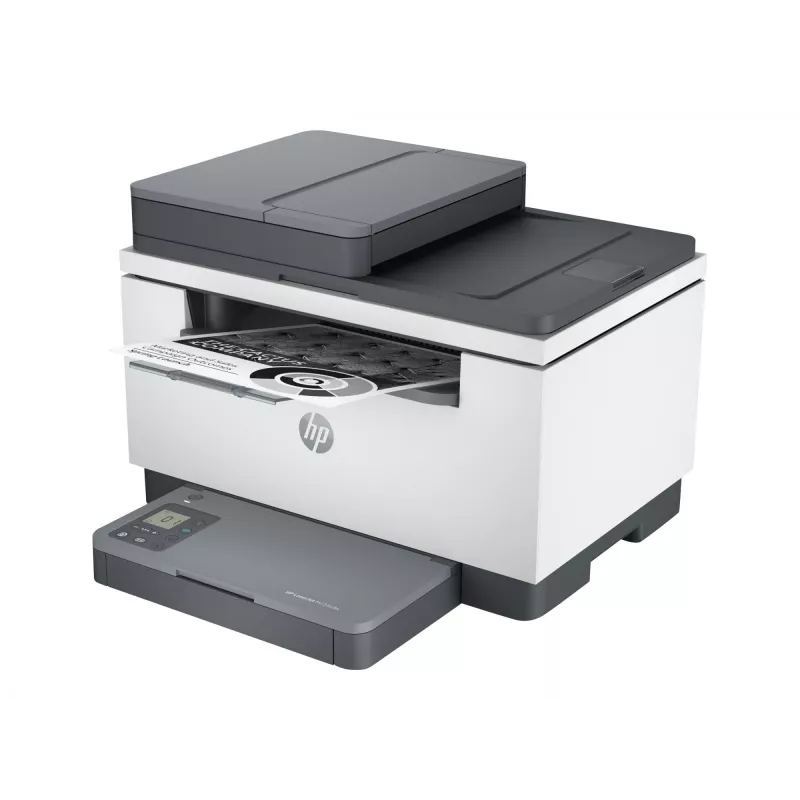
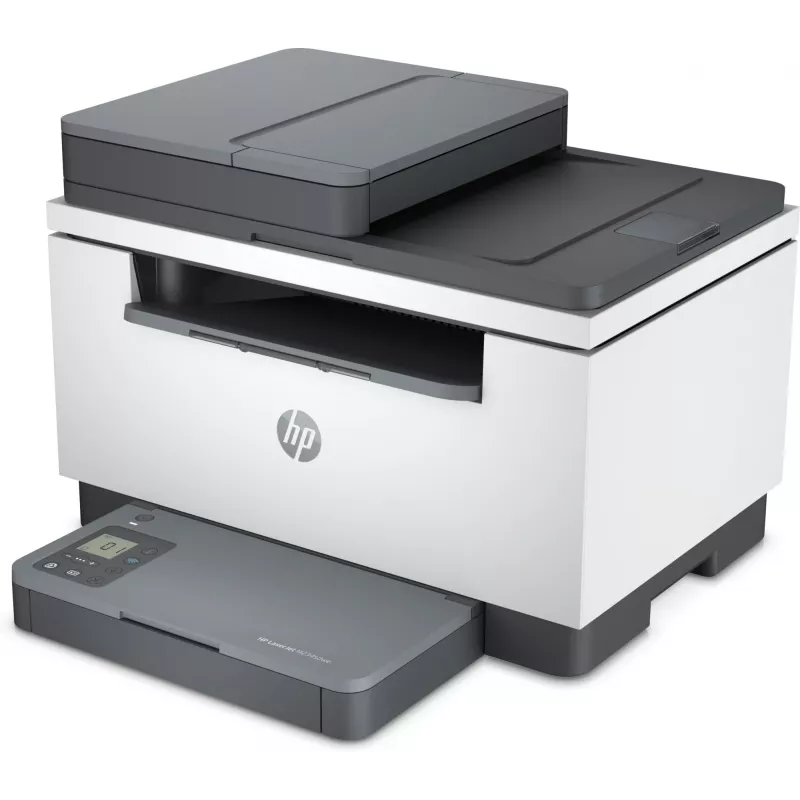
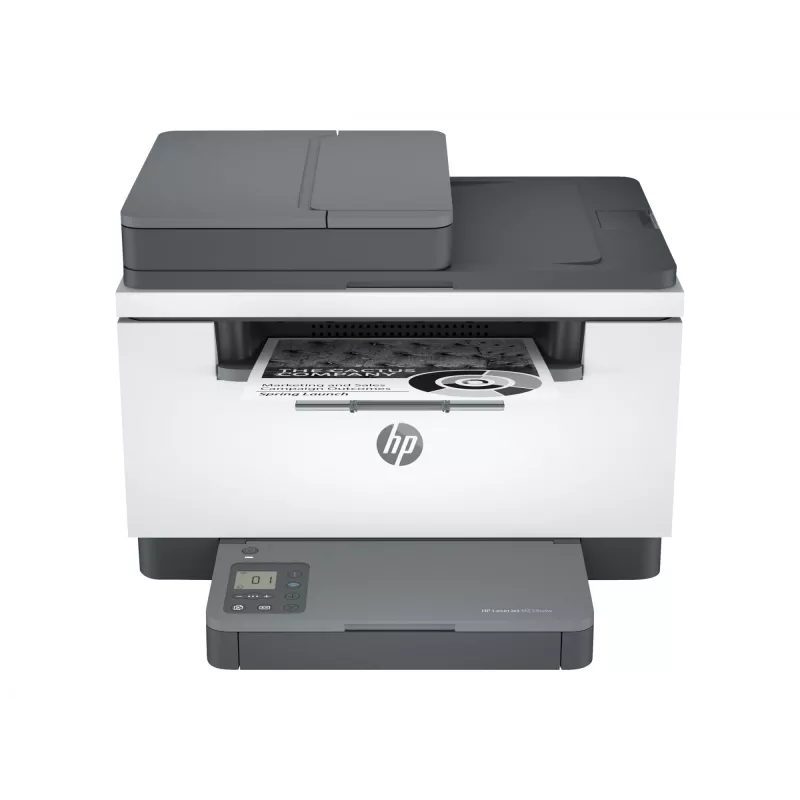
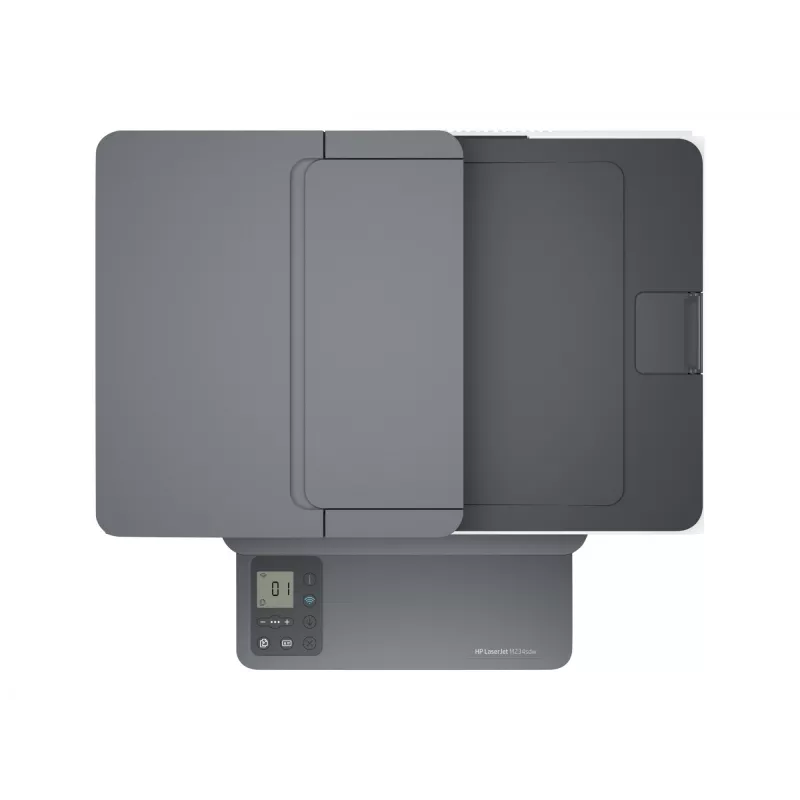
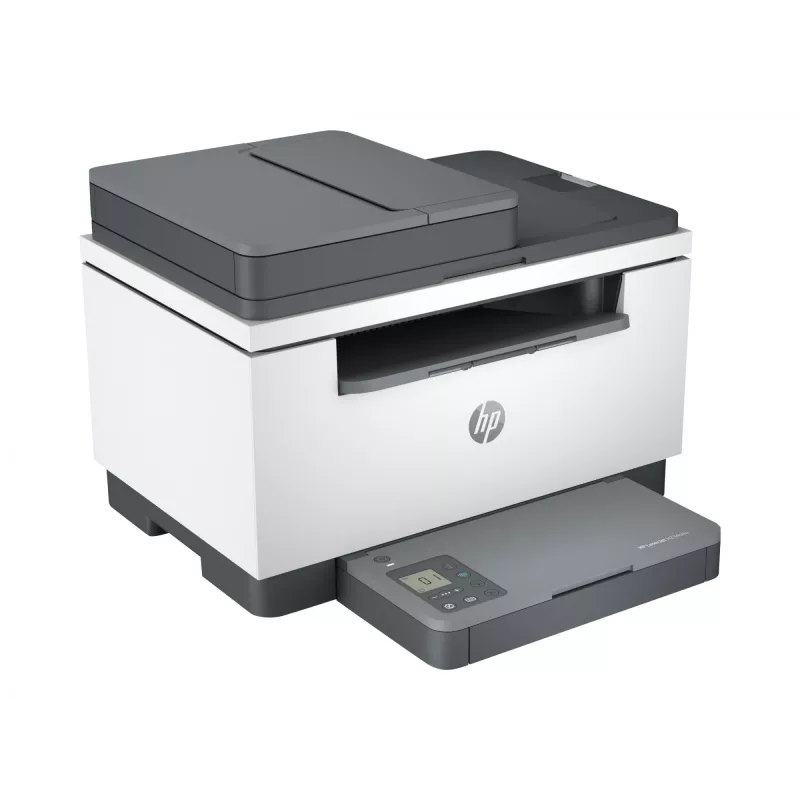
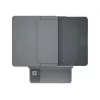
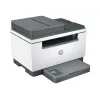
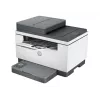
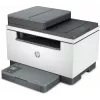
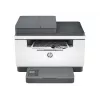
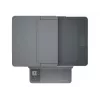
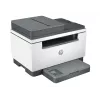
Impressora multifunções HP LaserJet MFP M234SDW laser monocromática

Impressora multifunções HP LaserJet MFP M234SDW laser monocromática
210,56 €
The HP LaserJet MFP M234SDW Laser Monochrome is an all-in-one office device combining printing, scanning and copying in a compact footprint. Using monochrome laser technology, it produces sharp text and clear black-and-white graphics at speeds up to 30 pages per minute. Wireless networking and mobil... Ler mais
Stock 21 Código 124111 Marca HP Modelo 9YG05F#ABD Garantia 2 anos

Envios e devoluções

Entrega prevista Segunda-feira, Outubro 19
Receberá atualizações através do nosso sistema de seguimento detalhado
Opções de pagamento
Cartão bancárioVisaMastercardPayPalApple PayGoogle PayTransferência bancária

The HP LaserJet MFP M234SDW Laser Monochrome is an all-in-one office device combining printing, scanning and copying in a compact footprint. Using monochrome laser technology, it produces sharp text and clear black-and-white graphics at speeds up to 30 pages per minute. Wireless networking and mobile printing support enable printing from smartphones and laptops, while the integrated automatic document feeder streamlines multi-page scan and copy tasks. The unit is designed for small workgroups or home offices where space is limited but consistent monochrome output and reliable operation are required.

Advantages

The device delivers fast first-page-out times and steady print speeds, reducing wait time for routine documents. Laser printing provides durable, smear-resistant text and consistent page quality over long print runs. Built-in wireless connectivity and support for mobile print protocols simplify printing from multiple devices without a dedicated PC connection. The automatic document feeder and flatbed scanner allow both single-sheet and multi-page scanning and copying workflows, and the compact footprint helps fit the machine on limited desktop or shelf space.

Suitable for (tasks / use cases)

  • Printing black-and-white reports, invoices and letters for small offices
  • Scanning and archiving multi-page documents using the automatic document feeder
  • Copying meeting handouts and forms on demand
  • Mobile printing from smartphones and tablets in shared office environments

Key specifications

  • Printing technology: Monochrome laser
  • Functions: Print, scan, copy
  • Print speed: Up to 30 pages per minute (monochrome)
  • Automatic document feeder: Yes, supports multi-page scanning and copying
  • Connectivity: Wireless networking and USB
  • Paper handling: Input tray for standard office paper sizes; single-sided and duplex printing options (when supported)
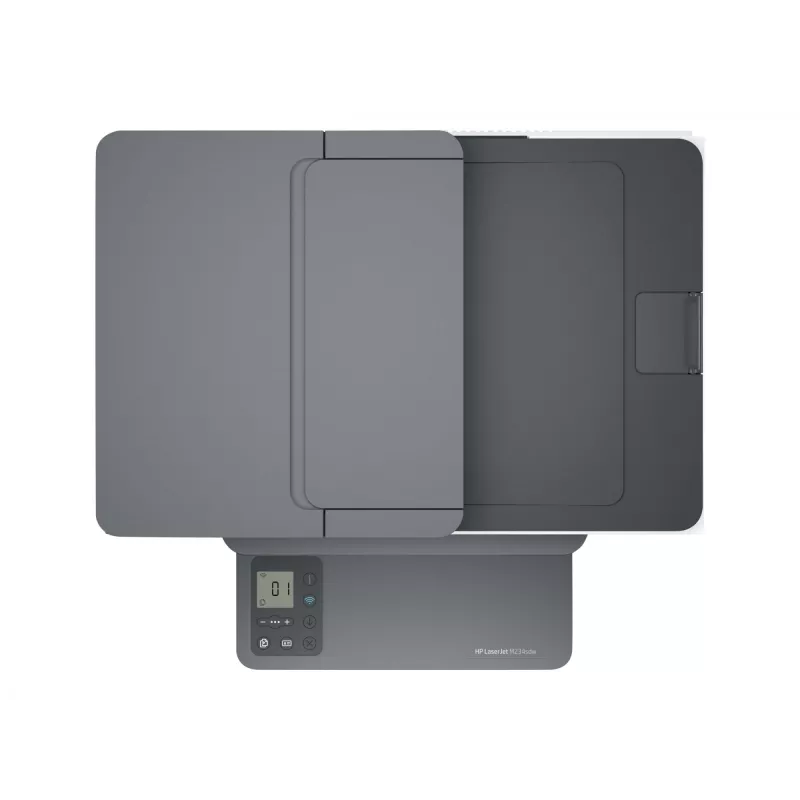
  • Control: Integrated control panel for local operation and simple setup

How to use

Place the printer on a stable surface near a power outlet and connect it to the local network via the wireless setup procedure or using a USB cable for direct connection. Load paper into the input tray and install the toner cartridge following the manufacturer’s instructions. Use the control panel or the printer software on a computer or mobile device to initiate print, scan or copy jobs. For multi-page documents place the originals in the automatic document feeder or use the flatbed scanner for single pages and bound materials.

Recommendations

For consistent performance, keep the device in a dust-free environment and use recommended paper types and weights. Regularly check and replace consumables such as toner cartridges according to usage. When scanning sensitive documents, use secure network settings and updated device firmware to protect data transmitted over wireless connections.

Destaques principais
  • Printing black-and-white reports, invoices and letters for small offices
  • Scanning and archiving multi-page documents using the automatic document feeder
  • Copying meeting handouts and forms on demand
  • Mobile printing from smartphones and tablets in shared office environments
  • Printing technology: Monochrome laser
  • Functions: Print, scan, copy
  • Print speed: Up to 30 pages per minute (monochrome)
  • Automatic document feeder: Yes, supports multi-page scanning and copying
  • Connectivity: Wireless networking and USB
  • Paper handling: Input tray for standard office paper sizes; single-sided and duplex printing options (when supported)
  • Control: Integrated control panel for local operation and simple setup
Histórico de preços nos últimos 6 meses
Impressora multifunções HP LaserJet MFP M234SDW laser monocromática
Atual
210,56 €
Mais baixo
210,56 €
Mais alto
222,92 €
Variação 24 h
-9,97 €   -5%
Semana
-7,66 €   -4%
Mês
—   

Produtos populares nesta categoria

Olá, sou o assistente de IA da DistriNode. Posso ajudá-lo a encontrar produtos, comparar opções, criar orçamentos em PDF ou abrir pedidos de suporte.