
Conta Contactos
O seu carrinho
Envio por DPD e FedEx
Precisa de ajuda? Pergunte à IA

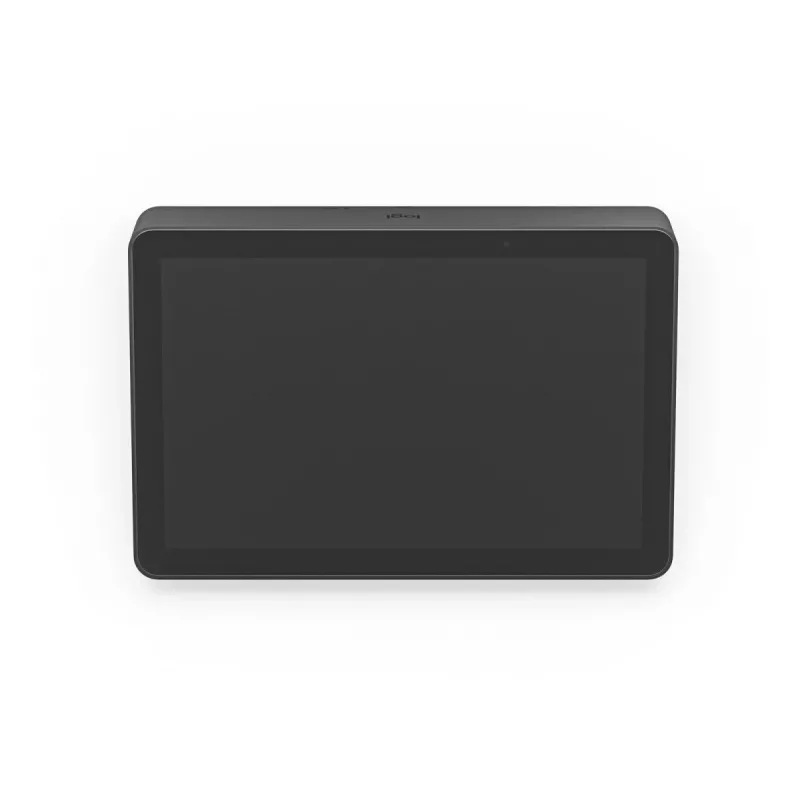
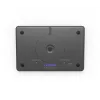
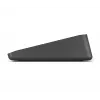
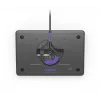
LOGITECH Tap IP - dispositivo de videoconferência - Grafite

LOGITECH Tap IP - dispositivo de videoconferência - Grafite
629,26 €
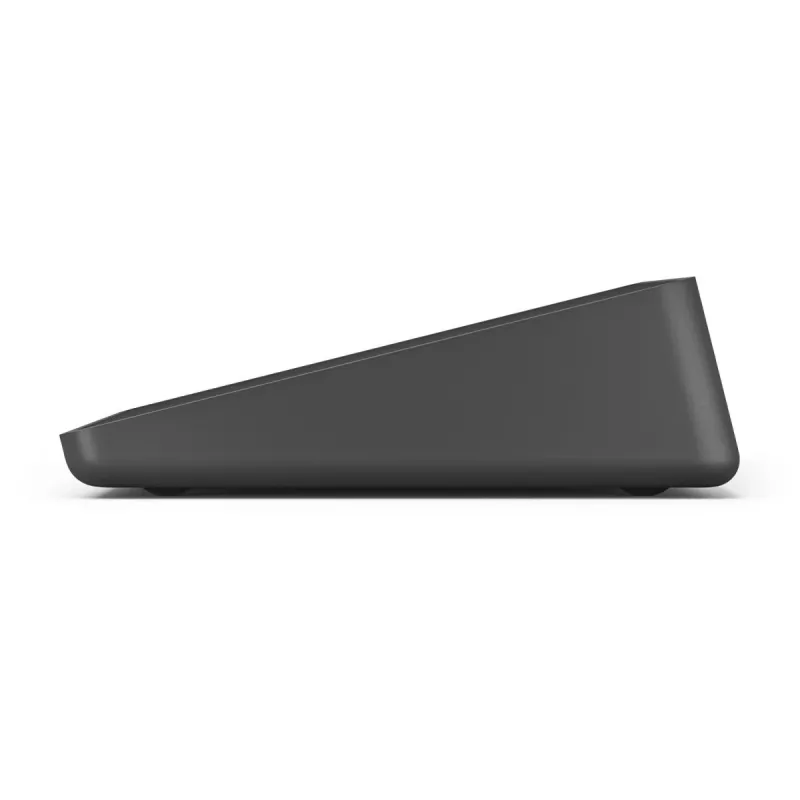
Logitech Tap IP is a network-connected 10.1" touch controller designed to simplify joining and managing video meetings. The compact touch display (1280 x 800, 400 cd/m²) provides one-touch join and easy content sharing when paired with compatible conferencing room solutions. PoE capability and a Ken... Ler mais
Stock 73 Código 118945 Marca LOGITECH Modelo 952-000085 Garantia 2 anos

Envios e devoluções

Entrega prevista Segunda-feira, Outubro 19
Receberá atualizações através do nosso sistema de seguimento detalhado
Opções de pagamento
Cartão bancárioVisaMastercardPayPalApple PayGoogle PayTransferência bancária

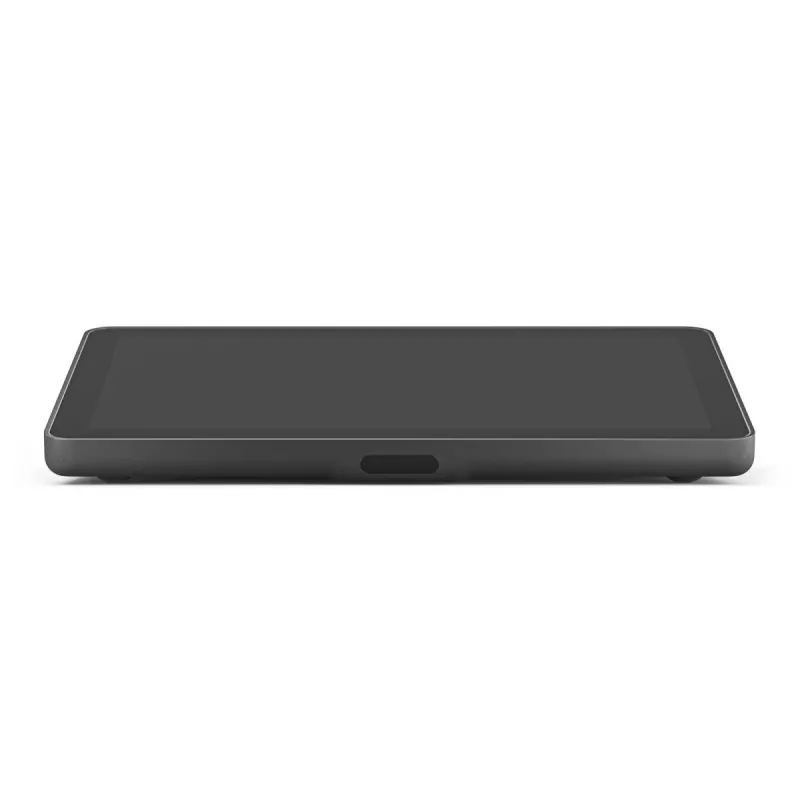
Logitech Tap IP is a network-connected 10.1" touch controller designed to simplify joining and managing video meetings. The compact touch display (1280 x 800, 400 cd/m²) provides one-touch join and easy content sharing when paired with compatible conferencing room solutions. PoE capability and a Kensington lock slot help secure and streamline installation in meeting rooms.

Advantages

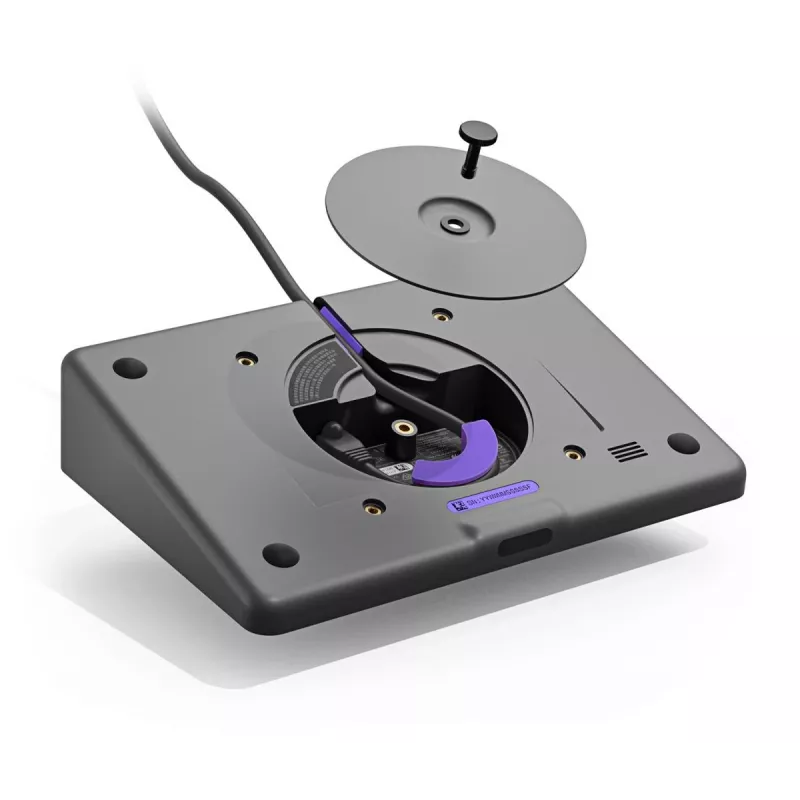
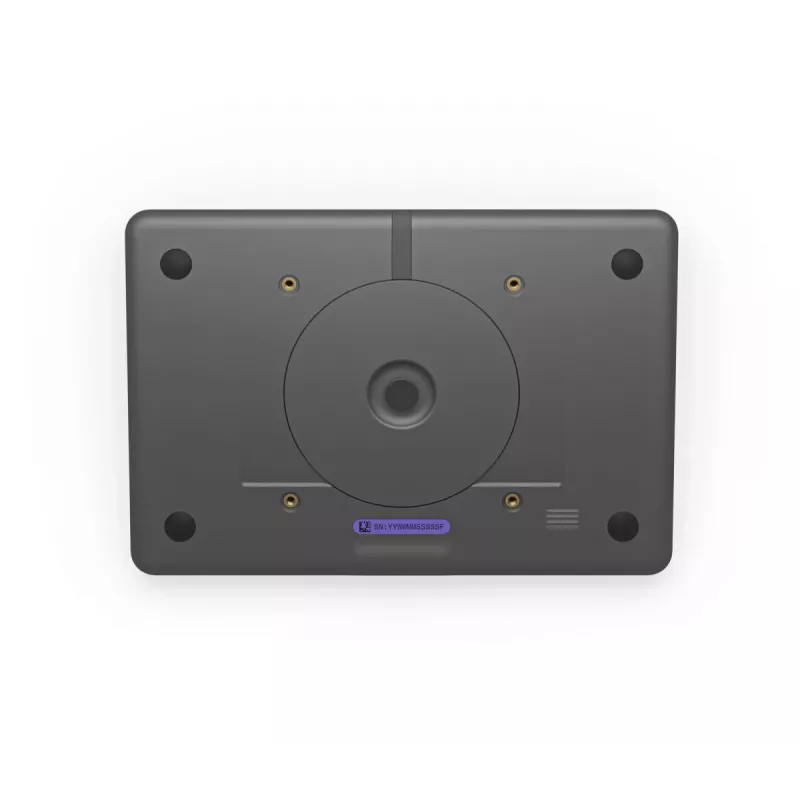
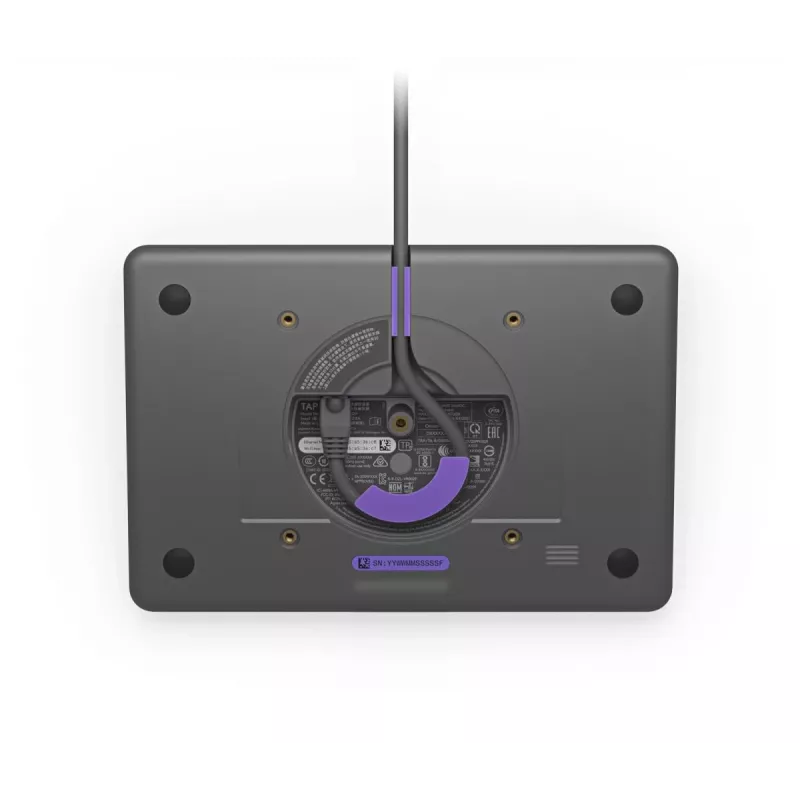
Tap IP offers a low-profile 10.1" display with a motion sensor for ready responsiveness and a single-cable Power over Ethernet connection for tidy, reliable deployment. Built-in cable retention and strain-relief simplify cabling, while multiple mounting options (table, riser, wall) allow flexible placement. Integration with Logitech Sync enables centralized monitoring and management, and optional Logitech Select service and extended warranty plans provide additional support and coverage.

Suitable for

  • Huddle rooms and small meeting rooms
  • Conference rooms that require one-touch meeting join
  • Workspaces needing a compact, mounted touch controller
  • Environments where PoE installation and cable security are preferred

Key specifications

  • Display: 10.1" (1280 x 800) LCD, 400 cd/m²
  • Connectivity: Ethernet with Power over Ethernet (PoE), Wi‑Fi support (including 802.11ac)
  • Security: Kensington cable lock slot
  • Mounting: Table, riser (180° rotation), and wall mount options
  • Dimensions: 246.2 mm (W) x 171.3 mm (D) x 56.1 mm (H)
  • Weight: 1 kg
  • Manufacturer part number (MPN): 952-000085; EAN: 0097855170002

How to use

Install Tap IP near meeting participants and connect it using a single Ethernet cable that provides both power and network (PoE). Route the cable through the rear or underside channel and secure it with the built-in strain relief. Mount the device on a table grommet or riser and rotate up to 180° for optimal visibility, or use the wall mount to save table space. Pair Tap IP with a supported video conferencing room solution and configure account settings for one-touch join and content sharing.

Recommendations

For reliable operation, use a PoE-capable switch or injector that meets the device power requirements, keep firmware updated via Logitech Sync, and consider Logitech Select service or extended warranty for prioritized support and onsite spares in high-usage rooms.

Destaques principais
  • Huddle rooms and small meeting rooms
  • Conference rooms that require one-touch meeting join
  • Workspaces needing a compact, mounted touch controller
  • Environments where PoE installation and cable security are preferred
  • Display: 10.1" (1280 x 800) LCD, 400 cd/m²
  • Connectivity: Ethernet with Power over Ethernet (PoE), Wi‑Fi support (including 802.11ac)
  • Security: Kensington cable lock slot
  • Mounting: Table, riser (180° rotation), and wall mount options
  • Dimensions: 246.2 mm (W) x 171.3 mm (D) x 56.1 mm (H)
  • Weight: 1 kg
  • Manufacturer part number (MPN): 952-000085; EAN: 0097855170002
Especificações
Algoritmos de segurança
128-bit AES
Altifalantes incorporados
Yes
Altura
56.1 mm
Altura da caixa exterior
199 mm
Altura da embalagem
93 mm
Bluetooth
Yes
Brilho do ecrã
400 cd/m²
Comprimento da caixa exterior
358 mm
Conteúdo da embalagem
Tap IP Touch Controller Documentation
Cor do produto
Graphite
Diagonal do ecrã
25.6 cm (10.1")
Ethernet LAN
Yes
Humidade relativa de funcionamento (H-H)
10 - 95%
Largura
246.2 mm
Largura da caixa exterior
260 mm
Largura da embalagem
247 mm
Montagem VESA
Yes
Normas de rede
IEEE 802.3af
Normas Wi-Fi
802.11a, 802.11b, 802.11g, Wi-Fi 4 (802.11n), Wi-Fi 5 (802.11ac)
Número de altifalantes
1
Peso
1 kg
Peso bruto da caixa exterior
3.3 kg
Peso da embalagem
1.34 kg
Pilhas incluídas
No
Profundidade
171.3 mm
Profundidade da embalagem
346 mm
Ranhura para cabo de segurança
Yes
Requisitos mínimos do sistema
Internet Connection: Wired through PoE or wireless Customer-Supplied Cabling: Power over Ethernet (PoE)cable, IEEE 802.3af Type 1, Class 3 device
Resolução do ecrã
1280 x 800 pixels
Revestimento oleofóbico
Yes
Temperatura de armazenamento (T-T)
-40 - 70 °C
Temperatura de funcionamento (T-T)
0 - 40 °C
Tipo de fonte de energia
PoE
Tipo de ranhura para cabo de segurança
Kensington
Velocidades de dados Ethernet LAN
10,100 Mbit/s
Versão de Bluetooth
5.0
Wi-Fi
Yes

Folheto

Abrir documento
Histórico de preços nos últimos 6 meses
LOGITECH Tap IP - dispositivo de videoconferência - Grafite
Atual
629,26 €
Mais baixo
556,60 €
Mais alto
683,85 €
Variação 24 h
+1,83 €   +0%
Semana
+0,84 €   +0%
Mês
+2,91 €   +0%
Olá, sou o assistente de IA da DistriNode. Posso ajudá-lo a encontrar produtos, comparar opções, criar orçamentos em PDF ou abrir pedidos de suporte.