


Conta Contactos
O seu carrinho
Envio por DPD e FedEx
Precisa de ajuda? Pergunte à IA

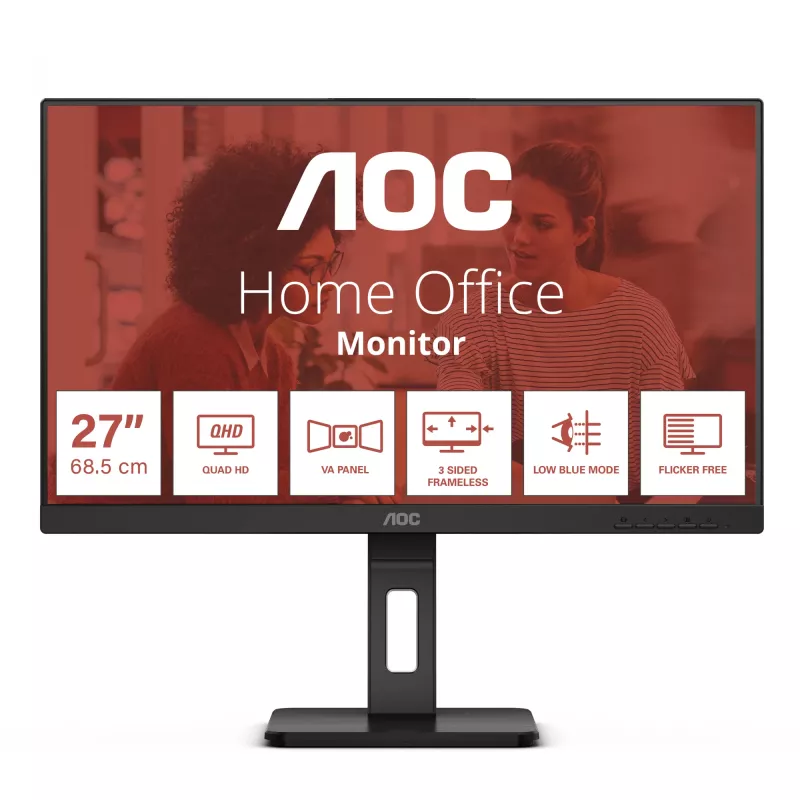
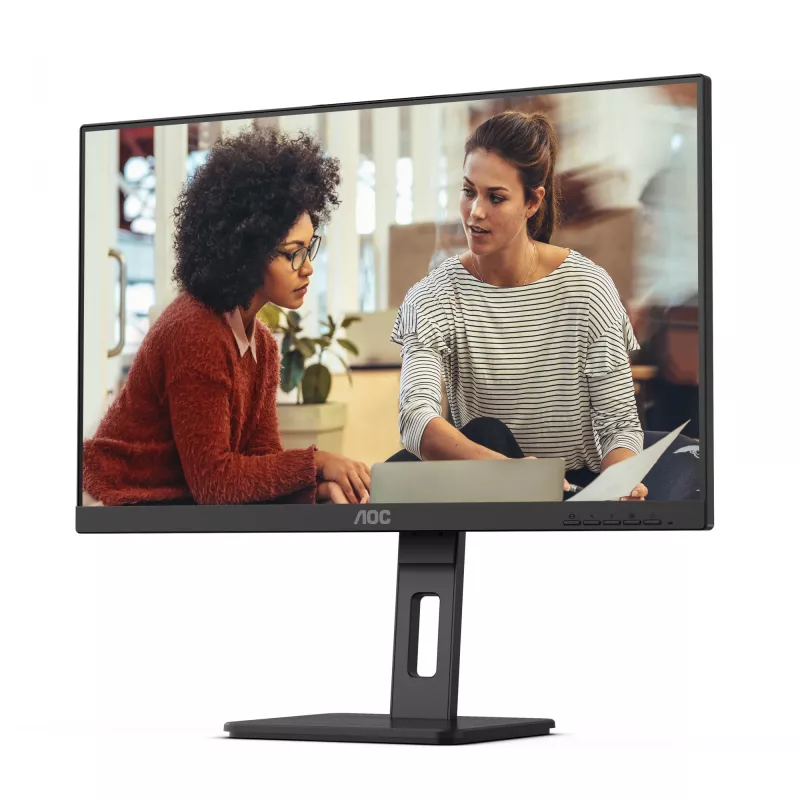
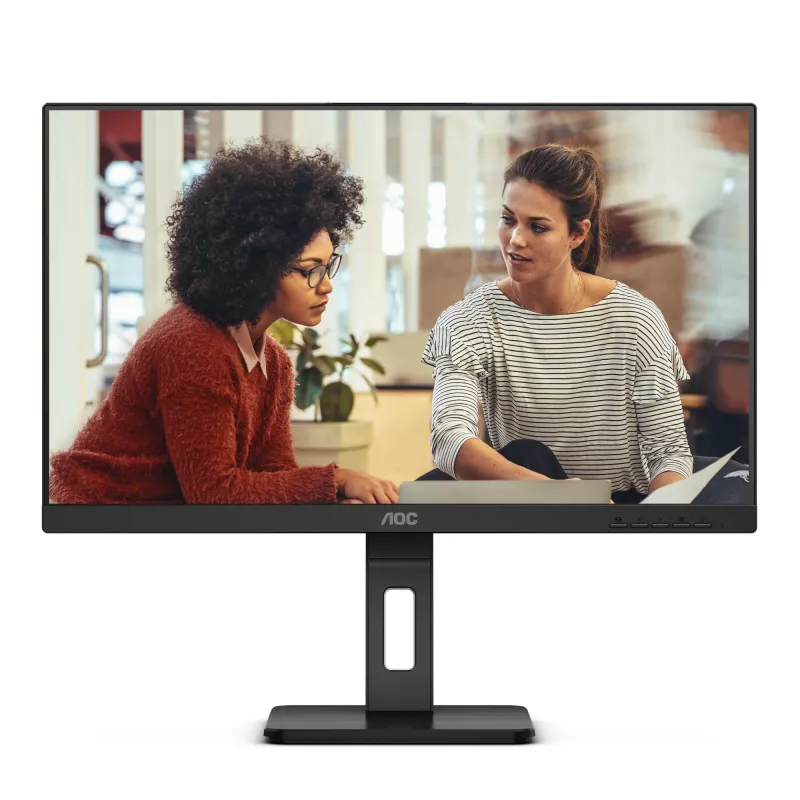
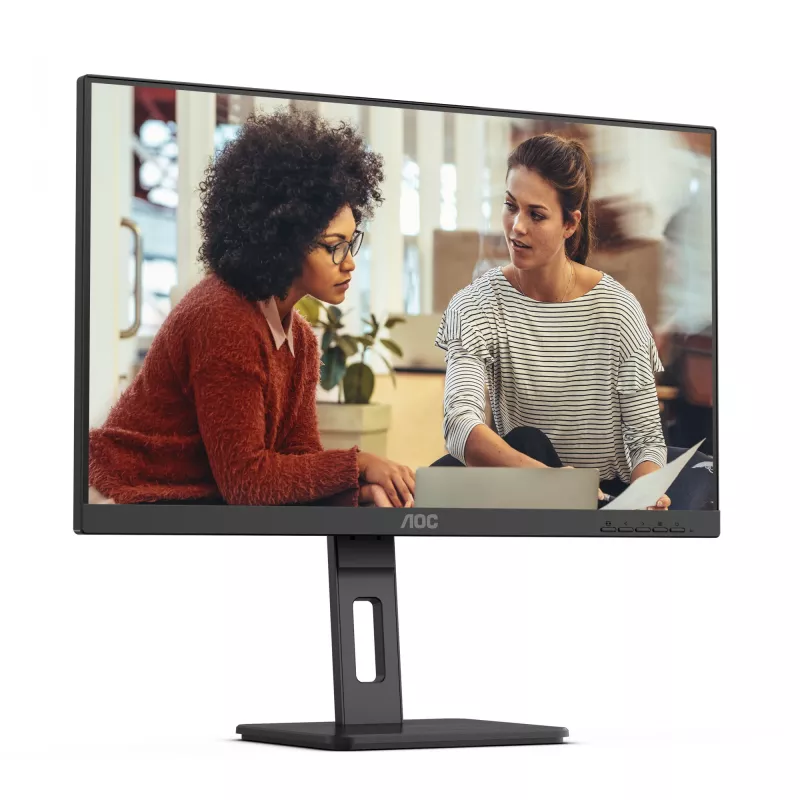
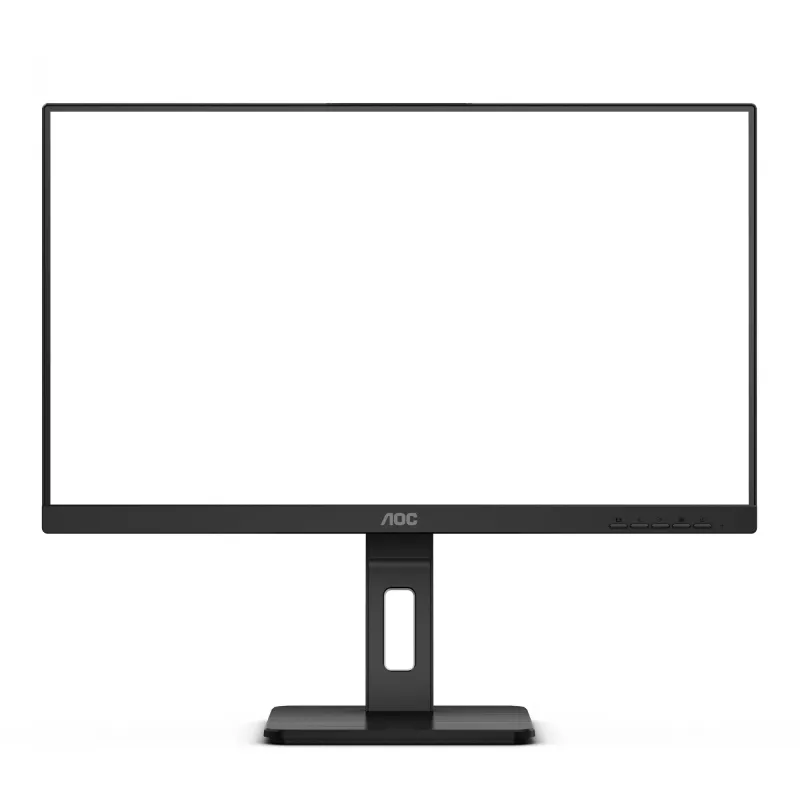
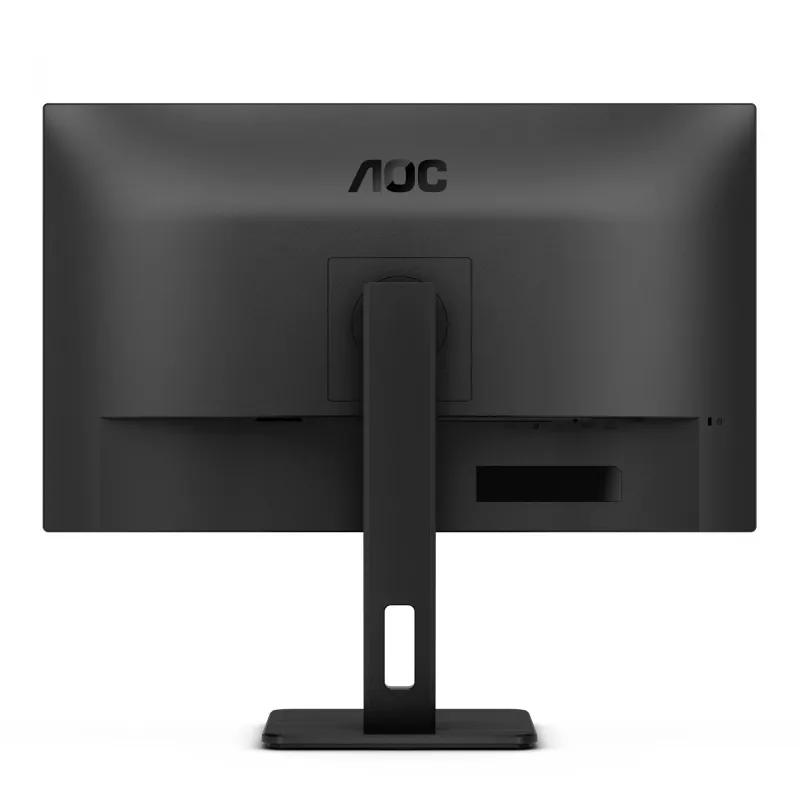
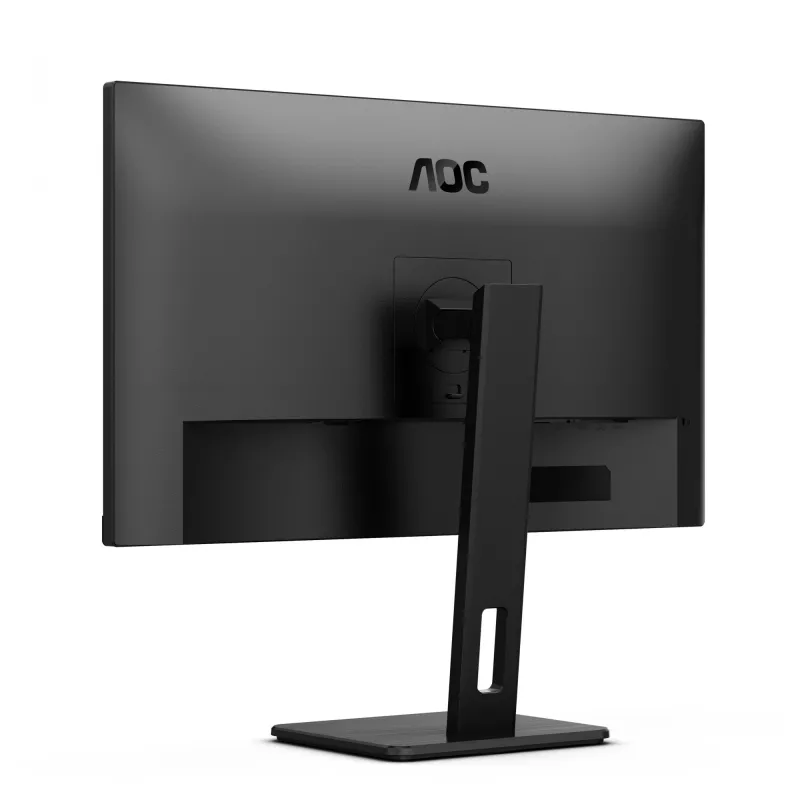
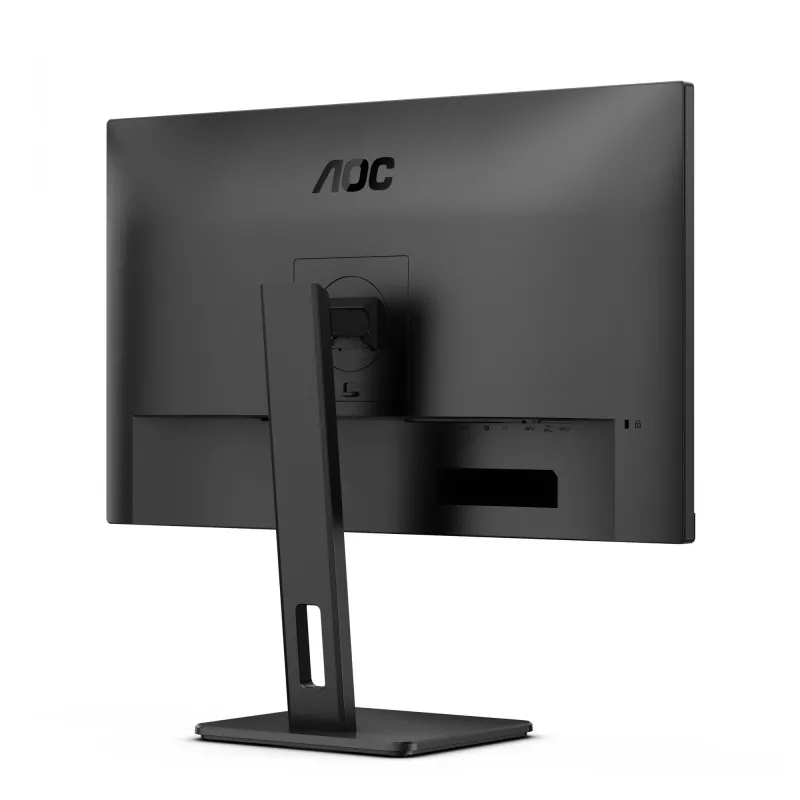
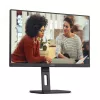
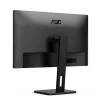
Monitor AOC Q27E3UMF 68,6 cm (27 polegadas) 2560 x 1440 píxeis Quad HD preto

Monitor AOC Q27E3UMF 68,6 cm (27 polegadas) 2560 x 1440 píxeis Quad HD preto
36 mês
Monitor AOC Q27E3UMF 68,6 cm (27 polegadas) 2560 x 1440 píxeis Quad HD preto
141,59 €
The AOC Q27E3UMF offers a great 27” VA panel with wide viewing angle, detailed and crystal-clear QHD resolution and 300 nits brightness. It also offers all essentials for working or studying, supporting long hours with features for eye care such as Low Blue Mode and Flicker Free. For a neatwork stat... Ler mais
Stock 5 Código 360819 Marca AOC Modelo Q27E3UMF Garantia 3 anos

Envios e devoluções

Entrega prevista Sexta-feira, Outubro 9
Receberá atualizações através do nosso sistema de seguimento detalhado
Opções de pagamento
Cartão bancárioVisaMastercardPayPalApple PayGoogle PayTransferência bancária
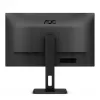
The AOC Q27E3UMF offers a great 27” VA panel with wide viewing angle, detailed and crystal-clear QHD resolution and 300 nits brightness. It also offers all essentials for working or studying, supporting long hours with features for eye care such as Low Blue Mode and Flicker Free. For a neatwork station, it also offers cable management for its complete connectivity.

QHD Resolution
With 2560 x 1440 resolution, Quad HD (QHD) offers superior picture quality and sharp imagery that reveals the finest details. The widescreen 16:9 aspect ratio provides plenty of space to spread out and work, plus allows you to enjoy games or movies in their original size.

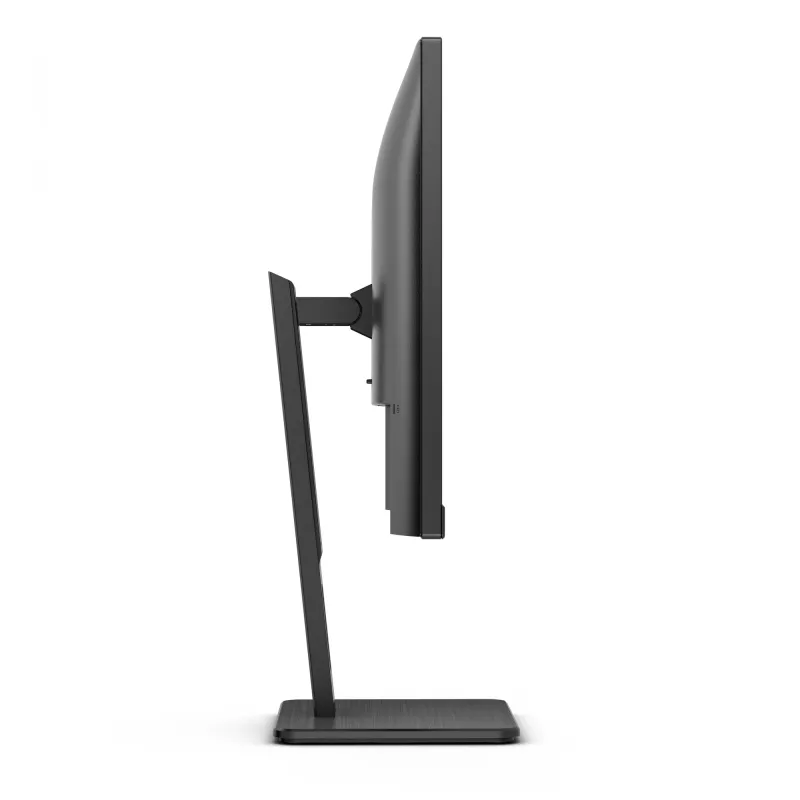
Height adjustable Stand
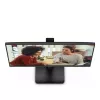
Raise or lower the screen to suit each individual’s height and seating preferences. The easy-to-adjust stand ensures hours of comfort.

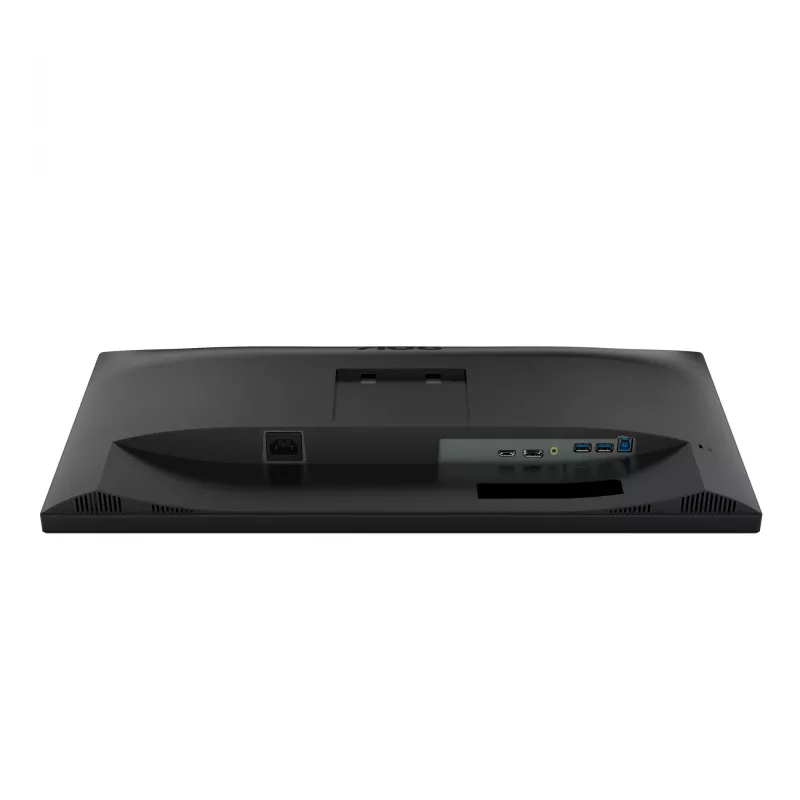
USB Hub
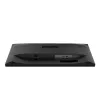
Built-in USB hubs in AOC’s monitors bring ease of use and practicality to your desk. Side mounted ports are easily reachable without even looking at them; negating time wasted searching the backside of a PC case to find a free USB port.

Full Ergonomics
Feel the comfort! AOC’s height, tilt and swivel-adjustable stands help you find the most comfortable and healthy position.

Pivot function
Thanks to its pivot function, your monitor can be rotated by 180° from landscape into portrait mode, especially useful for desktop publishing.

Flicker Free
AOC Flicker-Free Technology utilises a DC (Direct Current) backlight panel, reducing flickering light levels. With eye strain and fatigue absolutely minimized, feel free to enjoy those long, intense gaming sessions in comfort!

Low Blue Light
AOC Lowblue Light protects you from harmful blue light which, during long sessions, has been shown to cause eye strain, headaches, and sleeping disorders. Our Lowblue Light feature reduces the harmful wavelengths emitted without sacrificing color composition, setting the experience free from the worry of eye damage.

Adaptive sync
Adaptive Sync aligns your monitor’s vertical refresh rate with the frame rate delivered by your GPU, making your gameplay and casual gaming experience even more fluid by eliminating stuttering, tearing and judder. This feature is also useful when enjoying videos and other visual media, for a smoother entertainment.

Speakers
Built-in speakers make it easy to catch up with family, friends and colleagues. For movies, music, games and more, you’ll enjoy quality audio without the hassle of connecting external speakers.

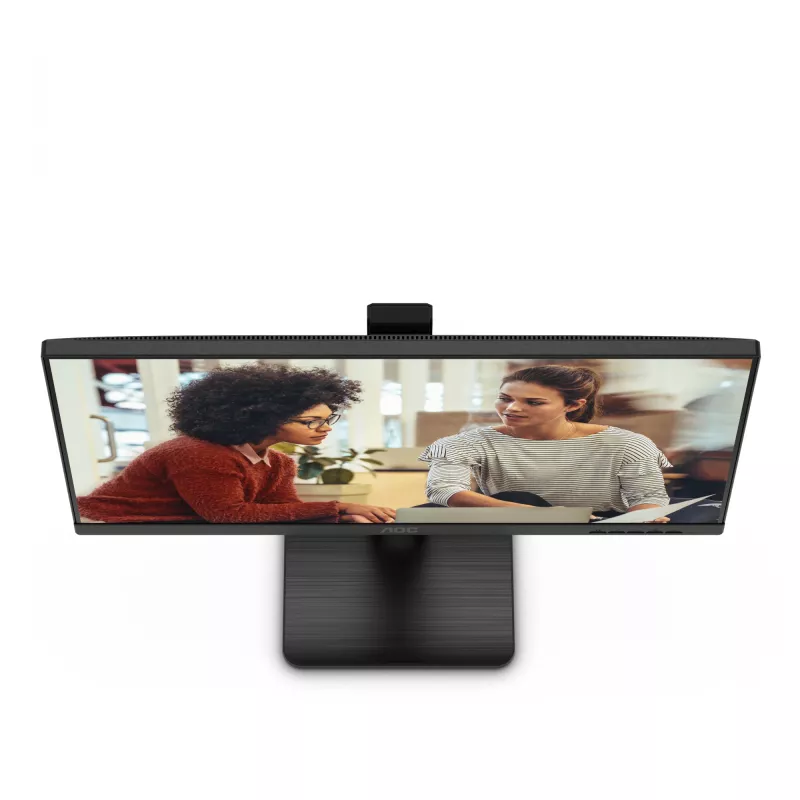
Frameless design
Besides looking modern and attractive, frameless designs enable seamless multi-monitor setups. Your cursor/windows will not be lost anymore in the dark abyss of bezels, when many displays are placed side by side.

How to use

Place the monitor on a stable desk surface and adjust the height, tilt and swivel to align the screen with your eye level. Use the pivot function to rotate the display into portrait orientation when working with long documents or code. Connect your PC using the appropriate video cable and access USB ports on the side for peripherals; built-in speakers are ready for audio without external speakers. Enable Low Blue Light and Flicker Free in the on-screen menu to reduce eye strain for prolonged sessions, and switch on Adaptive Sync if your GPU supports it to improve motion smoothness.

Recommendations

For comfortable long-term use, set the top of the monitor at or slightly below eye level, take regular breaks, and enable Low Blue Light and Flicker Free modes. Use the side USB hub for frequently accessed devices to keep cable routing tidy.

Destaques principais
  • Office work and multitasking with high-resolution workspace
  • Studying and long-duration screen sessions requiring eye-care features
  • Content consumption: movies, streaming and casual gaming
  • Desktop publishing and document reading in portrait mode
  • Multi-monitor setups for productivity or trading desks
  • Display diagonal: 68.6 cm (27")
  • Resolution: 2560 x 1440 (Quad HD), aspect ratio 16:9
  • Panel type: VA with wide viewing angles
  • Brightness (typical): 300 cd/m²
  • Ergonomics: height adjustable, tilt, swivel, pivot (180°)
  • Built-in USB hub (side-mounted) and built-in speakers
  • Eye-care: Low Blue Light, Flicker Free
  • Adaptive Sync support
  • Design: frameless bezel, color: Black
Especificações
Ajuste de altura
Yes
Altifalantes incorporados
Yes
AMD FreeSync
Yes
Brilho do ecrã (típico)
300 cd/m²
Câmara incorporada
No
Classe de eficiência energética (HDR)
F
Classe de eficiência energética (SDR)
F
Consumo de energia (desligado)
0.3 W
Consumo de energia (em espera)
0.5 W
Consumo de energia (SDR) por 1000 horas
26 kWh
Cor do produto
Black
Design sem moldura
Yes
Diagonal do ecrã
68.6 cm (27")
Ecrã tátil
No
Formato do ecrã
Flat
Hub USB incorporado
Yes
NVIDIA G-SYNC
Yes
Posicionamento no mercado
Office
Proporção de aspeto nativa
16:9
Resolução do ecrã
2560 x 1440 pixels
Rotação (pivot)
Yes
Rotação (pivot)
Yes
Taxa de atualização máxima
75 Hz
Tecnologia Low Blue Light
Yes
Tecnologia sem cintilação
Yes
Tipo de fonte de alimentação
Internal
Tipo de HD
Quad HD
Tipo de painel
VA

Etiqueta energética

Abrir documento

Folheto

Abrir documento
Histórico de preços nos últimos 6 meses
Monitor AOC Q27E3UMF 68,6 cm (27 polegadas) 2560 x 1440 píxeis Quad HD preto
Atual
141,59 €
Mais baixo
131,27 €
Mais alto
401,92 €
Variação 24 h
-0,27 €   0%
Semana
+0,74 €   +1%
Mês
+1,45 €   +1%

Produtos populares nesta categoria

Olá, sou o assistente de IA da DistriNode. Posso ajudá-lo a encontrar produtos, comparar opções, criar orçamentos em PDF ou abrir pedidos de suporte.