Conta Contactos
O seu carrinho
Envio por DPD e FedEx
Precisa de ajuda? Pergunte à IA

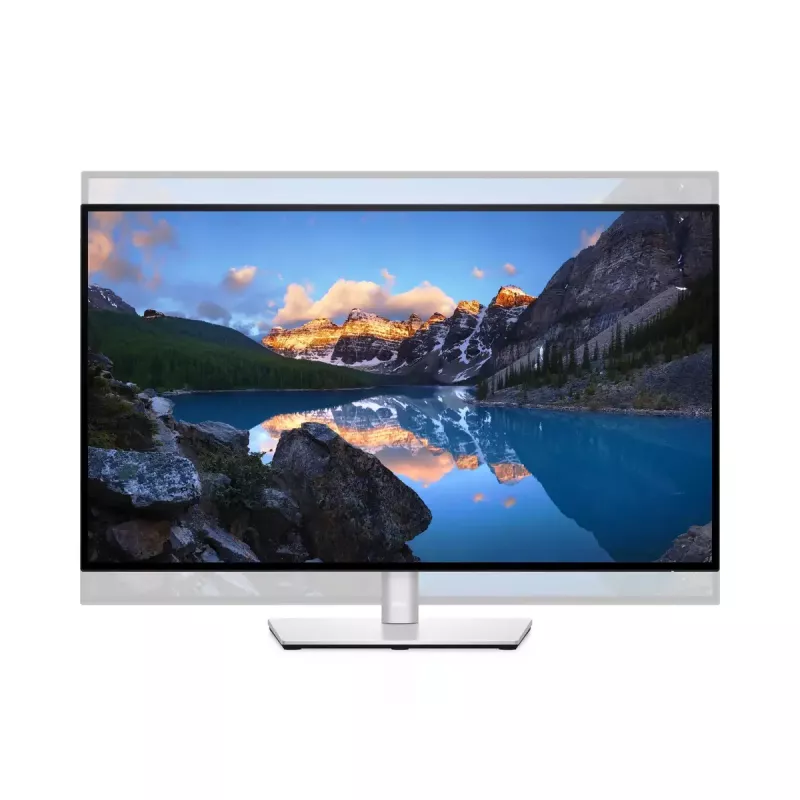
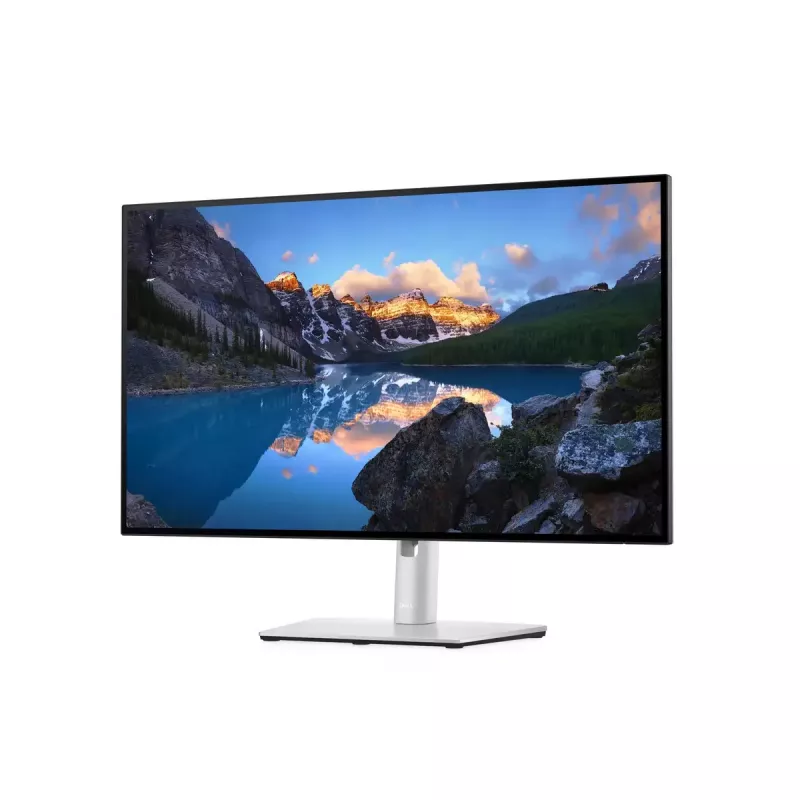
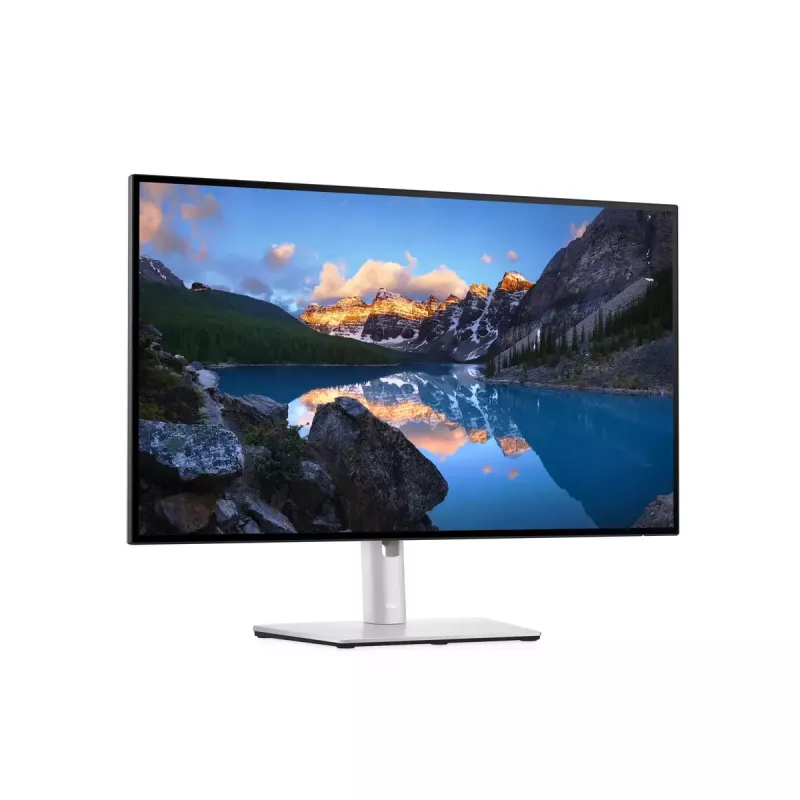
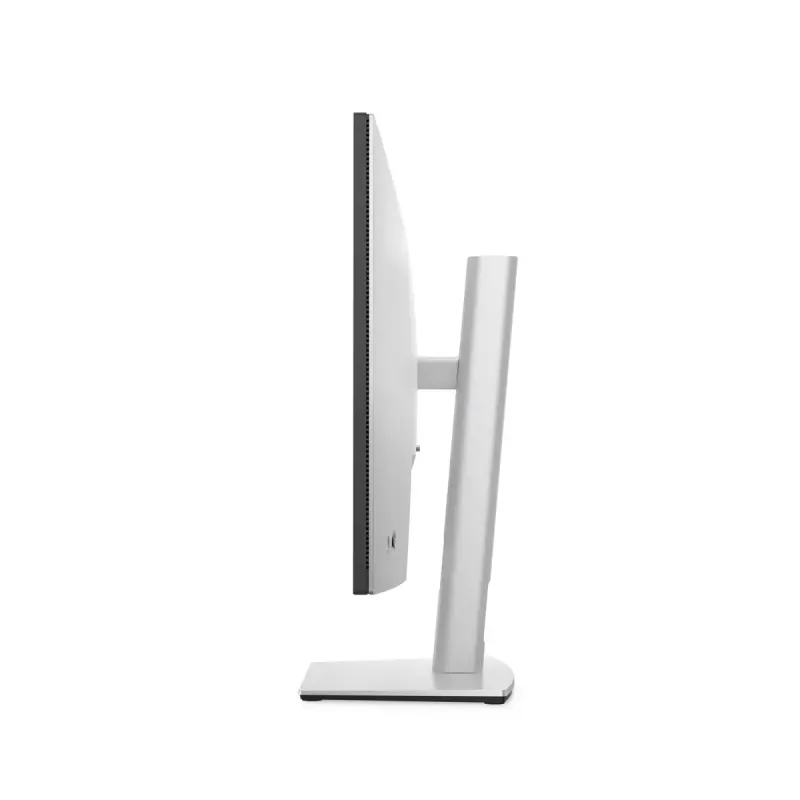
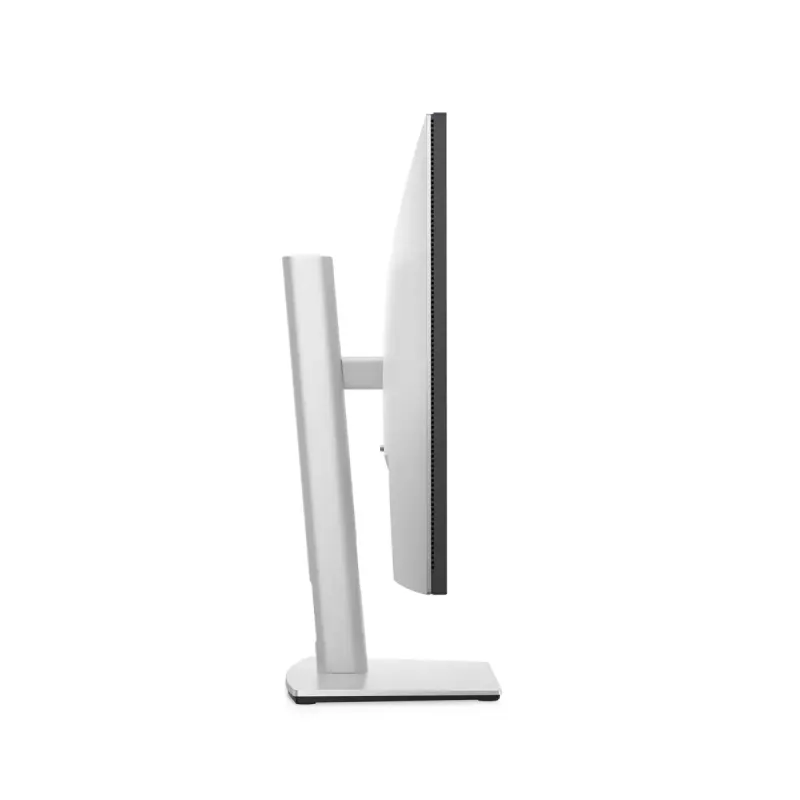
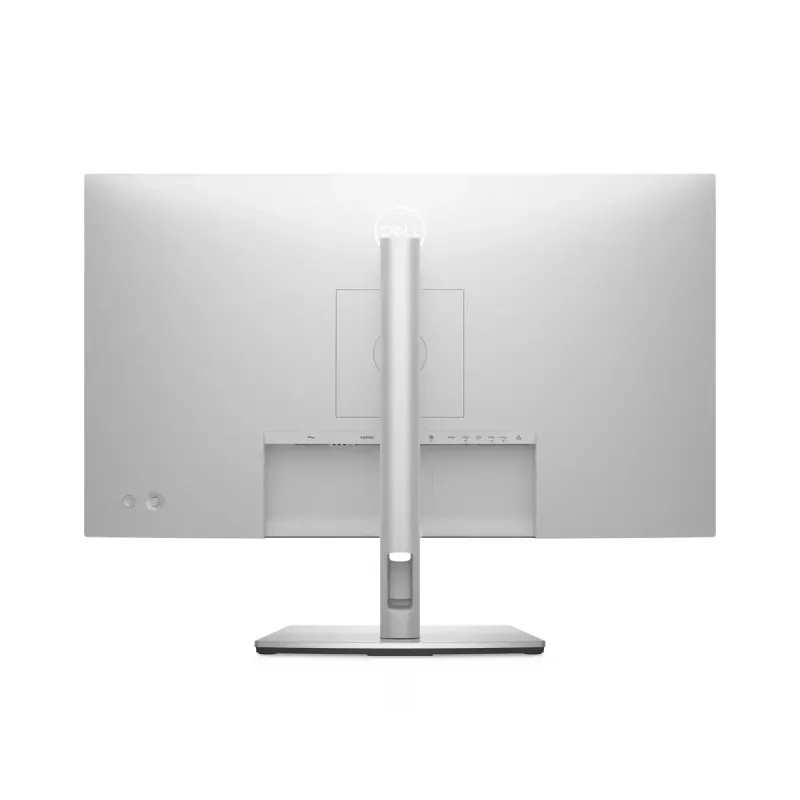
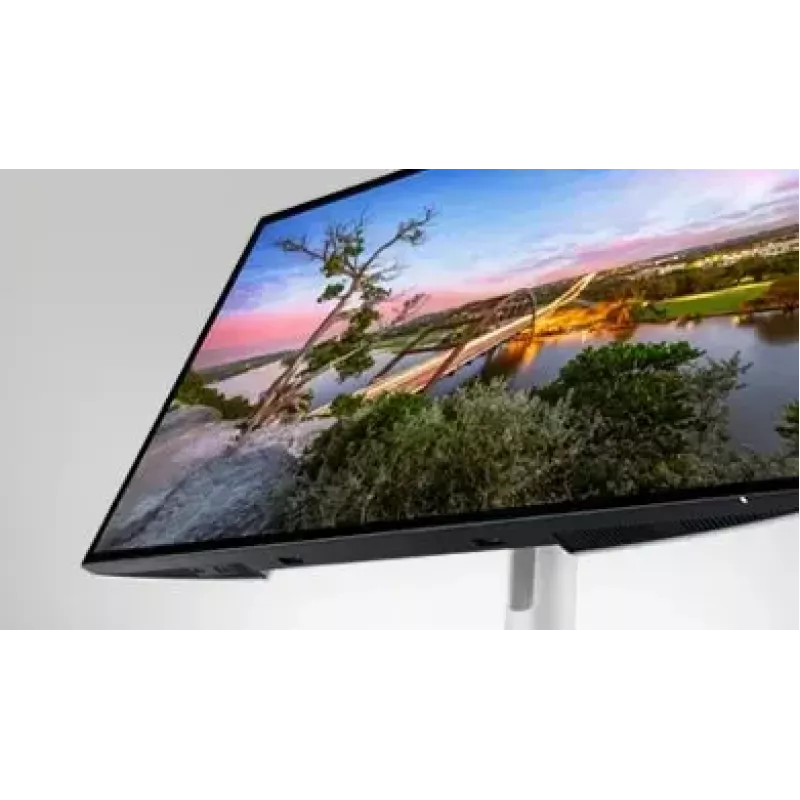
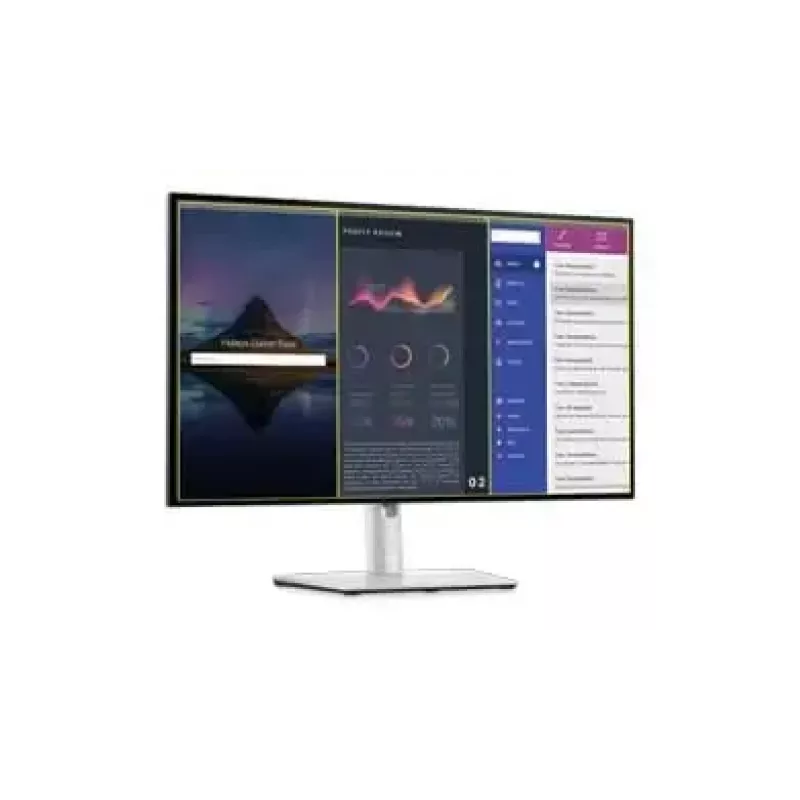
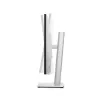
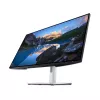
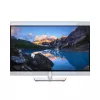
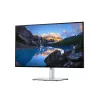
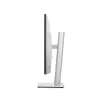
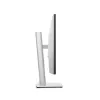
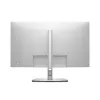
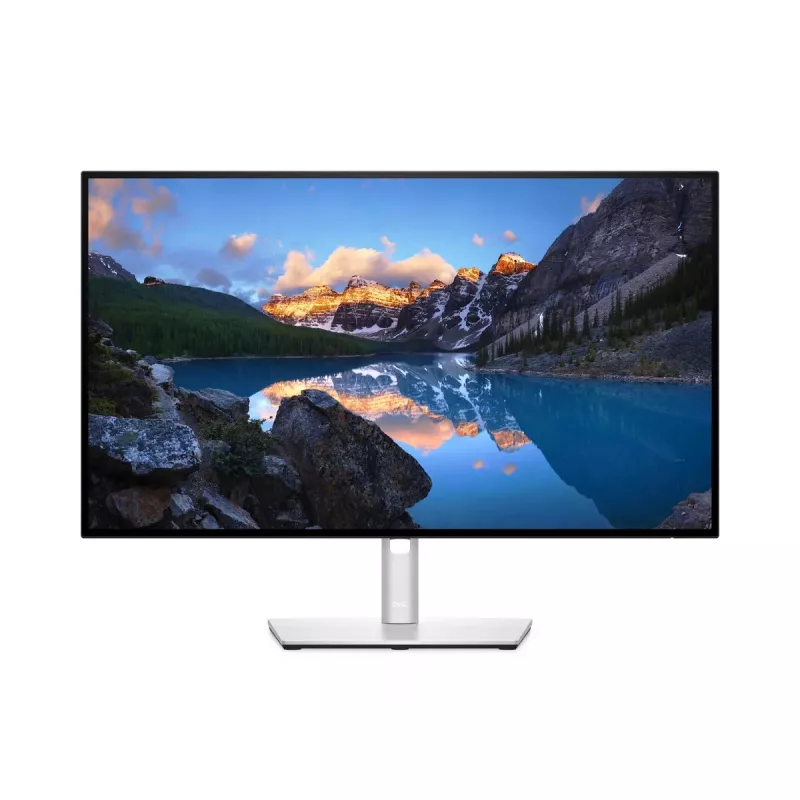
Monitor DELL UltraSharp 27 USB-C Hub - U2722DE

Monitor DELL UltraSharp 27 USB-C Hub - U2722DE
716,20 €
Connected productivity. Vibrant color.Take your work to new heights with this 27-inch QHD monitor featuring outstanding connectivity, brilliant color coverage including DCI-P3, ComfortView Plus—an always on built-in low blue light screen—and USB-C port with up to 90W power delivery and Ethernet conn... Ler mais
Stock 5 Código 118117 Marca DELL Modelo DELL-U2722DE Garantia 2 anos

Envios e devoluções

Entrega prevista Quinta-feira, Outubro 22
Receberá atualizações através do nosso sistema de seguimento detalhado
Opções de pagamento
Cartão bancárioVisaMastercardPayPalApple PayGoogle PayTransferência bancária
Connected productivity. Vibrant color.
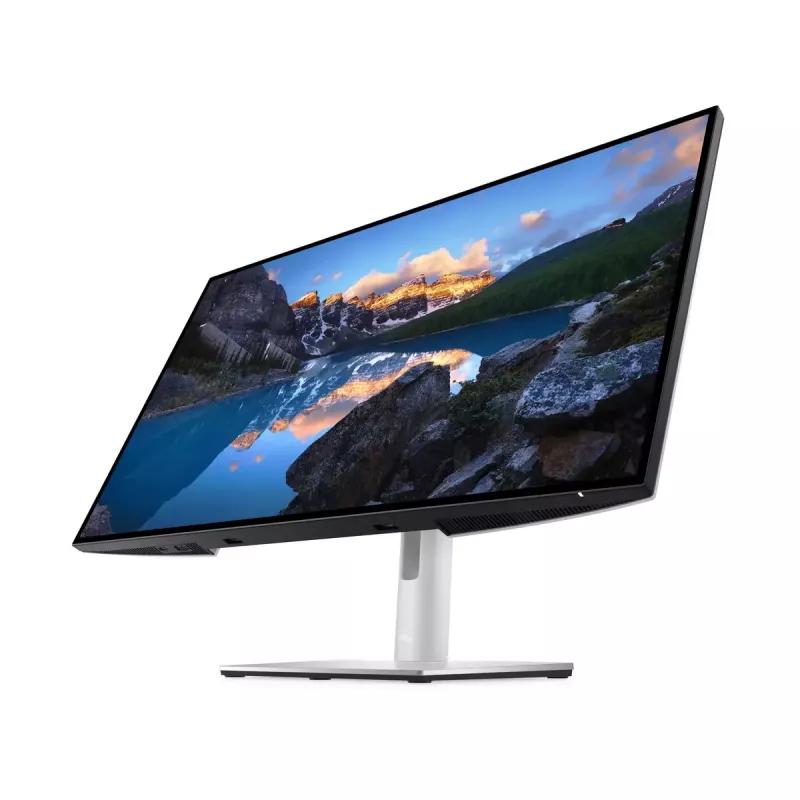
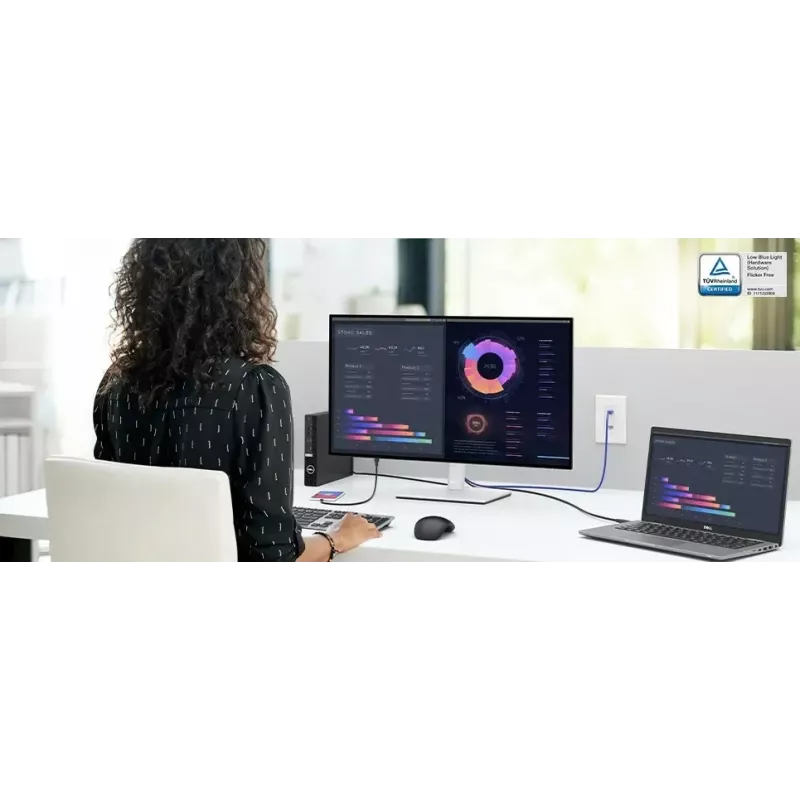
Take your work to new heights with this 27-inch QHD monitor featuring outstanding connectivity, brilliant color coverage including DCI-P3, ComfortView Plus—an always on built-in low blue light screen—and USB-C port with up to 90W power delivery and Ethernet connectivity.
Elevate your productivity, comfortably

Elevate your productivity, comfortably

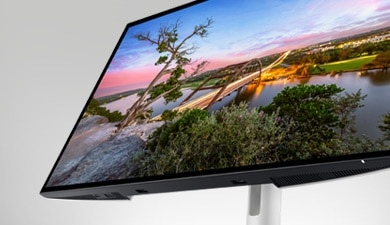
Designed with wellness in mind: Optimize eye comfort with ComfortView Plus—an always on, built-in low blue light screen that reduces blue light emissions while delivering excellent color.Consistent, vibrant colors: Get wide color coverage 100% sRGB, 100% Rec.709 and 95% DCI-P3 and 1.07 billion color depth.In-Plane Switching technology: See consistent color and picture quality across a wide 178/178 degree viewing angle.See more details: See images with 1.77 times more details than Full HD with 2560x1440 resolution on this 27-inch QHD display.Seamless view: Expand your view with virtually borderless InfinityEdge. With a four-sided, ultrathin bezel, you can work with a clear, edge-to-edge display. Use the daisy-chain feature for a seamless multi-monitor setup.Boost productivity: Increase your productivity by up to 21% when you use two monitors together. The OSD (Onscreen Menu Display) settings from one monitor can be synchronized across connected monitors for easy multi-monitor setup.

Designed for multitasking

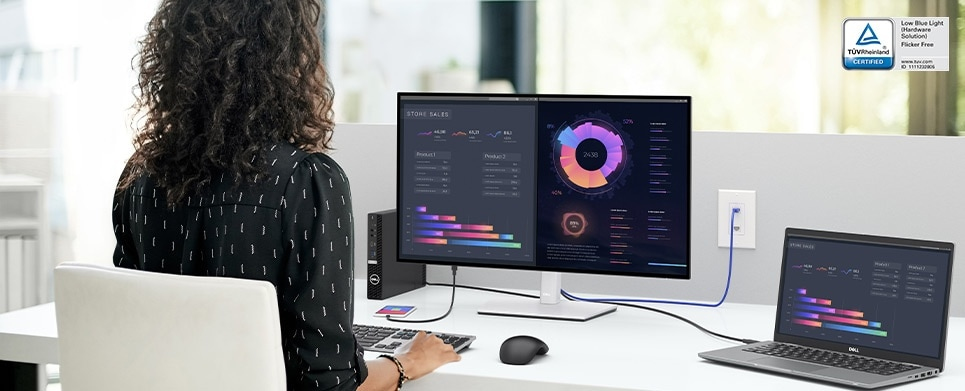
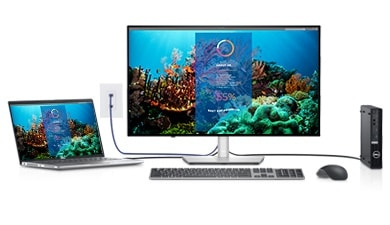
Multitask efficiently: Connect two PC sources to the monitor. Our intelligent Auto KVM feature detects the second connected PC and seamlessly switches controls over. View content from both PC sources with Picture-by-Picture (PbP) and Picture-in-Picture (PiP), and use KVM (keyboard, video and mouse) to control both PCs with a single keyboard and mouse.
Designed for multitasking
Stay connected

Stay connected

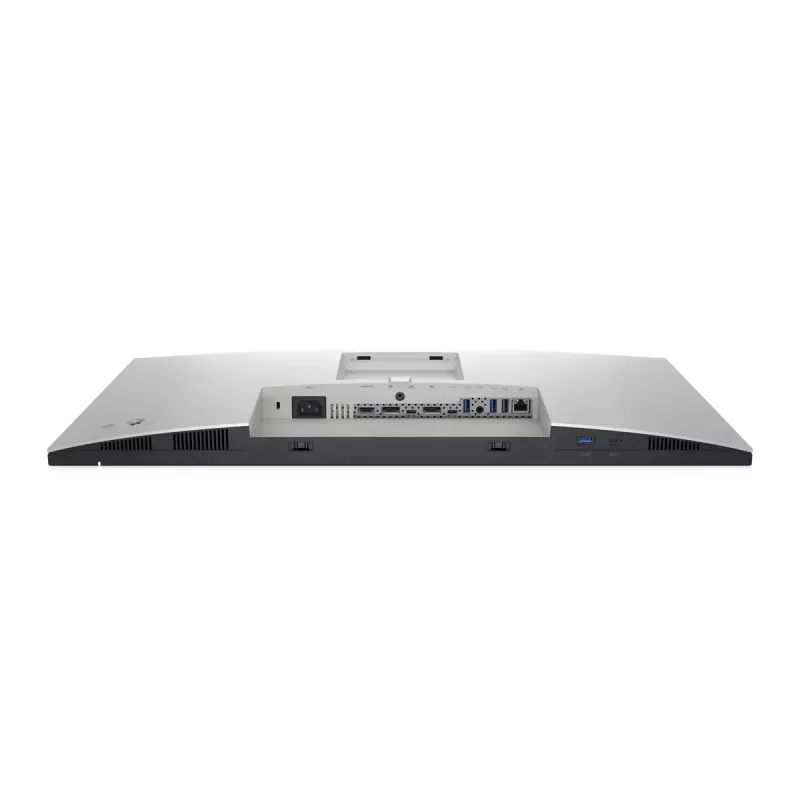
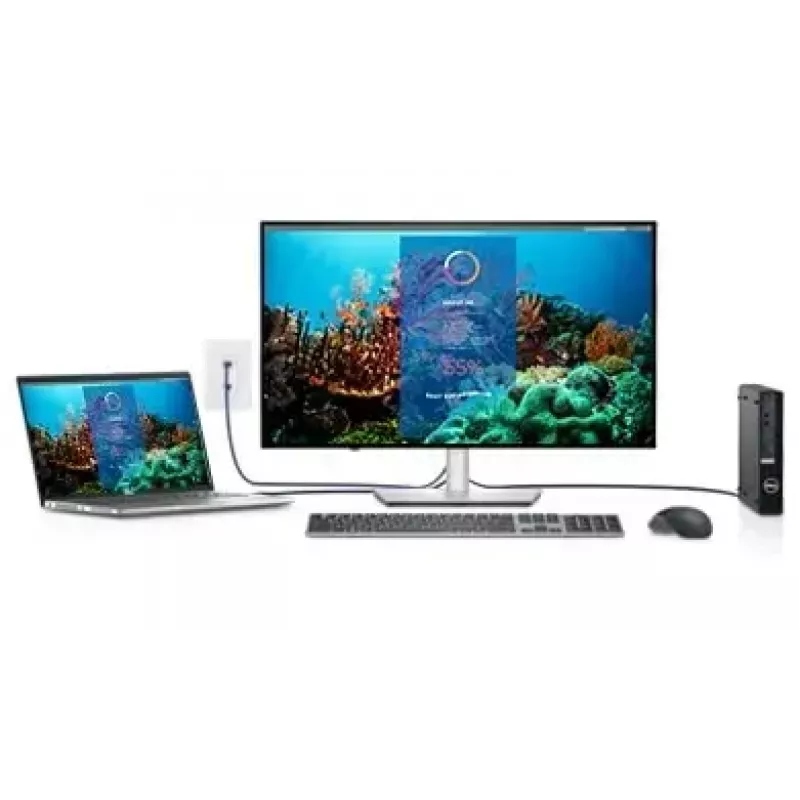
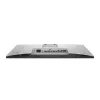
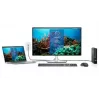
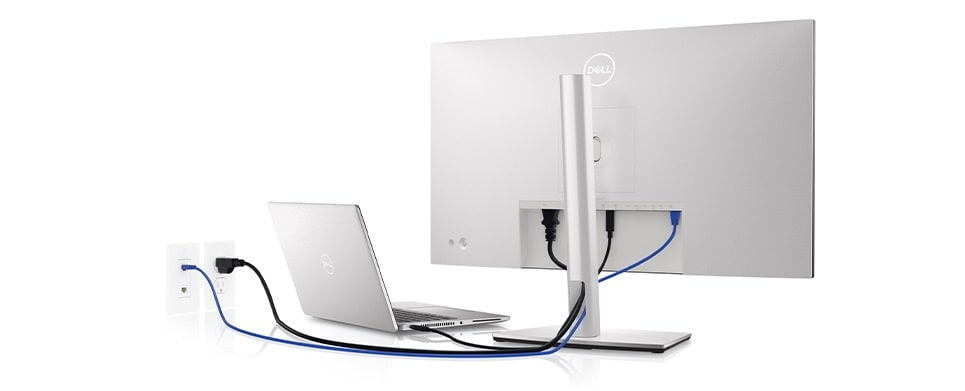
Connect to productivity: With RJ45 and USB-C®, your monitor serves as a productivity hub that delivers stable Ethernet and up to 90W of power delivery.Enhance manageability: Simplify your experience with MAC address pass-through, PXE Boot, and Wake-on-LAN conveniently built in.Jumpstart productivity: Simply press the monitor power button and the power sync feature seamlessly starts your monitor and connected Dell PC, even when the laptop lid is closed. Compatible with select Dell PCs.Extensive connectivity: Easily connect to your devices with a wide range of connectivity options including DP, HDMI, super speed USB 10Gbps and USB-C—a single-cable solution that transmits data and video while delivering up to 90W of power for a clutter free desk.Quick-access front ports: Quick-access USB-C and super speed USB 10 Gbps ports located at the front of the monitor enable fast connections to peripherals and mobile device charging with up to 15W of power via USB-C.

The perfect fit for any space

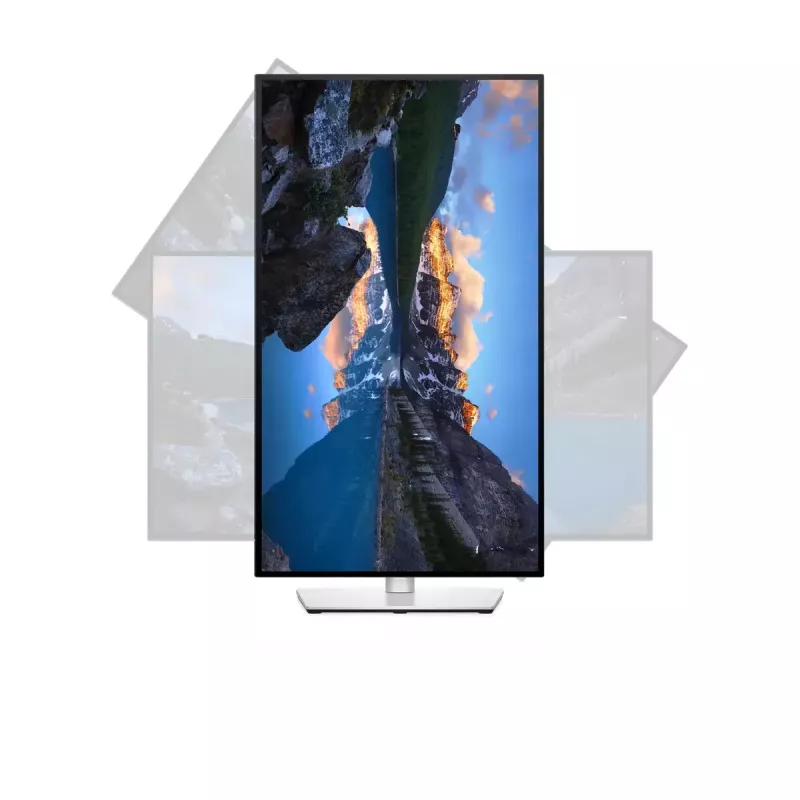
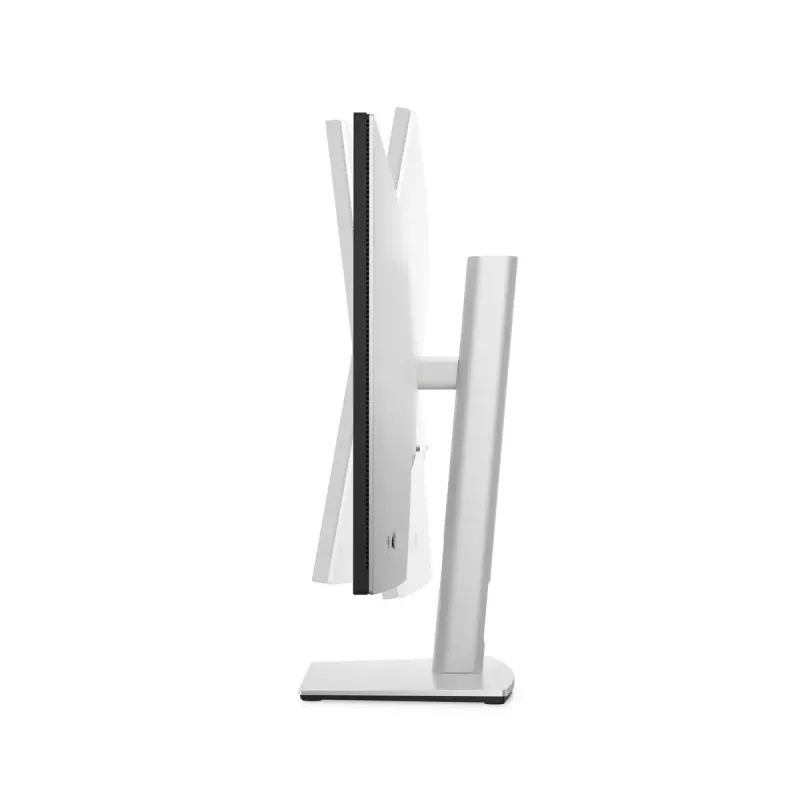
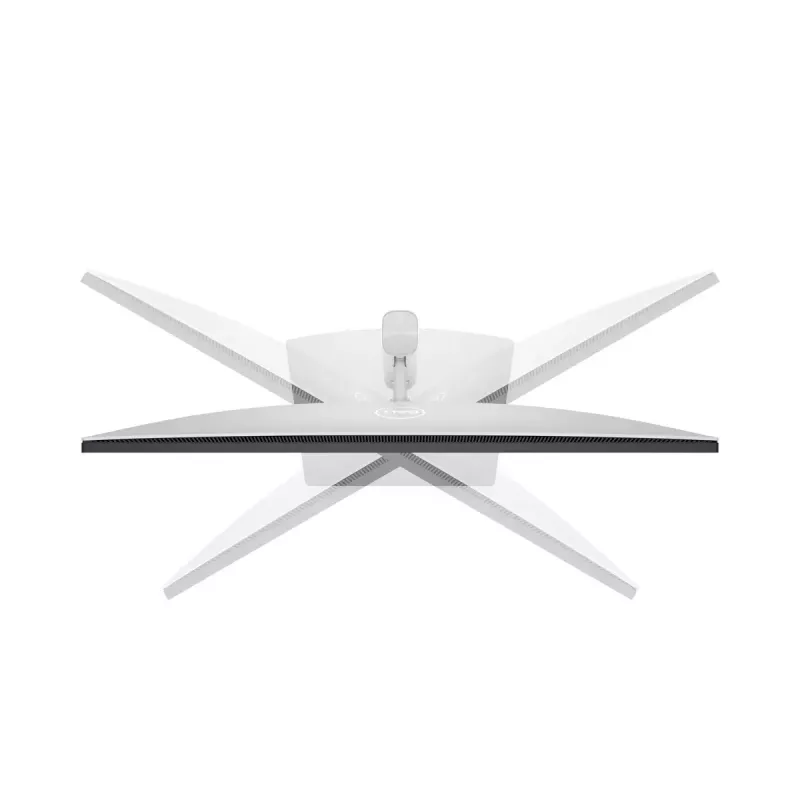
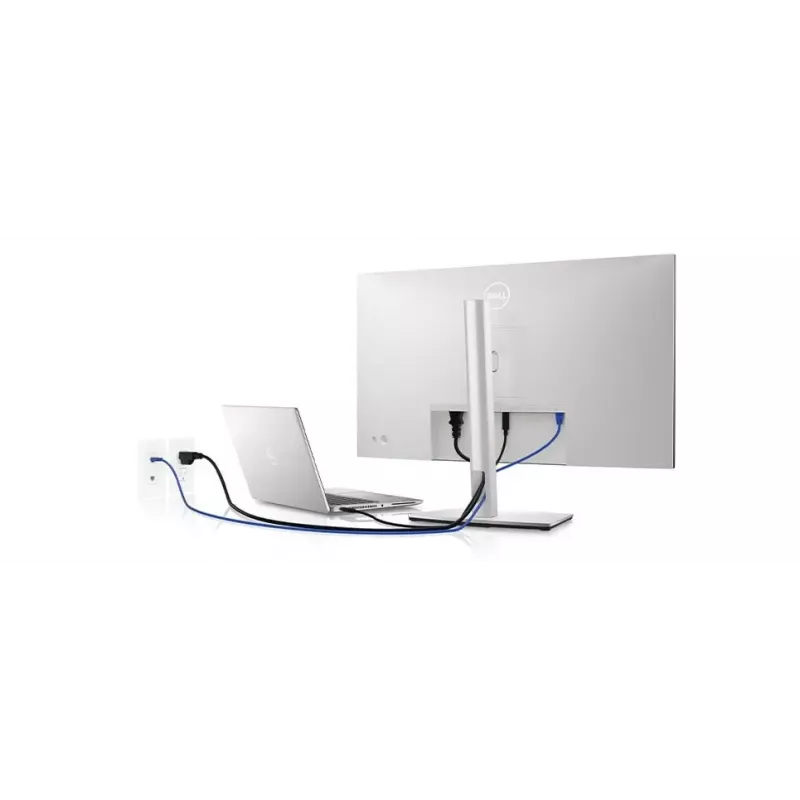
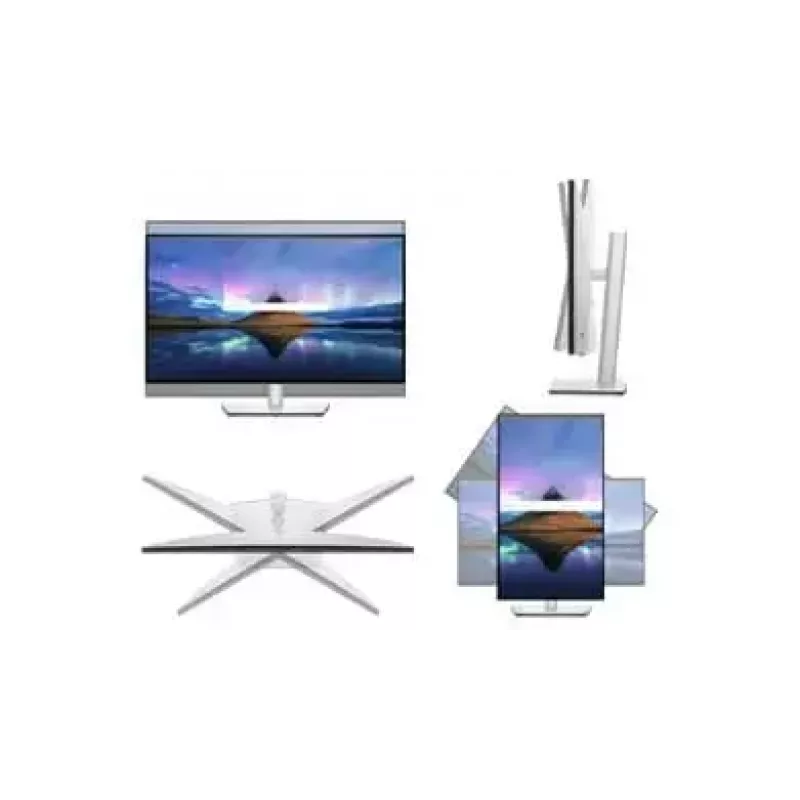
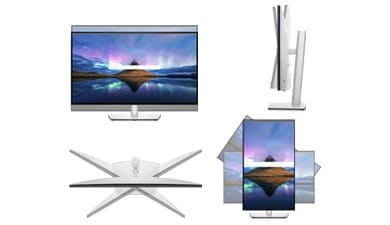
Style meets function: Crafted with premium platinum silver finish, the U2722DE comes with a small base and an improved cable management design that hides cables in the monitor riser for a clutter free desk space. Navigate and adjust your monitor screen settings with the easy-to-use joystick control.Moves with you: Adjust to your comfort with tilt, swivel, pivot and height adjustments to a maximum of 150mm for optimal viewing comfort.
The perfect fit for any space
Green thinking: for today and tomorrow

Green thinking: for today and tomorrow

Environmental standards: This monitor is made of 85% PCR (Post-consumer Recyclable Plastic), meets the latest environmental standards such as ENERGY STAR® and TCO, and is EPEAT Gold registered.Eco-conscious packaging: To reduce our manufacturing impact on the environment, this monitor is shipped Styrofoam-free and the packaging is made of at least 75% recycled cardboard.Energy conservation: Save energy when your monitor is not in use with PowerNap, a feature that dims or puts your monitor to sleep when it’s not in use.

Dell Display Manager

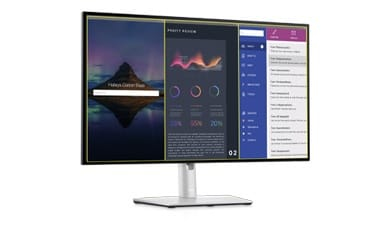
Productive at every level: Easy Arrange allows you to easily tile multiple applications across one or more screens with 38 pre-set window partitions and the ability to personalize up to five windows, giving you improved multitasking abilities.Seamless transitions: The auto-restore feature remembers where you left off, so applications will go back to where you left them, even after you’ve unplugged.More ways to manage: Asset management reports allow IT managers to quickly capture and track monitor information as well as configure multiple monitors at once through a single setup.The key to convenience: Shortcut keys can save you even more time, letting you easily configure your display management settings so you can get to work faster.
Dell Display Manager

How to use

Place the monitor on a stable surface or mount it using a compatible VESA arm. Connect your computer using the USB-C port to deliver video, data, network and up to 90W power through a single cable when supported by the host. Alternatively, use DisplayPort/HDMI sources and the integrated USB hub for peripherals. Adjust height and tilt for a comfortable viewing position and enable ComfortView Plus to reduce blue light for prolonged use.

Recommendations

For optimal color-critical work, allow the monitor to warm up for 30 minutes and perform calibration with a colorimeter. Use the USB-C connection to reduce cable clutter and ensure the host device supports 90W power delivery if you intend to charge a laptop through the monitor.

Destaques principais
  • Office productivity and multitasking with high-resolution workspace
  • Graphic and visual work requiring wide color coverage and accurate tones
  • Home office setups that benefit from single-cable USB-C connectivity and Ethernet
  • Workstations needing VESA mounting or adjustable monitor height
  • Display diagonal: 27"
  • Resolution: 2560 x 1440 (Quad HD)
  • Panel type: IPS (LCD)
  • Response time: 8 ms
  • Brightness (typical): 350 cd/m²
  • Viewing angles: 178° / 178°
  • Contrast ratio (typical): 1000:1
  • Pixel pitch: 0.233 x 0.233 mm
  • Built-in USB hub: Yes (USB 3.2 Gen 2)
  • USB-C downstream ports: 1 with up to 90W power delivery and Ethernet
  • VESA mounting: Yes
  • Built-in speakers: No
  • Color: Silver
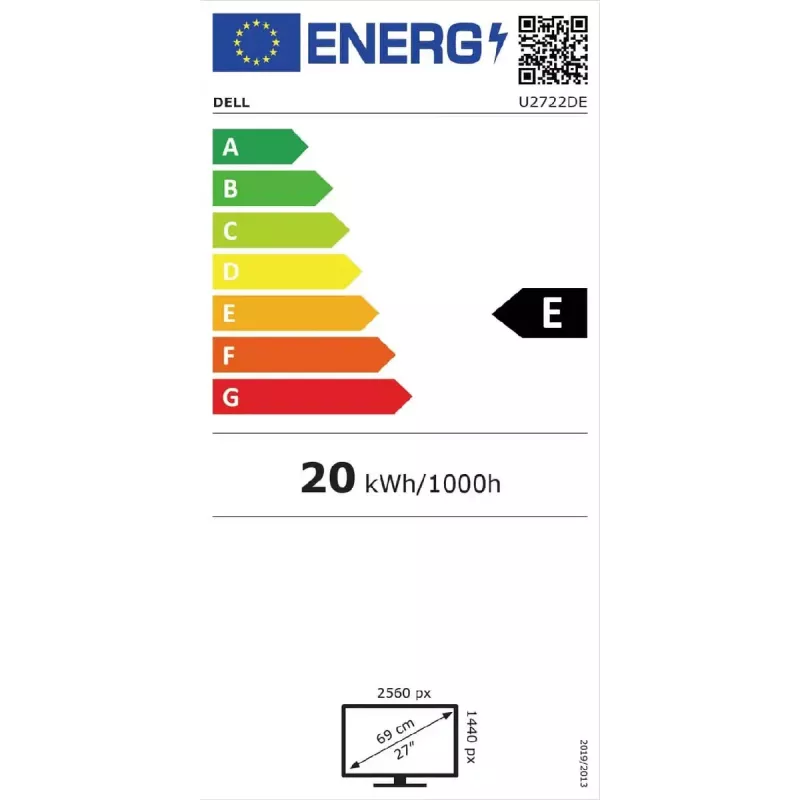
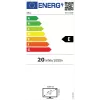
  • Energy efficiency (SDR): Class E; consumption 20 kWh/1000h (SDR)
Especificações
Ajuste de altura
Yes
Ajuste de inclinação
Yes
Altifalantes incorporados
No
Altitude de funcionamento
0 - 5000
Altitude fora de funcionamento
0 - 12192
Altura (com base)
535.13 mm
Altura (sem base)
352.01 mm
Altura ajustável (máx.)
150 mm
Ângulo de rotação (pivot)
-90 - 90
Ângulo de visão, horizontal
178 °
Ângulo de visão, vertical
178 °
Base amovível
Yes
Brilho do ecrã (típico)
350 cd/m²
Cabos incluídos
AC, DisplayPort, HDMI, USB Type-C
Câmara incorporada
No
Classe de eficiência energética
E
Classe de eficiência energética (HDR)
Not available
Classe de eficiência energética (SDR)
E
Código do Sistema Harmonizado (HS)
85285210
Compatível com High Dynamic Range (HDR)
No
Comprimento do cabo DisplayPort
1.8 m
Comprimento do cabo HDMI
1.8 m
Conectividade dos auscultadores
3.5 mm
Consumo de energia (desligado)
0.3 W
Consumo de energia (em espera)
0.3 W
Consumo de energia (máx.)
197 W
Consumo de energia (médio)
20.4 W
Consumo de energia (PowerSave)
20.32 W
Consumo de energia (SDR) por 1000 horas
20 kWh
Consumo de energia (típico)
20.4 W
Cor da moldura frontal
Black
Cor do produto
Silver
Cor dos pés
Silver
Densidade de pixels
108.78 ppi
Diagonal da área visível
684.7 mm
Diagonal do ecrã
27 "
Distância entre pixels
0.233 x 0.233
Ecrã antirreflexo
Yes
Ecrã tátil
No
Emissões de carbono totais, sem fase de utilização (kg de CO2e)
433
Emissões de carbono, consumo de energia (kg de CO2e)
210
Emissões de carbono, fabrico (kg de CO2e)
377.82
Emissões de carbono, fim de vida (kg de CO2e)
3.2
Emissões de carbono, logística (kg de CO2e)
50.8
Emissões totais de carbono, desvio padrão (kg de CO2e)
107
Escala de eficiência energética
A to G
Formato do ecrã
Flat
Frequência de entrada CA
50 - 60
Gama de cores
100 %
Gama de varrimento horizontal
30 - 90
Gama de varrimento vertical
49 - 76
HDMI
Yes
Hub USB incorporado
Yes
Humidade relativa de armazenamento (H-H)
5 - 90
Humidade relativa de funcionamento (H-H)
10 - 80
Interface de montagem do painel
100 x 100
Intervalo do ângulo de inclinação
-5 - 21
Intervalo do ângulo de rotação horizontal
-45 - 45
Isento de metais pesados
Hg (mercury)
Largura (com base)
611.34 mm
Largura (sem base)
611.34 mm
Largura da moldura (inferior)
9.05 mm
Largura da moldura (lateral)
7.3 mm
Largura da moldura (superior)
7.3 mm
Modo alternativo DisplayPort via USB tipo C
Yes
Modos de vídeo suportados
480i, 480p, 576p, 720p, 1080i, 1080p
Montagem VESA
Yes
Norma de gama de cores
sRGB
Número de cores do ecrã
1.07 billion colours
Número de portas DisplayPort
2
Número de portas HDMI
1
Número de portas upstream
2
Número de portas USB tipo A downstream
4
Número de portas USB tipo C downstream
1
Número de portas USB tipo C upstream
2
Número de portas VGA (D-Sub)
0
On Screen Display (OSD)
Yes
Pegada de carbono total (kg de CO2e)
643
Peso (com base)
6590 g
Peso (sem base)
4780 g
Peso da embalagem
10010 g
Plug and Play
Yes
Porta DVI
No
Portas Ethernet LAN (RJ-45)
1
Posicionamento no mercado
Office
Profundidade (com base)
185 mm
Profundidade (sem base)
49.5 mm
Proporção de aspeto nativa
16:9
Rácio de contraste (típico)
1000:1
Ranhura para cabo de segurança
Yes
Registo Europeu de Produtos para a Etiquetagem Energ. (EPREL)
414156
Resolução do ecrã
2560 x 1440
Resoluções gráficas suportadas
2560 x 1440
Rotação (pivot)
Yes
Rotação (pivot)
Yes
Saída de áudio
Yes
Tamanho visível, horizontal
596.74 mm
Tamanho visível, vertical
335.66 mm
Taxa de atualização máxima
60 Hz
Tecnologia do ecrã
LCD
Temperatura de armazenamento (T-T)
-20 - 60
Temperatura de funcionamento (T-T)
0 - 40
Tempo de resposta
8 ms
Tempo de resposta (rápido)
5 ms
Tensão de entrada CA
100 - 240
Tipo de fonte de alimentação
Internal
Tipo de HD
Quad HD
Tipo de painel
IPS
Tipo de porta USB upstream
USB Type-C
Tipo de retroiluminação
LED
USB Power Delivery até
90 W
Versão DisplayPort
1.4
Versão do hub USB
3.2 Gen 2 (3.1 Gen 2)
Versão HDMI
1.4
Versão PAIA
1.2.13, 2021
Wi-Fi
No

Etiqueta energética

Abrir documento

Documento

Abrir documento

Documento

Abrir documento

Documento

Abrir documento

Documento

Abrir documento

Documento

Abrir documento

Folheto

Abrir documento
Histórico de preços nos últimos 6 meses
Monitor DELL UltraSharp 27 USB-C Hub - U2722DE
Atual
716,20 €
Mais baixo
592,07 €
Mais alto
1 004,69 €
Variação 24 h
+6,10 €   +1%
Semana
+108,98 €   +18%
Mês
+103,39 €   +17%

Avaliações independentes da imprensa tecnológica

zdnet.comChris

“In the world of working from home, you are likely to have two machines that you work from: The corporate supplied official device that you should be using for work; and your home machine that you use after hours, or alternatively, do as much work as…”

Leia a avaliação completa em zdnet.com →
monitornerds.comPaolo

Veredicto: The Dell U2722DE is an excellent choice if you want a monitor that offers a fantastic IPS panel with plenty of features for convenience. It's a well-designed display with tons of connectivity options that are highlighted by the 90-watt USB-C port. Image q...

Pontos positivos
  • Fantastic Gamut Coverage
  • Great Default and Calibrated Accuracy
  • Plenty of Features with 90-Watt USB-C for Docking
  • Attractive and Functional Design
Pontos negativos
  • Expensive
  • No Speakers at High Price Point
  • No Adaptive-Sync
Leia a avaliação completa em monitornerds.com →
pcmag.comTony
8/10

“Priced at $679.99, the Dell UltraSharp 27 USB-C Hub Monitor (U2722DE) is the latest in a small but growing group of what are variously called "USB hub monitors" or "docking-station displays." These productivity monitors are bristling with ports and…”

Leia a avaliação completa em pcmag.com →
Produtos populares nesta categoria

Olá, sou o assistente de IA da DistriNode. Posso ajudá-lo a encontrar produtos, comparar opções, criar orçamentos em PDF ou abrir pedidos de suporte.