
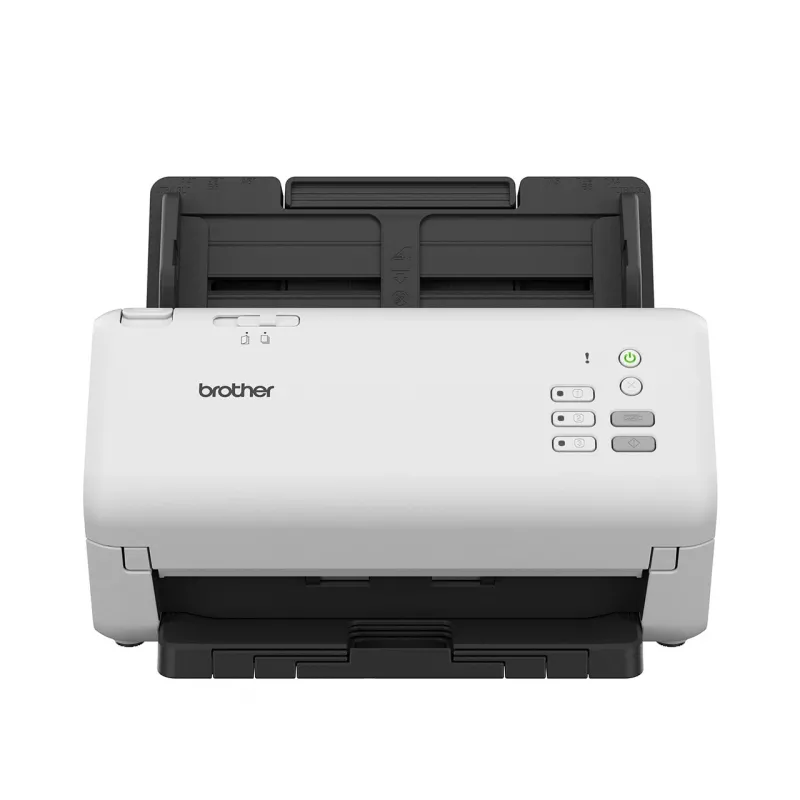
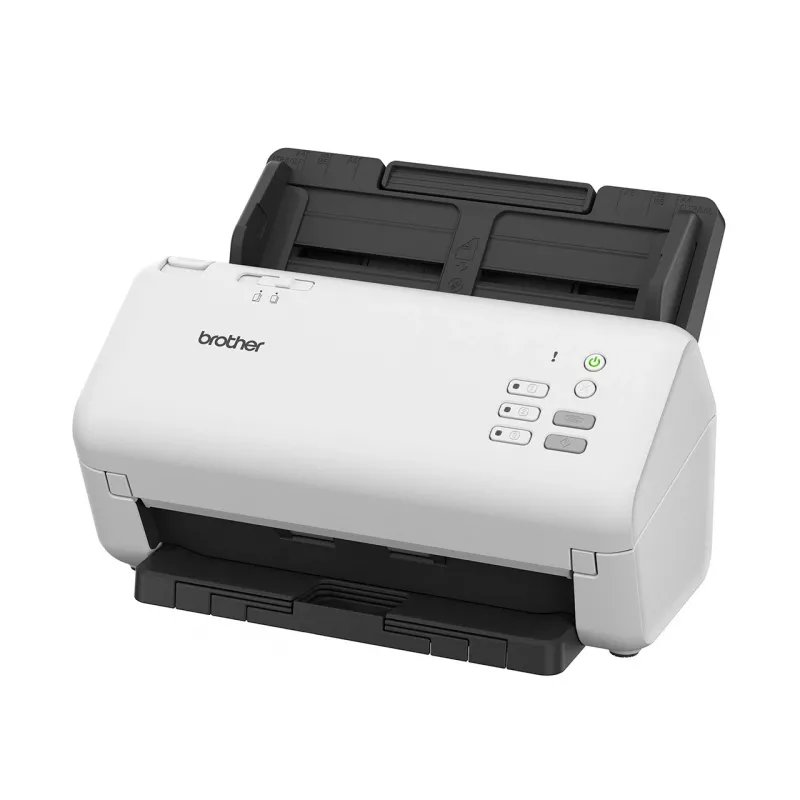
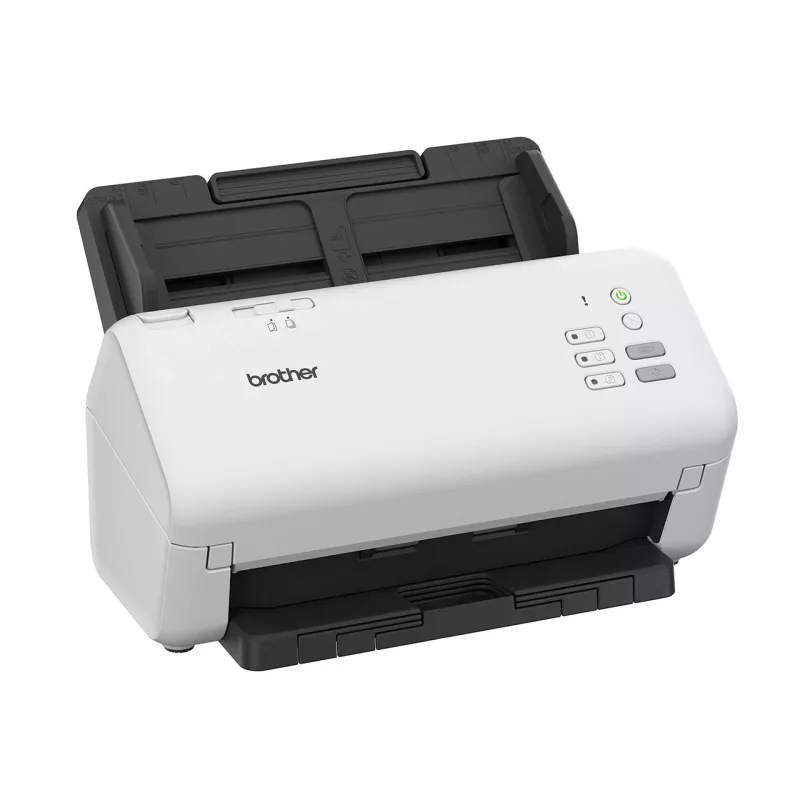
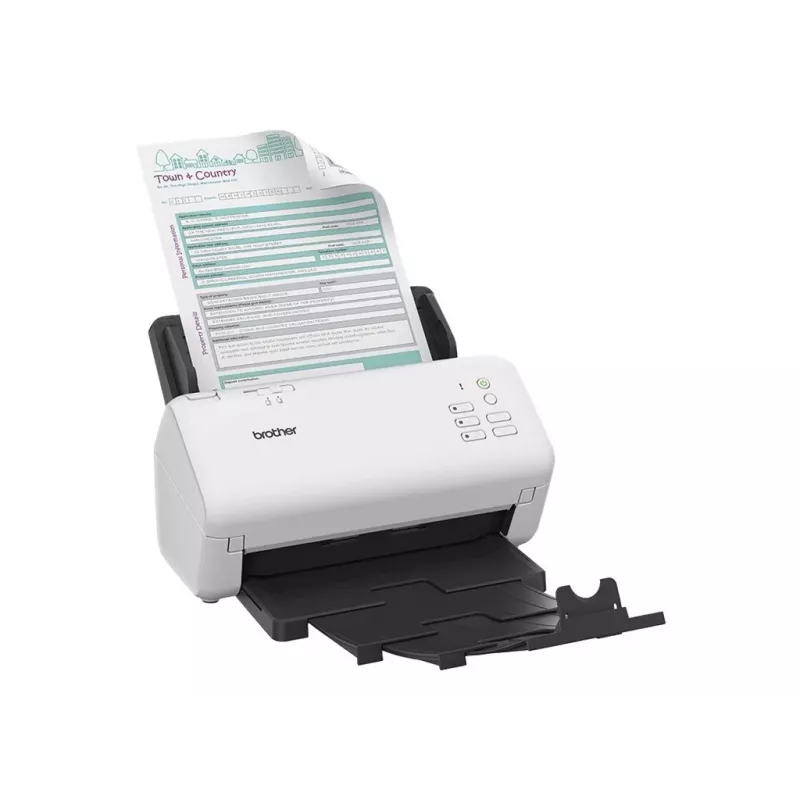
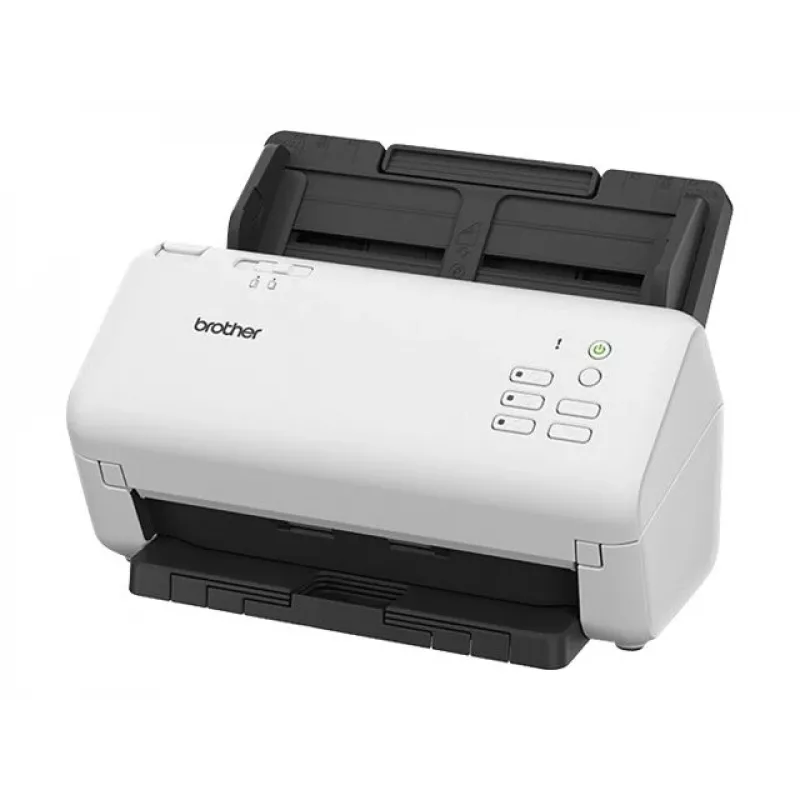
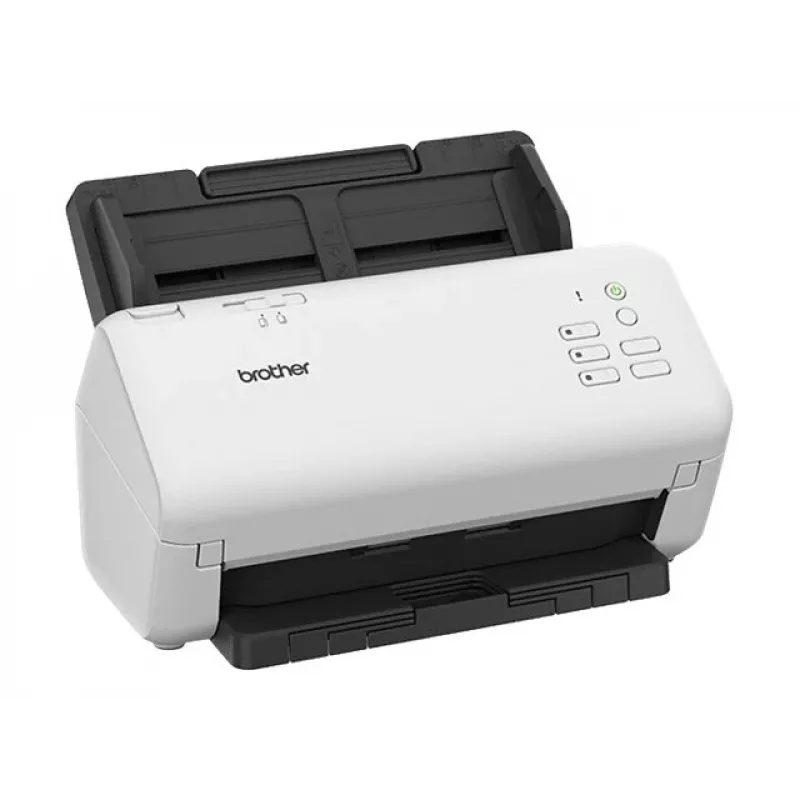
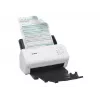
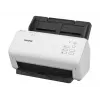
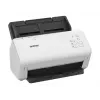
The ADS-4300N network scanner provides high-speed wired connectivity for efficient document capture and sharing in office environments. Designed for shared use, it connects to your network to scan documents directly to colleagues and systems. The scanner supports reliable duplex colour scanning and ... Ler mais
The ADS-4300N network scanner provides high-speed wired connectivity for efficient document capture and sharing in office environments. Designed for shared use, it connects to your network to scan documents directly to colleagues and systems. The scanner supports reliable duplex colour scanning and is suitable for a range of media including business cards, plain and recycled paper, thick and thin paper, and plastic cards.
Advantages
The ADS-4300N offers fast and dependable performance with an 80-sheet automatic document feeder and scanning speeds up to 40 pages per minute. An integrated ultrasonic multifeed detector reduces misfeeds, while a separation switch handles very thick or very thin documents, plastic cards and crumpled paper. Advanced connectivity options, including USB 3.0, USB host and Ethernet LAN, allow secure scanning to network locations or directly to USB storage without a PC. Image capture and processing tools automatically optimise results—features include digital imprinter, vertical streak and moiré reduction, and blank-page removal to reduce file size and preparation time.
Key specifications
How to use
Connect the ADS-4300N to your network via Ethernet or to a workstation using USB 3.0, or insert a USB storage device into the USB host port to scan without a PC. Load documents into the 80-sheet ADF, adjust the separation switch for very thin or thick media if necessary, then choose scanning settings from the device interface or companion software (ScanEssentials). Use automatic image optimisation features and the digital imprinter as needed. Processed files can be saved in multiple formats and delivered to network folders, email or external storage.
Recommendations
For reliable results, use recommended document sizes and types, avoid severely creased or damaged sheets, and enable the ultrasonic multifeed detector. Regularly update ScanEssentials and firmware and use the blank-page removal feature to reduce file sizes when scanning multi-page documents.
Vendedor: UAB KUR LT · Laisvės pr. 125A, LT-06118 Vílnius, Lituânia · Código da empresa 303192950 · NIF/IVA UE LT100008198612 · Envio a partir da UE (Lituânia)
Preferências de privacidade
Utilizamos cookies para melhorar a sua experiência de compra.