
Conta Contactos
O seu carrinho
Envio por DPD e FedEx
Precisa de ajuda? Pergunte à IA

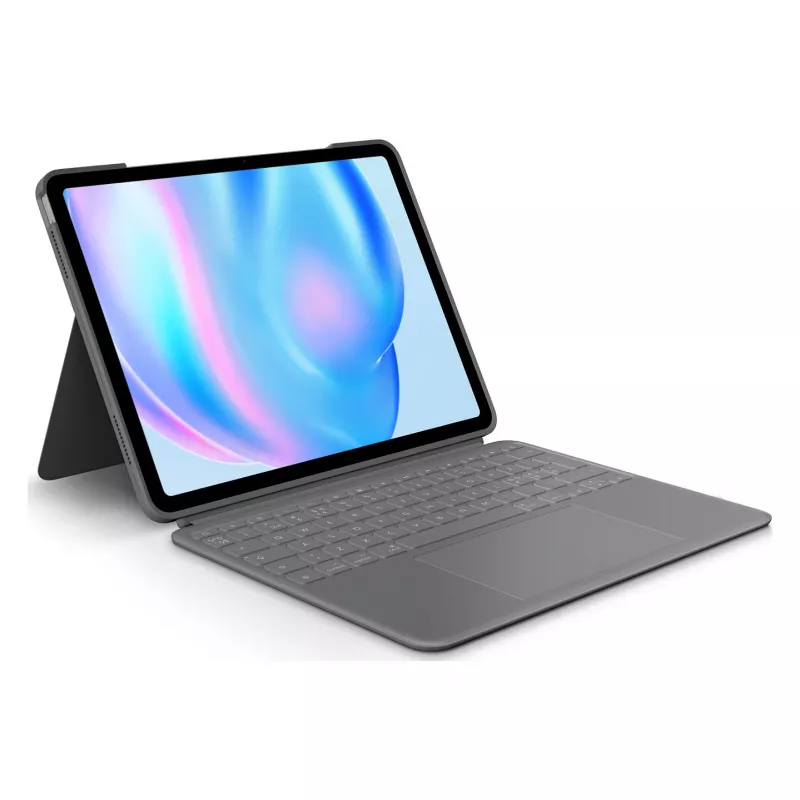
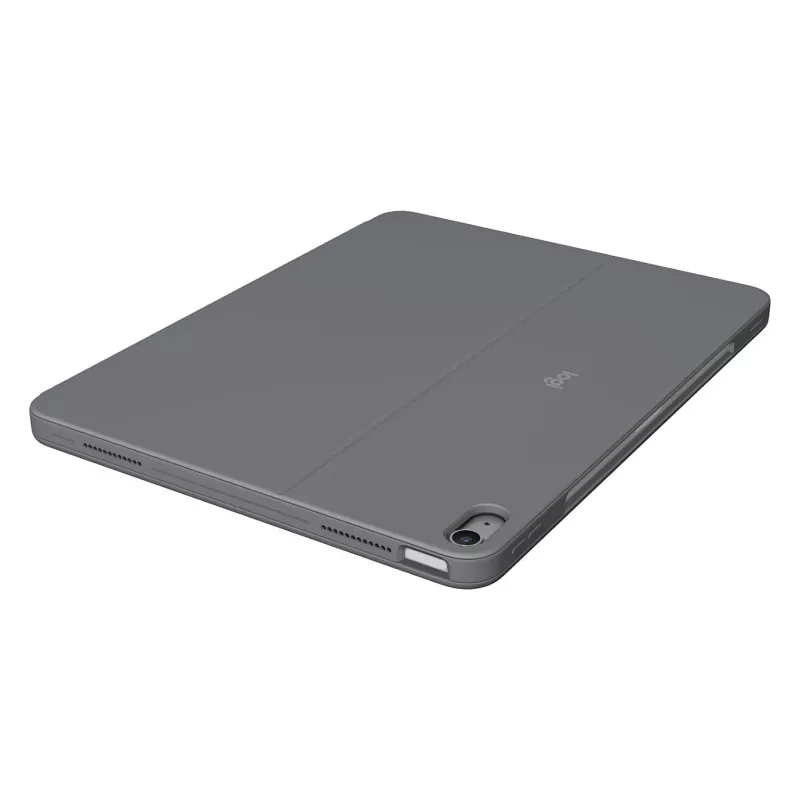
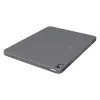
Teclado Logitech Combo Touch QWERTY dinamarquês finlandês norueguês sueco Smart Connector cinzento

Teclado Logitech Combo Touch QWERTY dinamarquês finlandês norueguês sueco Smart Connector cinzento
218,77 €
The Logitech Combo Touch Keyboard QWERTY Danish Finnish Norwegian Swedish Smart Connector Grey is a detachable keyboard case designed for iPad Air 13-inch (M2). It combines a full-sized, detachable keyboard with a large Multi-Touch trackpad, a flexible kickstand and Smart Connector integration to po... Ler mais
Stock 43 Código 1382899 Marca LOGITECH Modelo 920-012616 Garantia 2 anos

Envios e devoluções

Entrega prevista Terça-feira, Outubro 27
Receberá atualizações através do nosso sistema de seguimento detalhado
Opções de pagamento
Cartão bancárioVisaMastercardPayPalApple PayGoogle PayTransferência bancária

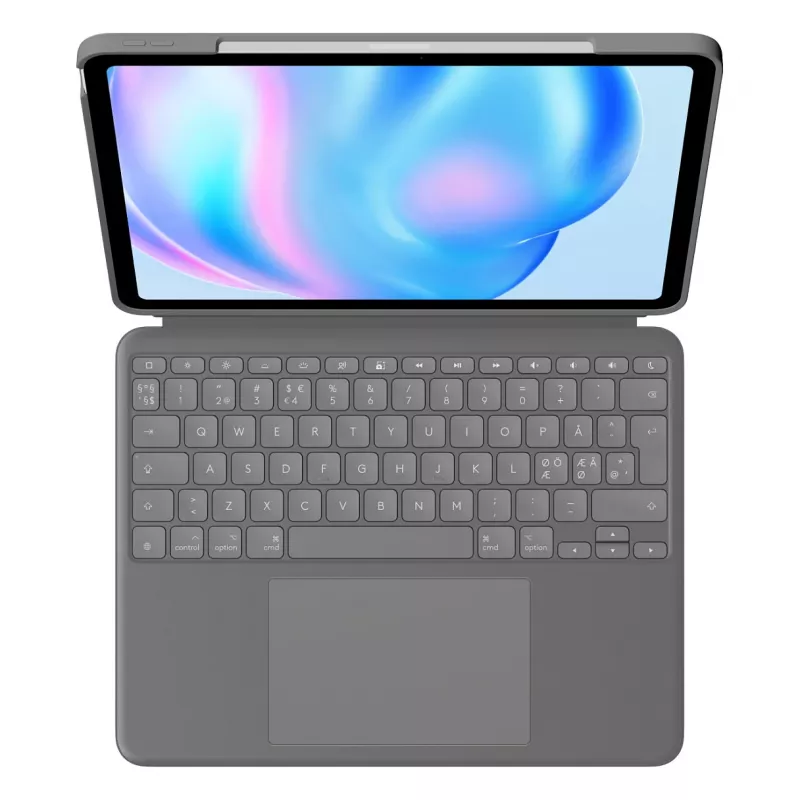
The Logitech Combo Touch Keyboard QWERTY Danish Finnish Norwegian Swedish Smart Connector Grey is a detachable keyboard case designed for iPad Air 13-inch (M2). It combines a full-sized, detachable keyboard with a large Multi-Touch trackpad, a flexible kickstand and Smart Connector integration to power, pair and charge directly from the iPad. The case offers form-fit protection in a slim, lightweight design and supports Apple Pencil attachment without removing the case.

Advantages

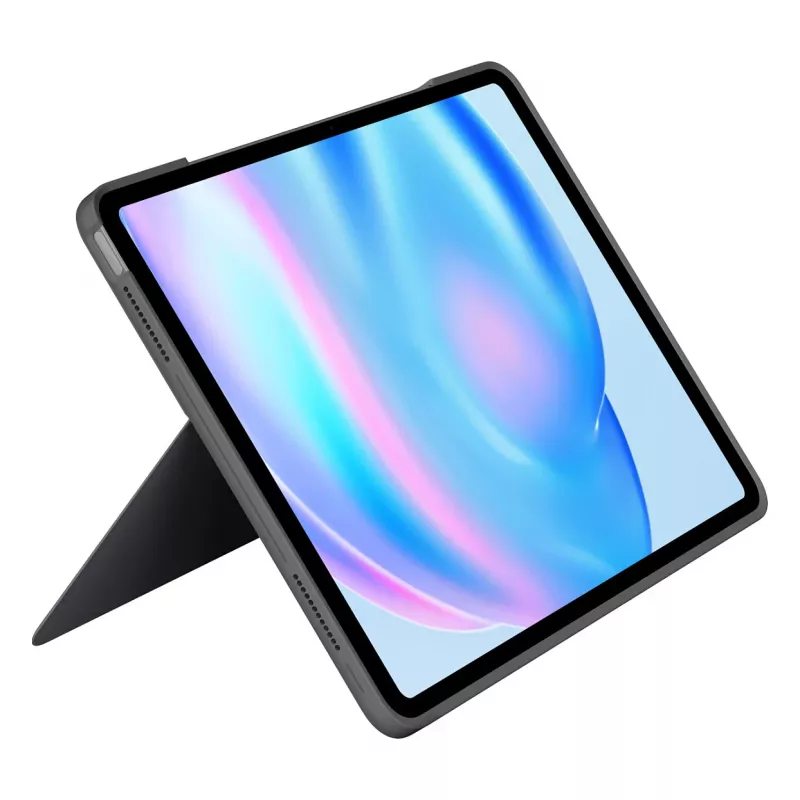
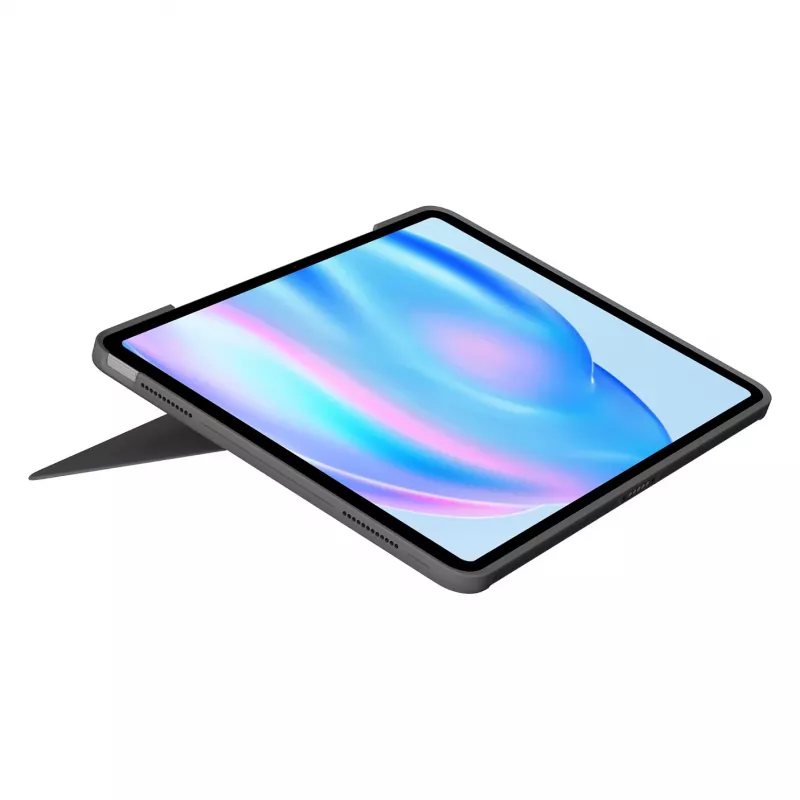
The Combo Touch is thinner and lighter than previous models while retaining a full row of iPadOS shortcut keys, adjustable backlit keys and a precise Multi-Touch trackpad for gesture control. Premium, sustainably formulated textiles provide a soft touch and durable surface. The detachable scissor-key keyboard provides a comfortable typing experience and the flexible kickstand allows multiple viewing angles. Smart Connector removes the need to charge the keyboard separately.

Suitable for

  • Mobile productivity and typing on iPad Air 13-inch (M2)
  • Sketching and note-taking with Apple Pencil attached
  • Watching videos and reading with different viewing angles
  • Video calls and multitasking using trackpad gestures and shortcut keys

Key specifications

  • Compatibility: iPad Air 13-inch (M2)
  • Keyboard layout: QWERTY supporting Danish, Finnish, Norwegian, Swedish
  • Connectivity: Smart Connector (no separate charging required)
  • Trackpad: Large Multi-Touch trackpad with gesture support
  • Maximum screen size supported: 13"
  • Weight: 0.6859 kg
  • Colour: Grey
  • MPN: 920-012616, EAN: 5099206121881

How to use

Attach the case to your iPad Air 13-inch (M2) so the Smart Connector aligns with the iPad connectors; the keyboard will be powered and paired automatically. Use the flexible kickstand to set the desired viewing angle for typing, sketching or media playback. Detach the keyboard when you prefer to use the iPad alone or to draw with the Apple Pencil; the case still protects the device when the keyboard is removed. Use Multi-Touch gestures on the trackpad and the iPadOS shortcut keys for common functions like brightness, media and volume control.

Recommendations

For optimal performance, keep the Smart Connector contacts clean and avoid exposing the case to excessive moisture or direct heat. Use the kickstand to position the iPad on a stable surface and detach the keyboard when not needed to reduce wear on the hinge.
Destaques principais
  • Mobile productivity and typing on iPad Air 13-inch (M2)
  • Sketching and note-taking with Apple Pencil attached
  • Watching videos and reading with different viewing angles
  • Video calls and multitasking using trackpad gestures and shortcut keys
  • Compatibility: iPad Air 13-inch (M2)
  • Keyboard layout: QWERTY supporting Danish, Finnish, Norwegian, Swedish
  • Connectivity: Smart Connector (no separate charging required)
  • Trackpad: Large Multi-Touch trackpad with gesture support
  • Maximum screen size supported: 13"
  • Weight: 0.6859 kg
  • Colour: Grey
  • MPN: 920-012616, EAN: 5099206121881
Especificações
Ajuste de ângulo (mín.)
10 °
Altura
285 mm
Ângulo de inclinação (máx.)
60 °
Compatibilidade
iPad Air 13-inch (M2)
Compatibilidade com marcas
Apple
Conteúdo da embalagem
Keyboard case User documentation
Cor do produto
Grey
Curso das teclas
1 mm
Dispositivo apontador
Trackpad
Fonte de energia
Dock
Formato do teclado
Mini
Idioma do teclado
Swedish, Norwegian, Finnish, Danish
Interface do dispositivo
Smart Connector
Largura
225.8 mm
Layout do teclado
QWERTY
Manual do utilizador
Yes
Nome da cor
Oxford Grey
Passo das teclas
19 mm
Peso
0.6859 kg
Profundidade
15.1 mm
Retroiluminação
Yes
Retroiluminação regulável
Yes
Sistemas operativos móveis compatíveis
iPadOS
Suporte de caneta
Yes
Tamanho máximo do ecrã
13 "
Tampa
Yes
Teclado numérico
No
Teclas de atalho
Yes
Teclas multimédia
Yes
Tecnologia de conectividade
Docking
Histórico de preços nos últimos 6 meses
Teclado Logitech Combo Touch QWERTY dinamarquês finlandês norueguês sueco Smart Connector cinzento
Atual
218,77 €
Mais baixo
218,52 €
Mais alto
281,45 €
Variação 24 h
+0,25 €   +0%
Semana
-2,82 €   -1%
Mês
-7,12 €   -3%

Produtos populares nesta categoria

Olá, sou o assistente de IA da DistriNode. Posso ajudá-lo a encontrar produtos, comparar opções, criar orçamentos em PDF ou abrir pedidos de suporte.