
Conta Contactos
O seu carrinho
Envio por DPD e FedEx
Precisa de ajuda? Pergunte à IA

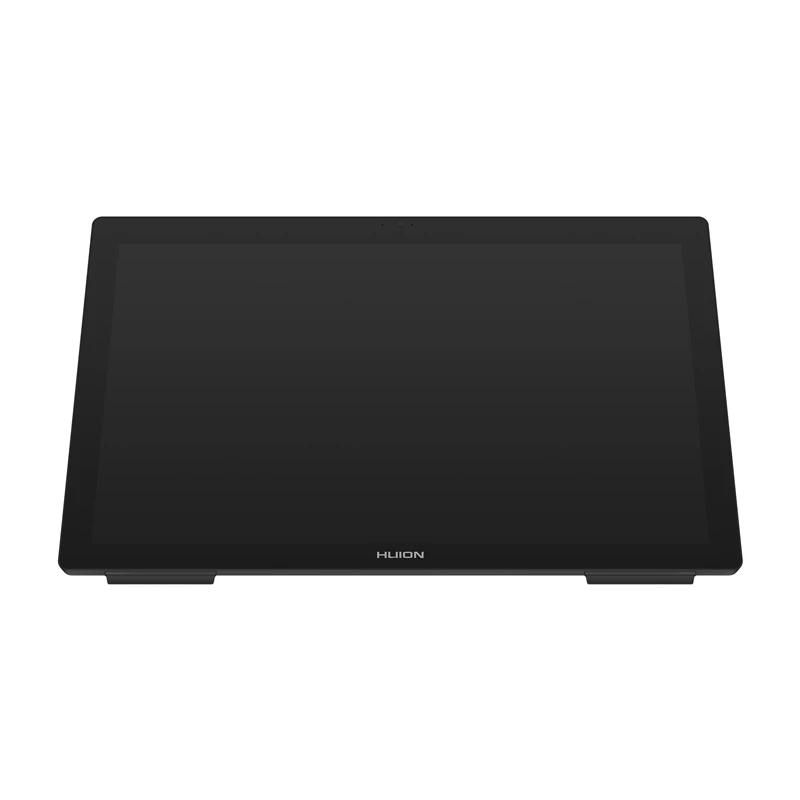
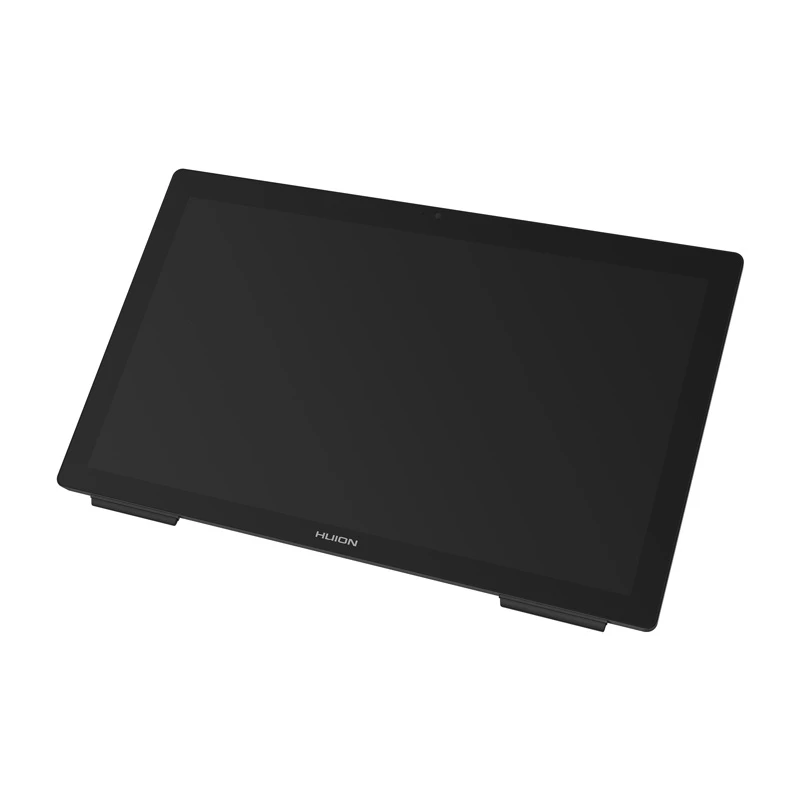
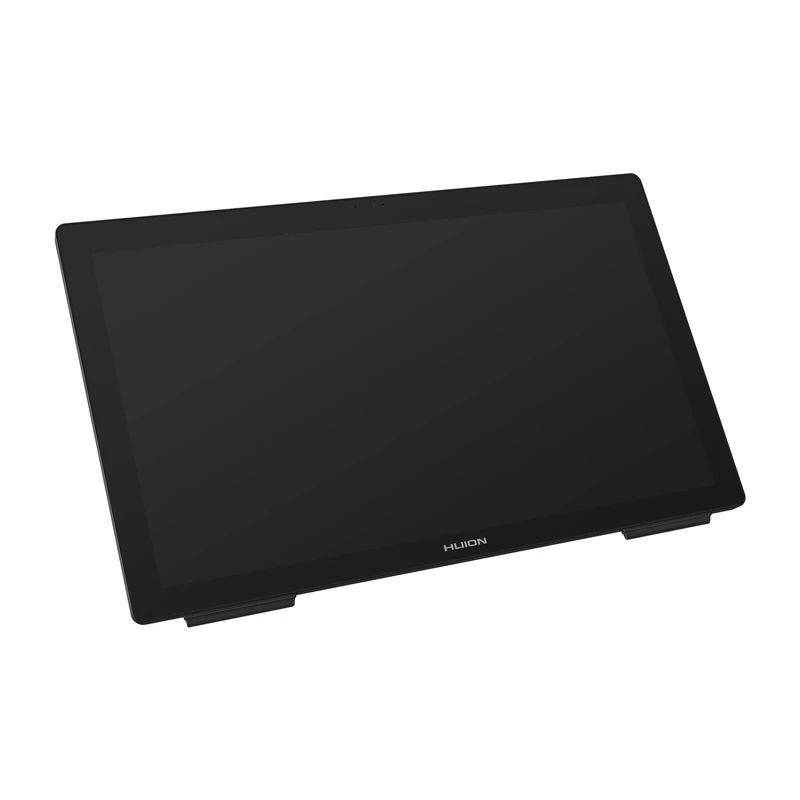
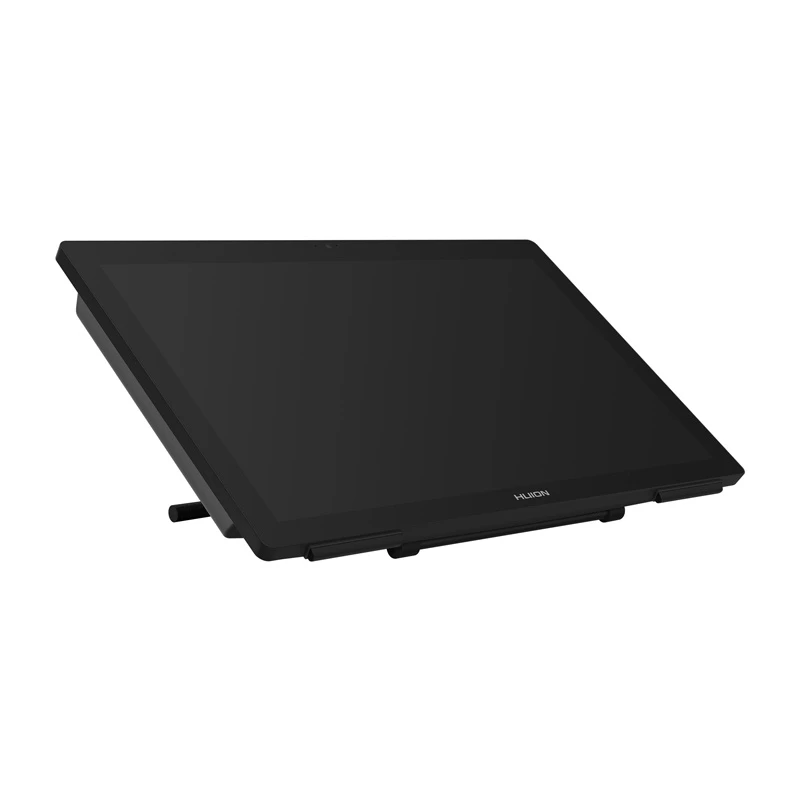
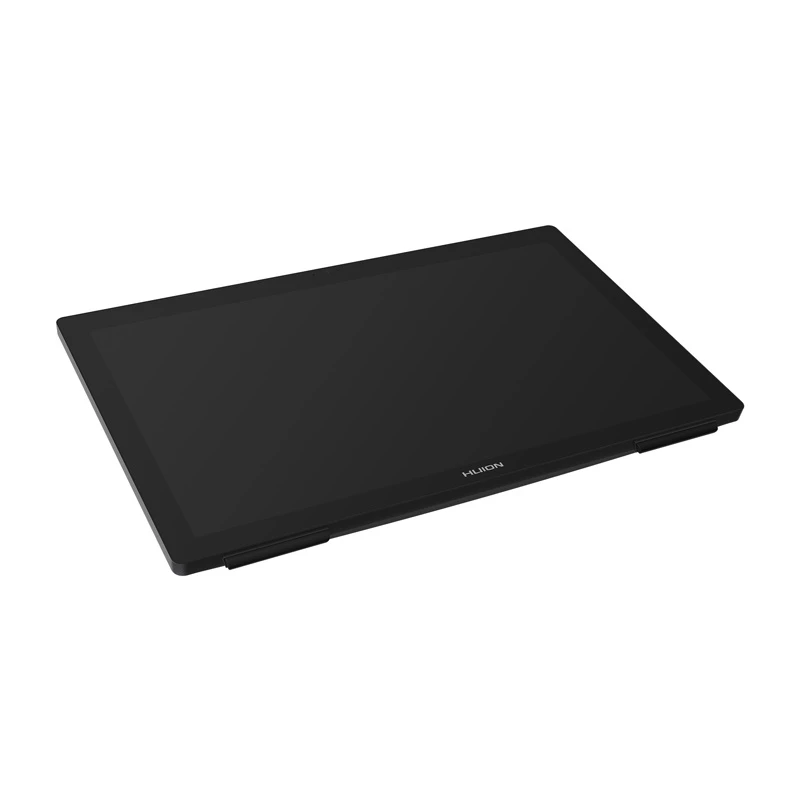
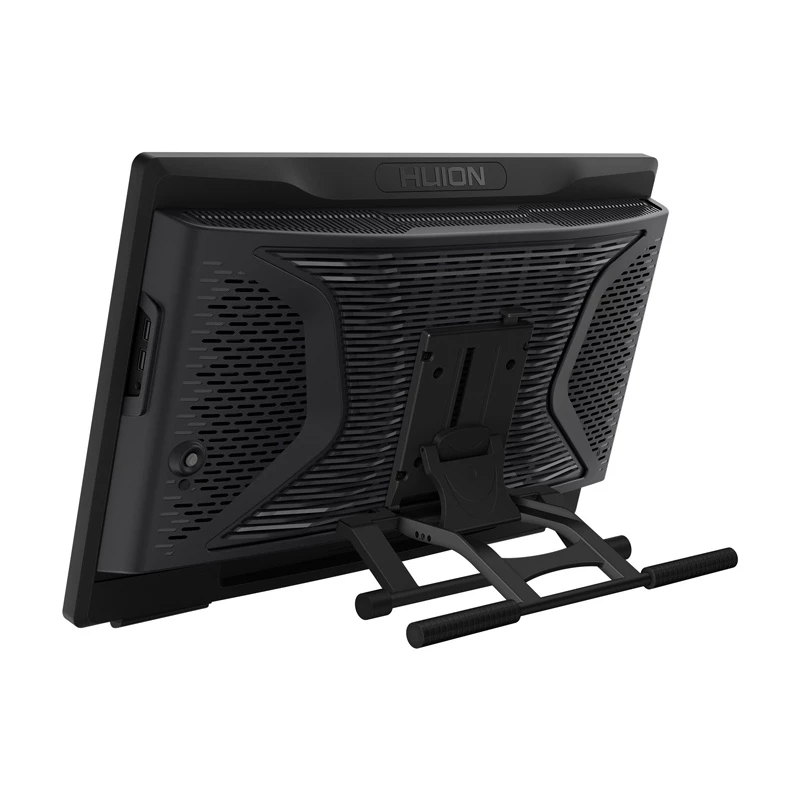
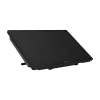
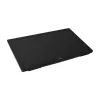
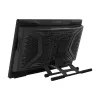
Computador com caneta HUION Kamvas Studio 24 KS2401 23,4 polegadas 1920x1080

Computador com caneta HUION Kamvas Studio 24 KS2401 23,4 polegadas 1920x1080
1 660,99 €
The Huion Kamvas Studio 24 is an all-in-one pen computer with a 23.8-inch QHD touch display designed for studios and graphics professionals. It combines a laminated, anti-reflective drawing screen and a desktop-class PC powered by an Intel Core i7-12700F processor, NVIDIA GeForce GTX 1650 graphics, ... Ler mais
Stock 5 Código 775146 Marca HUION Modelo KS2401 Garantia 2 anos

Envios e devoluções

Entrega prevista Sexta-feira, Outubro 9
Receberá atualizações através do nosso sistema de seguimento detalhado
Opções de pagamento
Cartão bancárioVisaMastercardPayPalApple PayGoogle PayTransferência bancária

The Huion Kamvas Studio 24 is an all-in-one pen computer with a 23.8-inch QHD touch display designed for studios and graphics professionals. It combines a laminated, anti-reflective drawing screen and a desktop-class PC powered by an Intel Core i7-12700F processor, NVIDIA GeForce GTX 1650 graphics, 32 GB DDR4 RAM and a 1 TB NVMe SSD. The device runs Windows 11 Professional, includes a front 5 MP camera and integrated speakers, and provides a wide set of ports (HDMI, DVI, LAN, multiple USB ports and audio jacks) for connecting peripherals.

Advantages

The laminated QHD IPS display (2560 x 1440) with anti-reflective glass reduces reflections and preserves clear detail under bright lighting. The 12-core Intel Core i7 processor with up to 4.9 GHz turbo and NVIDIA GTX 1650 graphics deliver stable performance for creative applications, while 32 GB of RAM and a 1 TB NVMe SSD provide responsive multitasking and fast file access. Two battery-free electromagnetic pens (standard PW550 and slim PW550S) with 8192 pressure levels, ±60° tilt detection and 10 mm detection height offer precise, natural pen input. A near-silent cooling system, built-in Wi‑Fi 6 and Bluetooth 5.2, and a multifunction button for power, sleep and OSD make the device practical for professional use.

Suitable for

  • Digital drawing and illustration
  • 2D and 3D animation workflows
  • Graphic and UI/UX design
  • Photo and video editing
  • General office work, web browsing and media playback

Key specifications

  • Screen diagonal: 23.8" (QHD 2560 x 1440), IPS, 60 Hz, 220 cd/m²
  • Color gamut: 99% sRGB / 80% Adobe RGB; 16.7M colors (8-bit)
  • Processor: Intel Core i7-12700F (12 cores, up to 4.9 GHz)
  • Graphics: NVIDIA GeForce GTX 1650
  • Memory: 32 GB DDR4
  • Storage: 1 TB SSD (NVMe)
  • Digital pens: PW550 and PW550S — 8192 pressure levels, 5080 LPI, ±60° tilt, detection height 10 mm
  • Connectivity: Wi‑Fi 6 (802.11ax), Bluetooth 5.2, 1× HDMI, 1× DVI, 1× RJ-45, 4× USB 3.0, 2× USB 2.0, audio jacks
  • Camera & audio: 5.0 MP front camera, 2× 3 W speakers
  • Dimensions & weight: 581.85 × 361.7 × 86.6 mm; 8.7 kg
  • Operating system: Windows 11 Professional

How to use

Unpack the set and attach the ST100C stand following the user guide, connect the power adapter and required peripherals via the available ports. Use the included pens directly on the laminated drawing surface; the display recognizes the pen from up to 10 mm and supports tilt and pressure sensitivity without batteries. Control Windows 11 with touch gestures on the 10-point touchscreen or use the quick menu and multifunction button to access shortcuts, adjust brightness or put the system to sleep. Install required drivers and updates from Huion's official download page to ensure full compatibility with graphic applications.

Recommendations

For optimal performance in creative applications, keep the system updated (drivers, GPU and Windows updates), use NVMe-capable storage for large projects, and work in a well-ventilated environment to maintain the near-silent cooling efficiency. Replacement pen nibs and driver downloads are available from Huion's support site.
Destaques principais
  • Digital drawing and illustration
  • 2D and 3D animation workflows
  • Graphic and UI/UX design
  • Photo and video editing
  • General office work, web browsing and media playback
  • Screen diagonal: 23.8" (QHD 2560 x 1440), IPS, 60 Hz, 220 cd/m²
  • Color gamut: 99% sRGB / 80% Adobe RGB; 16.7M colors (8-bit)
  • Processor: Intel Core i7-12700F (12 cores, up to 4.9 GHz)
  • Graphics: NVIDIA GeForce GTX 1650
  • Memory: 32 GB DDR4
  • Storage: 1 TB SSD (NVMe)
  • Digital pens: PW550 and PW550S — 8192 pressure levels, 5080 LPI, ±60° tilt, detection height 10 mm
  • Connectivity: Wi‑Fi 6 (802.11ax), Bluetooth 5.2, 1× HDMI, 1× DVI, 1× RJ-45, 4× USB 3.0, 2× USB 2.0, audio jacks
  • Camera & audio: 5.0 MP front camera, 2× 3 W speakers
  • Dimensions & weight: 581.85 × 361.7 × 86.6 mm; 8.7 kg
  • Operating system: Windows 11 Professional
Histórico de preços nos últimos 6 meses
Computador com caneta HUION Kamvas Studio 24 KS2401 23,4 polegadas 1920x1080
Atual
1 660,99 €
Mais baixo
1 642,94 €
Mais alto
2 423,48 €
Variação 24 h
+0,00 €   +0%
Semana
+18,05 €   +1%
Mês
-505,11 €   -23%

Produtos populares nesta categoria

Olá, sou o assistente de IA da DistriNode. Posso ajudá-lo a encontrar produtos, comparar opções, criar orçamentos em PDF ou abrir pedidos de suporte.