Conta Contactos
O seu carrinho
Envio por DPD e FedEx
Precisa de ajuda? Pergunte à IA

DELL WD19S-180W com fios USB 3.2 Gen 2 (3.1 Gen 2) Type-C preto

DELL WD19S-180W com fios USB 3.2 Gen 2 (3.1 Gen 2) Type-C preto
252,73 €
Boost your PC’s power on the world’s most powerful and first modular dock with a future-ready design. WD19S 180W is a simplified version of WD19 180W without 3.5mm ports. Power your connections Power your day: Dell ExpressCharge allows you to charge up to 80% in one hour, maki... Ler mais
Stock 96 Código 943370 Marca DELL Modelo DELL-WD19S180W Garantia 2 anos

Envios e devoluções

Entrega prevista Sexta-feira, Outubro 23
Receberá atualizações através do nosso sistema de seguimento detalhado
Opções de pagamento
Cartão bancárioVisaMastercardPayPalApple PayGoogle PayTransferência bancária
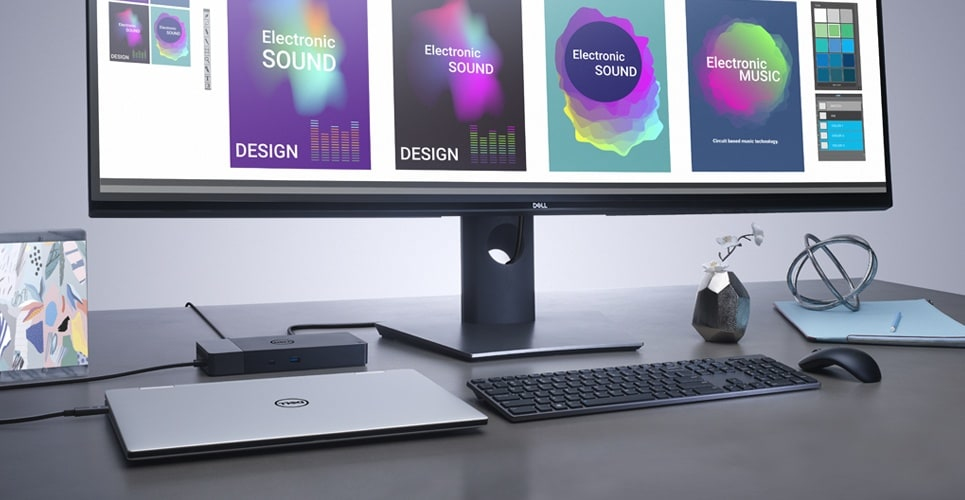
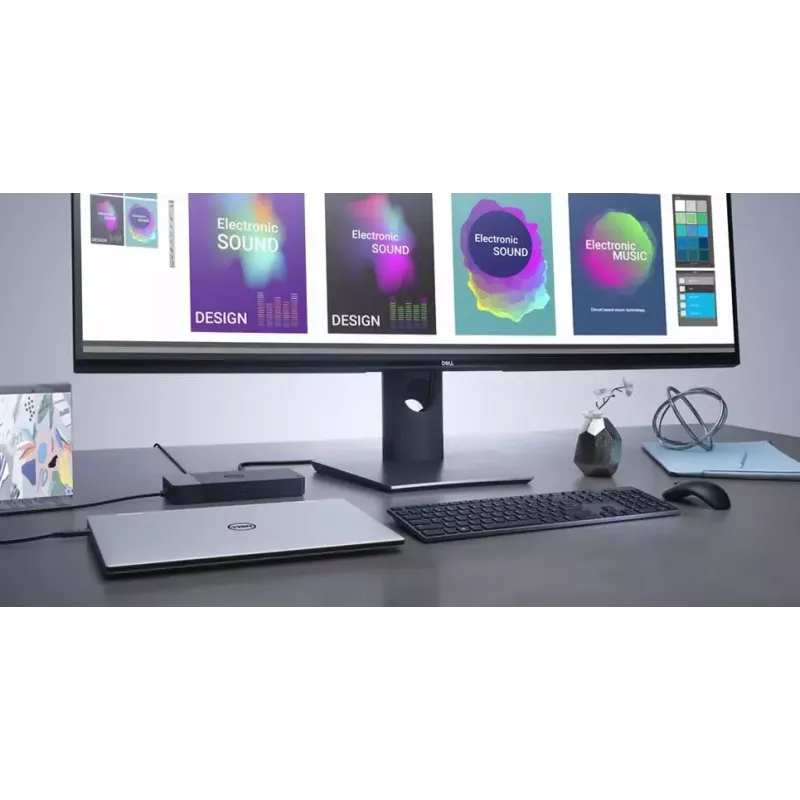
Boost your PC’s power on the world’s most powerful and first modular dock with a future-ready design. WD19S 180W is a simplified version of WD19 180W without 3.5mm ports.
Power your connections

Power your connections

Power your day: Dell ExpressCharge allows you to charge up to 80% in one hour, making it the most efficient way to manage the workday.Energize your workload: Get more done, even faster with Dell ExpressCharge Boost – a feature that provides up to a 35% charge in just 20 minutes.Unmatched charging: Increase your power delivery by up to 30% more than standard USB-C on our fastest charging family of docks, delivering 130W of power with the 180W adapter.

Built for the future

Mix and match: Evolve as your needs change with our most versatile dock. The future-ready design lets you swap out modules with ease if you need to do field replacements or upgrade your systems.Ultimate connectivity: USB-C connectivity makes it easier than ever to deliver power, data, audio and video in one convenient cable, no matter what system you use. Plus, with support for dual FHD or a single QuadHD monitor, you can connect to everything you need.Clean and clutter-free: Stay productive by mounting your dock behind your monitor or under your desk with the optional, secure VESA mount, that offers the complete flexibility with the built-in one-meter cable.Information in a flash: With data transfer speeds of up to 10Gbps, you can stay productive when connected to all your devices.
Built for the future
Optimize your workspace

Optimize your workspace

Smooth and seamless: Work without disruptions utilizing a single firmware on our most manageable docks ever. Plus, with Dell Client Command Suite and Microsoft System Center Configuration Manager, you can quickly and easily update your firmware without rebooting your dock.Secure manageability: Keep your information safe with MAC Address pass-thru and remote port-disablement. Plus, with features like PXE Boot, Wake-on-LAN and more, it’s easier than ever to stay productive while managing your dock.

How to use

Connect the dock to a compatible laptop using the USB-C cable, then attach external displays, Ethernet cable and USB peripherals to the corresponding ports. Ensure the dock is connected to AC power within the specified 120–230 V range to provide full 180W power delivery. Install any required Dell drivers or firmware updates on Windows 10 to enable optimal performance and display configurations.

Recommendations

For stable multi-monitor setups and full power delivery, use a USB-C port on the laptop that supports DisplayPort Alt Mode and power delivery. Keep firmware and drivers updated via Dell support to maintain compatibility and performance.

Destaques principais
  • Office and home workstations that require multiple external displays and wired networking
  • Users with Windows 10 laptops needing additional USB-A ports and Ethernet
  • Environments where a compact, single-cable docking solution is preferred
  • Model: DELL WD19S-180W (DELL-WD19S180W)
  • Connectivity: USB 3.2 Gen 2 Type-C (wired)
  • Power delivery: 180W, DC power source; AC input 120–230 V
  • Network: Ethernet LAN (RJ-45), 10/100/1000 Mbit/s
  • Display support: up to 5120 x 2880 pixels (digital)
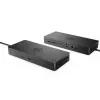
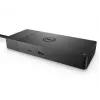
  • Ports: 1× HDMI, 1× RJ-45, 3× USB 3.2 Gen 1 Type-A
  • Operating system compatibility: Windows 10
  • Colour and weight: Black, 0.585 kg
Especificações
Altura
29 mm
Altura da embalagem
62 mm
Código do Sistema Harmonizado (HS)
84733020
Comprimento do cabo de alimentação
1 m
Cor do produto
Black
Emissões de carbono, consumo de energia (kg de CO2e)
5.95
Emissões de carbono, fabrico (kg de CO2e)
25.6
Emissões de carbono, fim de vida (kg de CO2e)
-2.42
Emissões de carbono, logística (kg de CO2e)
6.61
Entrada CC
Yes
Entrada de microfone
No
Ethernet LAN
Yes
Fonte de alimentação
180 W
Frequência de entrada CA
50 - 60 Hz
Humidade relativa de armazenamento (H-H)
5 - 90%
Humidade relativa de funcionamento (H-H)
10 - 80%
Indicadores LED
Yes
Interface do anfitrião
USB 3.2 Gen 2 (3.1 Gen 2) Type-C
Interruptor de ligar/desligar
Yes
Largura
205 mm
Largura da embalagem
300 mm
Leitor de cartões integrado
No
Montagem VESA
Yes
Número de portas DisplayPort
2
Número de portas HDMI
1
Número de portas USB 2.0
0
Número de portas USB 3.2 Gen 1 (3.1 Gen 1) tipo A
3
Número de portas USB 3.2 Gen 2 (3.1 Gen 2) tipo C
2
Pegada de carbono total (kg de CO2e)
35.74
Peso
585 g
Portas Ethernet LAN (RJ-45)
1
Profundidade
90 mm
Profundidade da embalagem
290 mm
Quantidade por embalagem
1 pc(s)
Resolução digital máxima
5120 x 2880 pixels
Saídas para auscultadores
0
Sistemas operativos Linux compatíveis
Yes
Sistemas operativos Windows compatíveis
Windows 10, Windows 10 Education, Windows 10 Education x64, Windows 10 Enterprise, Windows 10 Enterprise x64, Windows 10 Home, Windows 10 Home x64, Windows 10 IOT Core, Windows 10 IoT Enterprise, Windows 10 Pro, Windows 10 Pro x64, Windows 10 x64
Tecnologia de conectividade
Wired
Temperatura de armazenamento (T-T)
-20 - 60 °C
Temperatura de funcionamento (T-T)
0 - 35 °C
Tensão de entrada CA
120 - 230 V
Tipo de fonte de energia
DC
Velocidades de dados Ethernet LAN
10,100,1000 Mbit/s
Versão DisplayPort
1.4
Versão HDMI
2.0
Versão PAIA
PAIA/GaBi not used

Documento

Abrir documento

Documento

Abrir documento

Documento

Abrir documento

Documento

Abrir documento

Documento

Abrir documento

Folheto

Abrir documento
Histórico de preços nos últimos 6 meses
DELL WD19S-180W com fios USB 3.2 Gen 2 (3.1 Gen 2) Type-C preto
Atual
252,73 €
Mais baixo
251,39 €
Mais alto
293,96 €
Variação 24 h
-2,30 €   -1%
Semana
-3,52 €   -1%
Mês
-18,21 €   -7%

Avaliações independentes da imprensa tecnológica

laptopmag.comAndrew
8/10

Veredicto: The Dell D3100 Docking Station is an affordable dock that supports three displays (one at 4K resolution) and has lots of port options...

Pontos positivos
  • Subtle design
  • Variety of Ports
  • Supports 4K and two FHD displays
Pontos negativos
  • No USB Type-C support
  • Some performance hiccups when using three displays
Leia a avaliação completa em laptopmag.com →

Produtos populares nesta categoria

Vendedor: UAB KUR LT · Laisvės pr. 125A, LT-06118 Vílnius, Lituânia · Código da empresa 303192950 · NIF/IVA UE LT100008198612 · Envio a partir da UE (Lituânia)
Olá, sou o assistente de IA da DistriNode. Posso ajudá-lo a encontrar produtos, comparar opções, criar orçamentos em PDF ou abrir pedidos de suporte.