
Conta Contactos
O seu carrinho
Envio por DPD e FedEx
Precisa de ajuda? Pergunte à IA

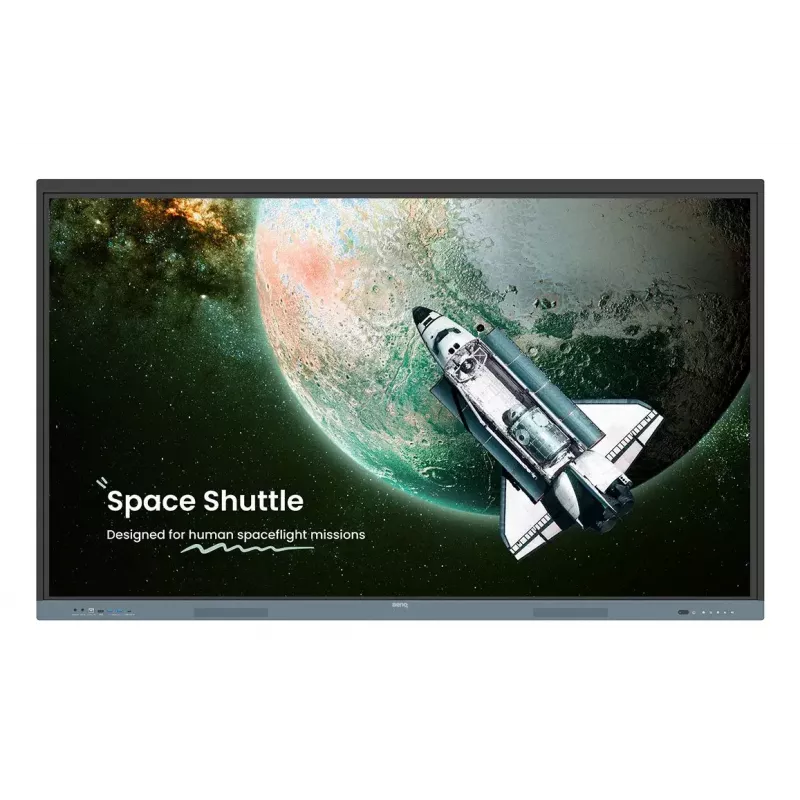
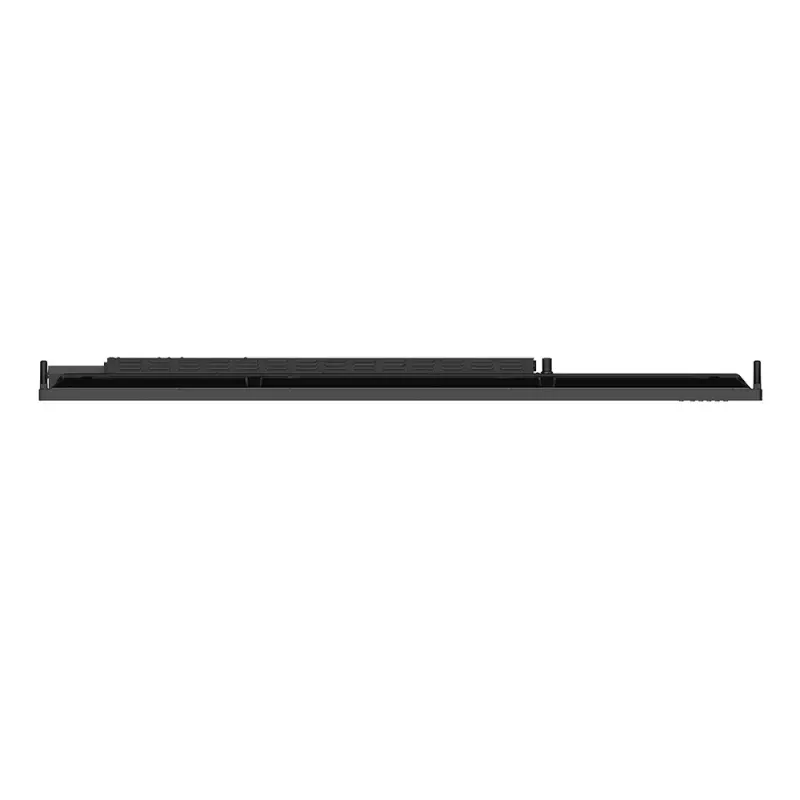
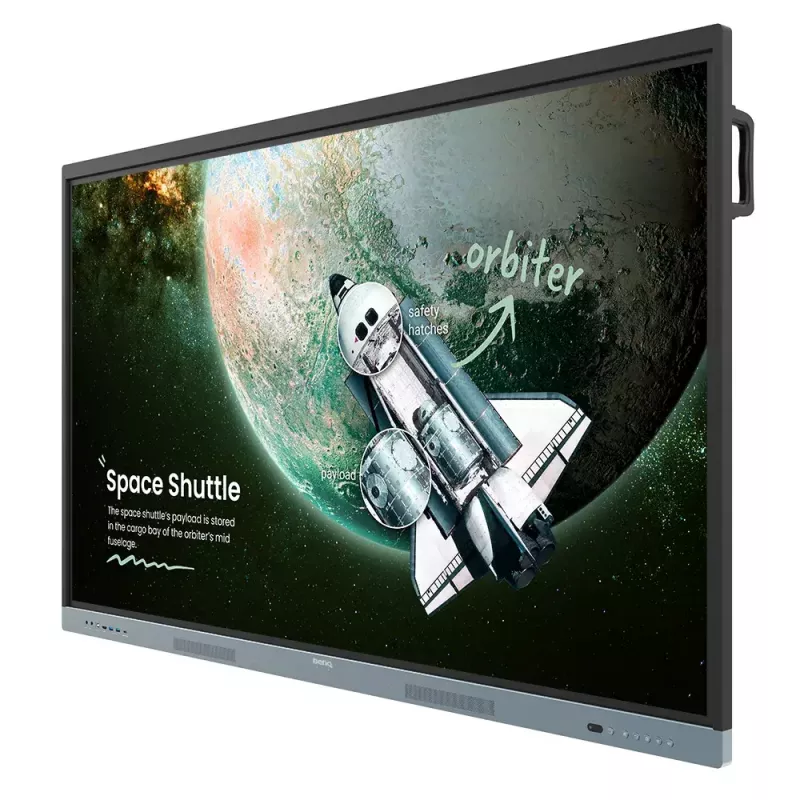
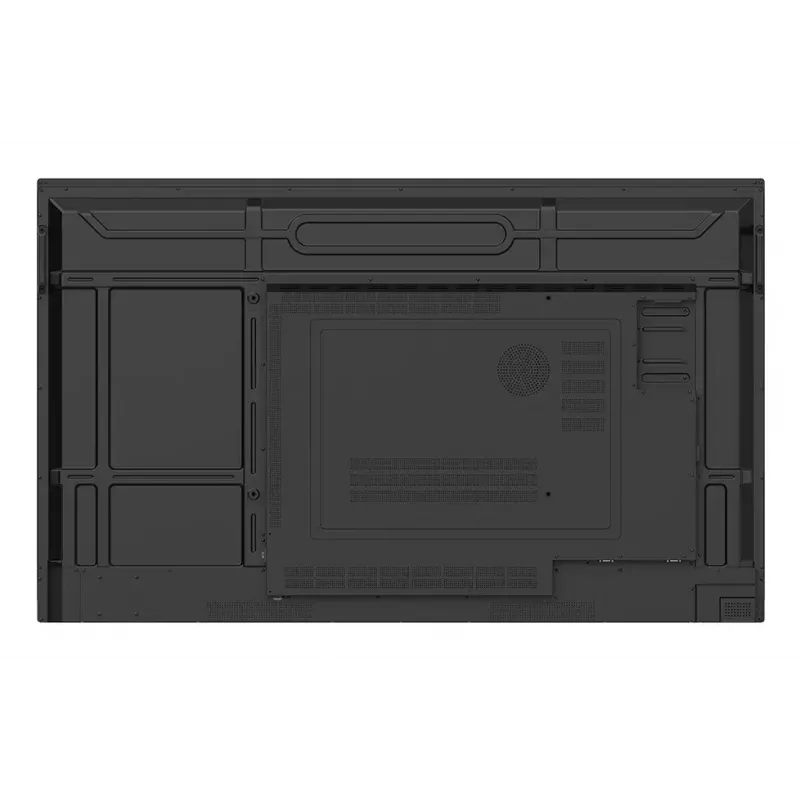
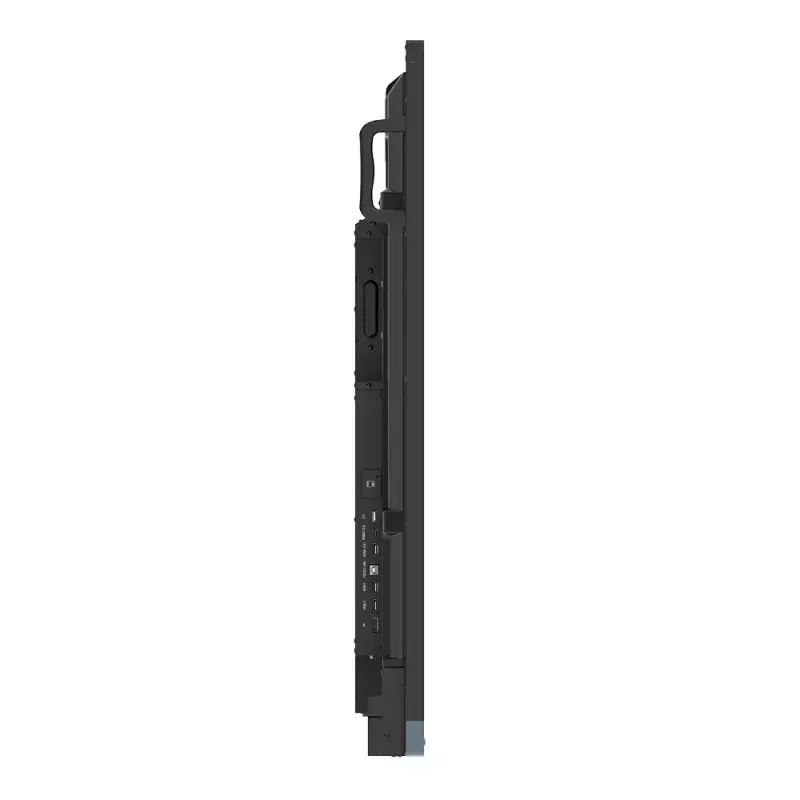
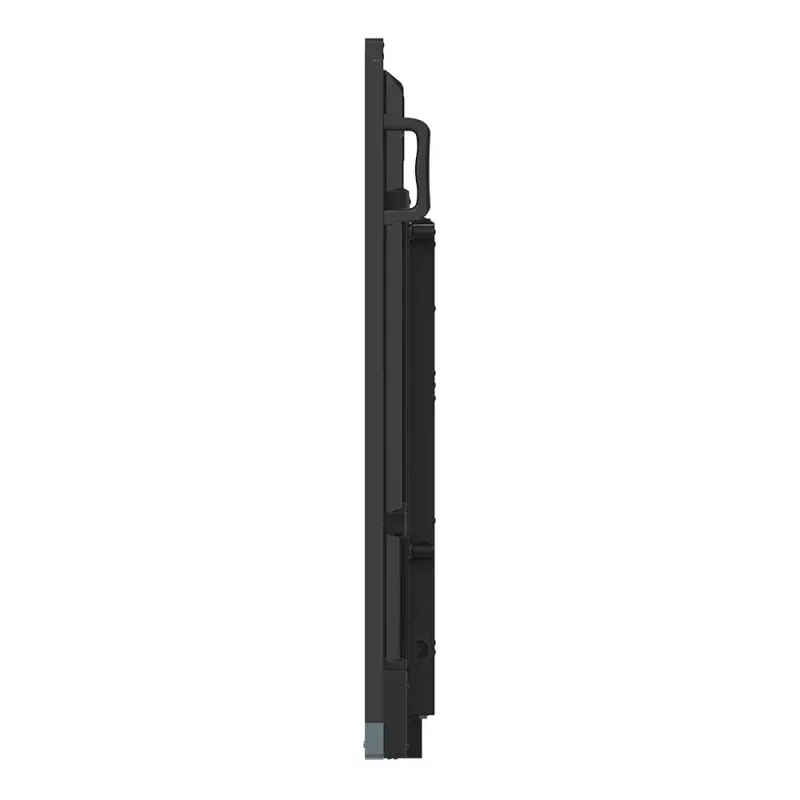
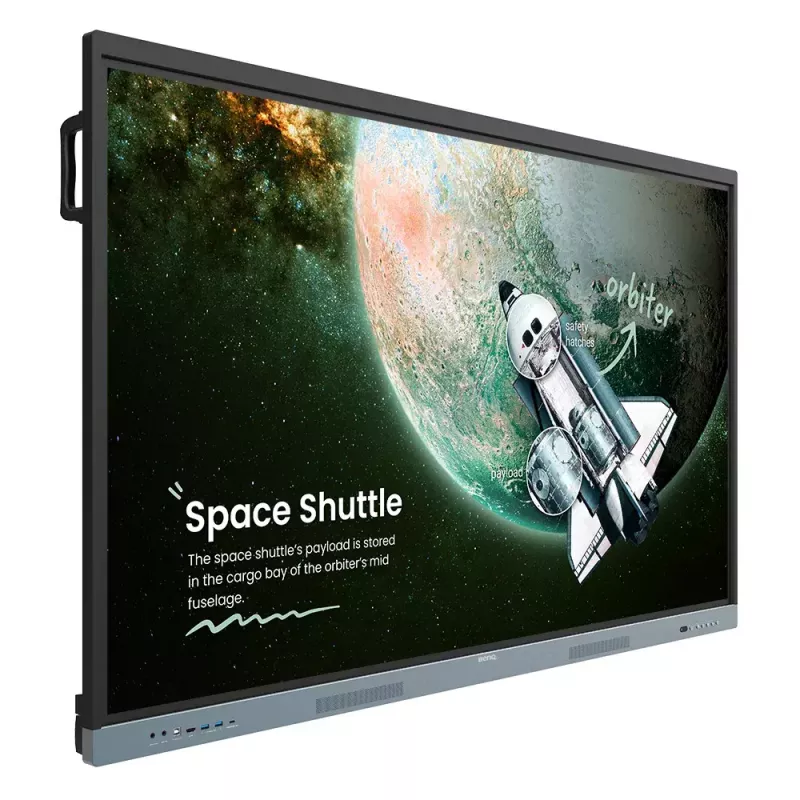
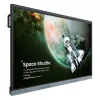
Ecrã interativo BenQ RE6504 165,1 cm (65") 450 cd/m² 4K Ultra HD preto, cinzento ecrã tátil processador integrado Android

Ecrã interativo BenQ RE6504 165,1 cm (65
36 mês
Ecrã interativo BenQ RE6504 165,1 cm (65
Ecrã interativo BenQ RE6504 165,1 cm (65") 450 cd/m² 4K Ultra HD preto, cinzento ecrã tátil processador integrado Android
1 871,21 €
BenQ Board EssentialThe essence of education Have all the essential tools you need for effective interactive lessons.Harness the power of GoogleThe EDLA-certified BenQ Board combines Google services with ever-reliable BenQ hardware and software.Expansive app libraryInstall education apps directly fr... Ler mais
Stock 5 Código 122116 Marca BENQ Modelo 9H.F9ETK.DE4 Garantia 3 anos

Envios e devoluções

Entrega prevista quarta-feira, 21 de outubro
Receberá atualizações através do nosso sistema de seguimento detalhado
Opções de pagamento
Cartão bancárioVisaMastercardPayPalApple PayGoogle PayTransferência bancária
BenQ Board Essential
The essence of education
Have all the essential tools you need for effective interactive lessons.

Harness the power of Google
The EDLA-certified BenQ Board combines Google services with ever-reliable BenQ hardware and software.

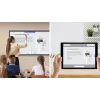
Expansive app library

Install education apps directly from Google Play for more interactive lessons.

Go-to Google services

Access essential Google Core Services such as Google Drive and Meet.

Google Docs editors

Quickly open lesson files with any Google app on a large touchscreen display.

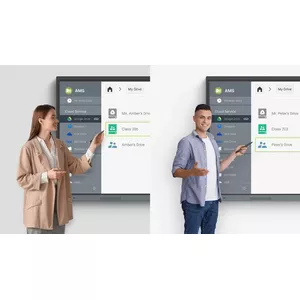
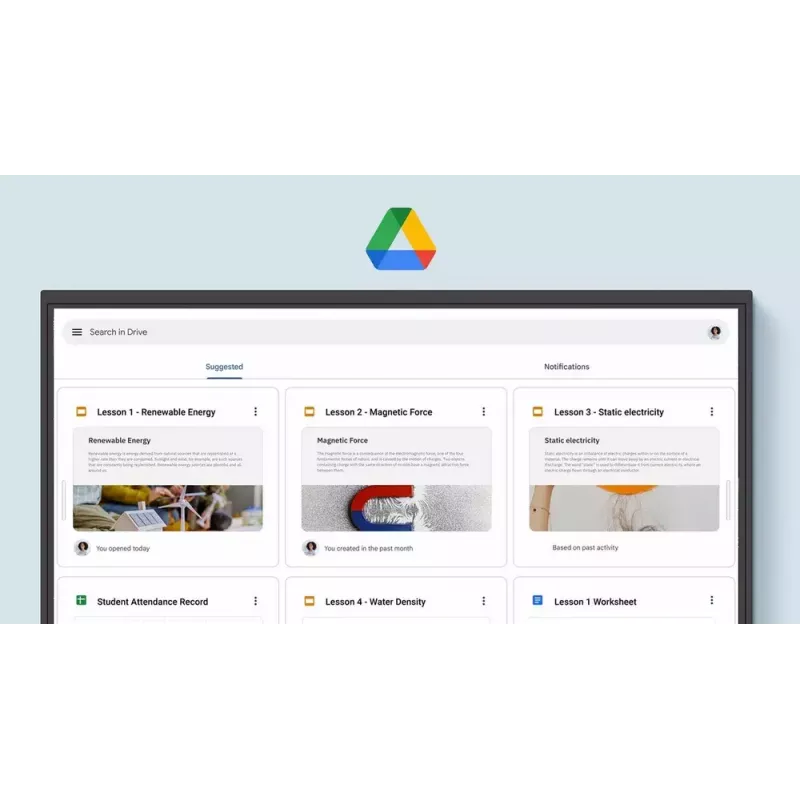
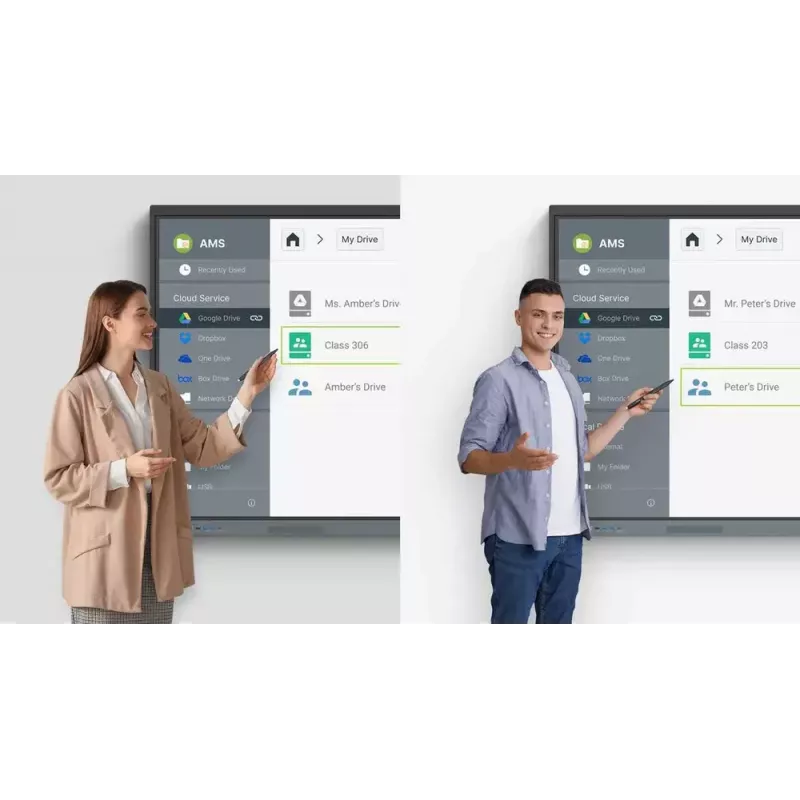
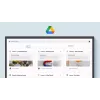
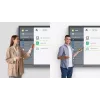
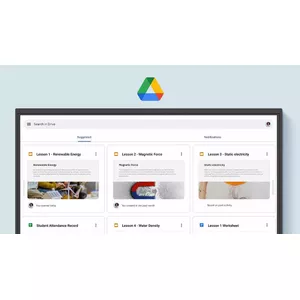
Direct file access
Google Drive integration lets you access and save files to your cloud storage directly from the board.

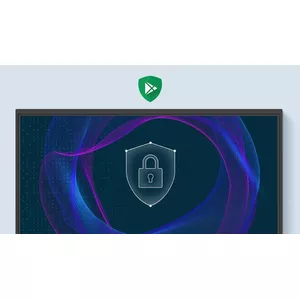
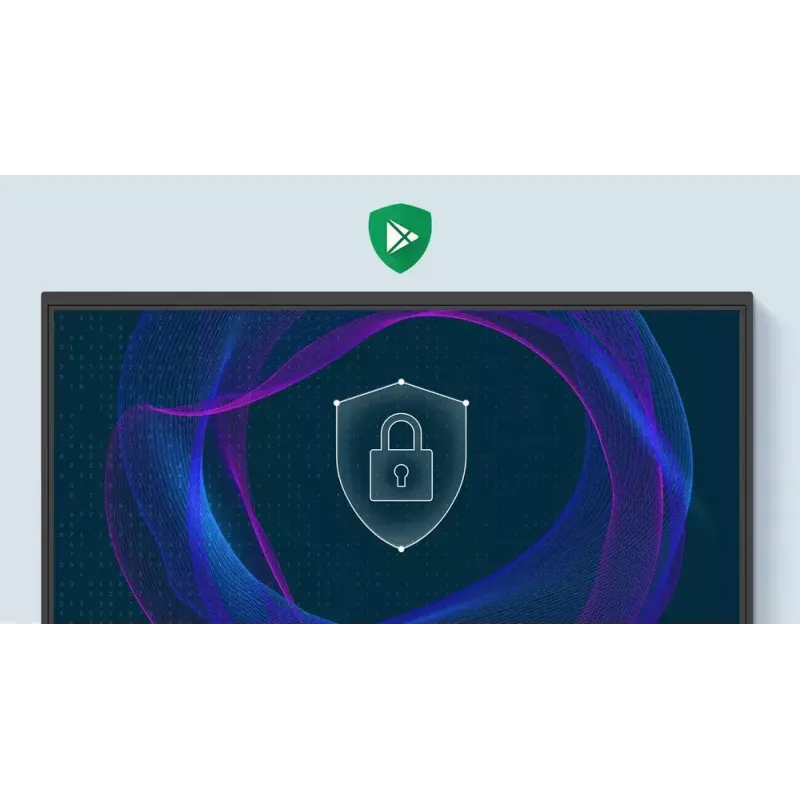
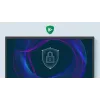
Built-in data security
Keep your boards safe against security and privacy threats with Google Play Protect and Safe Browsing.

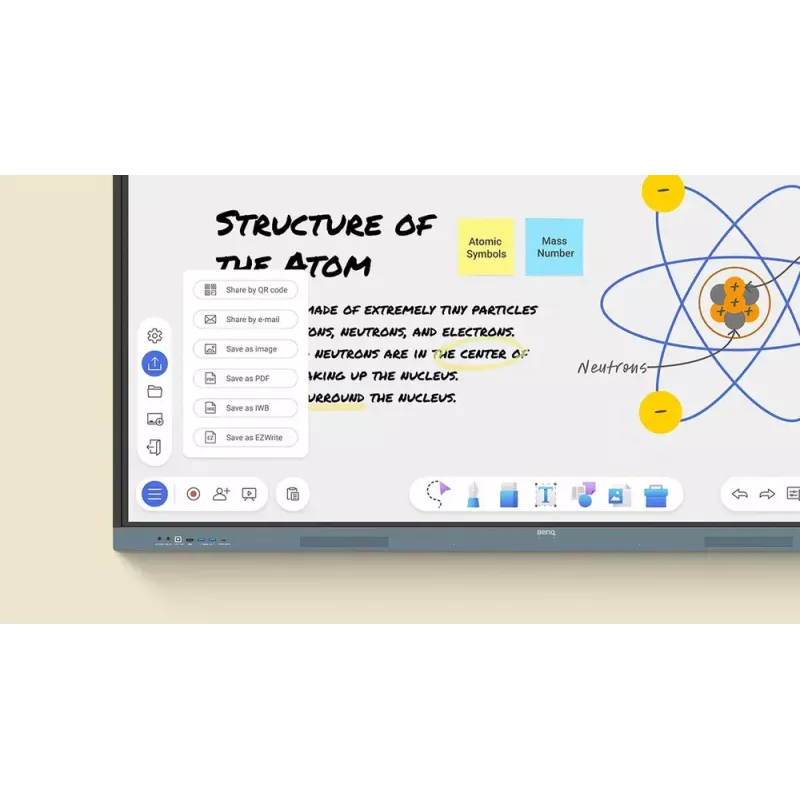
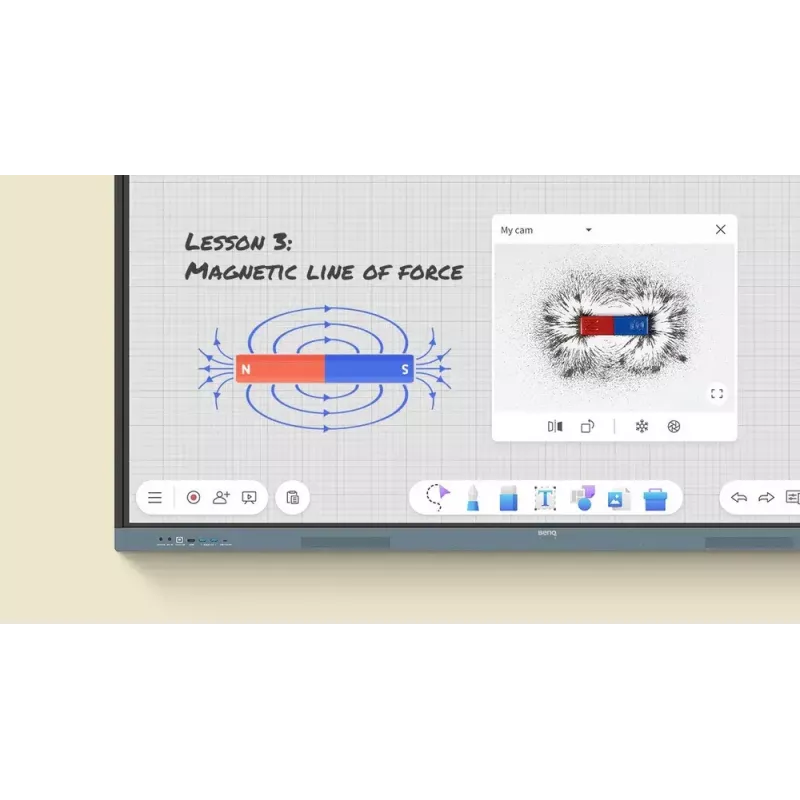
A whiteboard like no other
Do more than just write or draw. EZWrite’s expandable canvas offers limitless possibilities with its rich collection of lesson tools and helpful AI features.

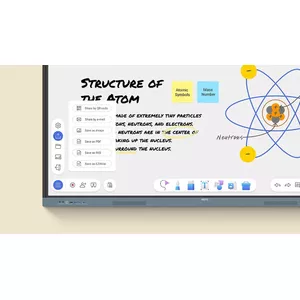
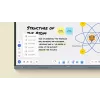
Use your own files
Import a variety of lesson files, interact with its contents on the whiteboard, and then export the session as an editable file for a future class.

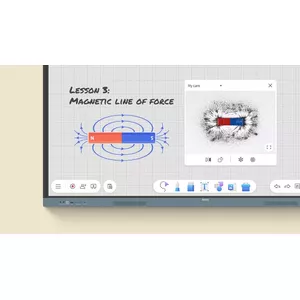
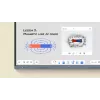
A tool for every need
Pull up any of EZWrite’s built-in tools that are designed to engage students, and meet a wide variety of lesson activities and subjects.

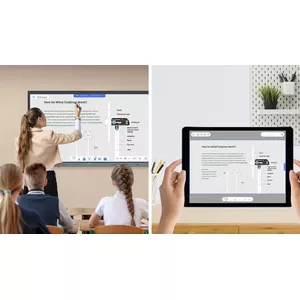
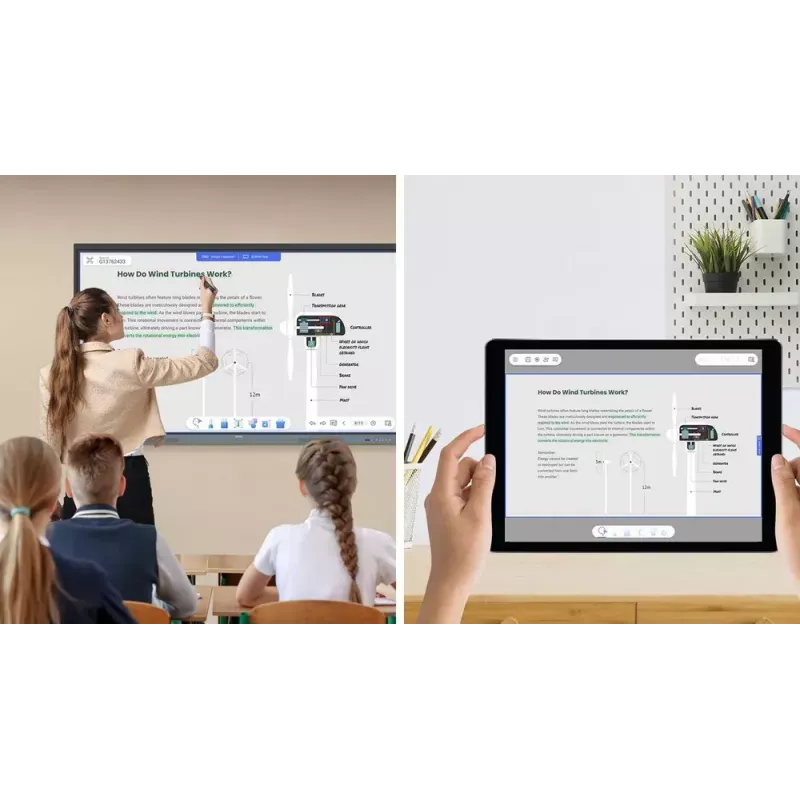
Take lessons to the cloud
Extend the whiteboard so that others can participate and interact with the board whether they’re joining from their seats or from home.

Built-in AI tools for more inclusive lessons

Text-to-speech

Have displayed text read aloud

Multilingual translation

Translate text with a tap

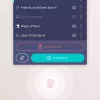
OCR

Edit text from imported images

Essential tools for every teacher
The RE04 uncomplicates your teaching experience by giving you everything you need on one board.

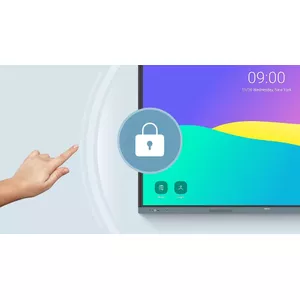
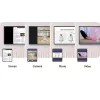
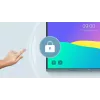
Your own space and data
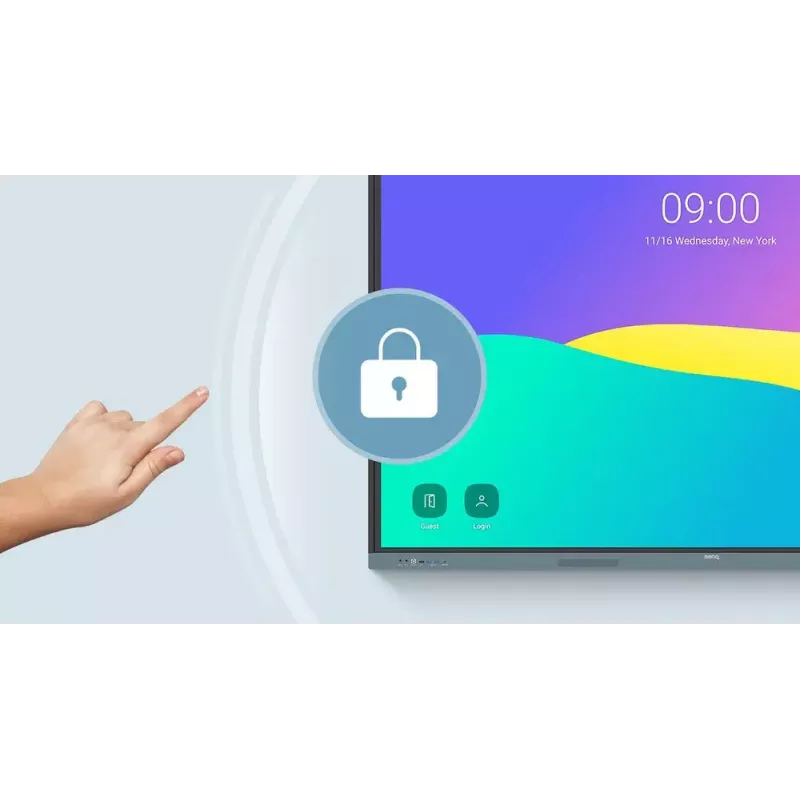
All accounts are secure and separate—allowing you to have your own teaching space while preventing others from accessing your data.

Organise with ease
Save time by having all your most-used apps, files, and widgets arranged and accessible directly from your home screen.

Snap. Record. Write.
The Floating Tool lets you take snapshots, record your screen, and annotate over any app, file, webpage, or video displayed on the board.

Sidebar access
Expand the sidebar for convenient access to recent apps, files, and input sources, as well as a shortcut to the home screen.*Available in Q2.

Expanded search
Use BenQ Search to quickly query related content from the internet or sort through your lessons files stored on the board or your cloud.

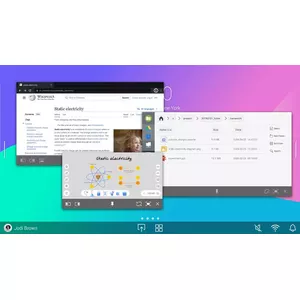
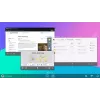
Enhance your lesson flow
Increase teaching efficiency with the multi-window mode, allowing you to whiteboard while using other apps on the side. *Available in Q3.

5-in-1 connectivity
The multipurpose USB-C port allows for quick data transmission, clear audio/video playback, touchback controls, and 65-watt charging.

Full vibrant audio
Experience enhanced audio with the board’s built-in 20-watt speakers that offer crisp, room-filling sound.

All hands on board
The BenQ Board Essential’s large interactive screen is designed for whole-class participation, letting you boost engagement and liven up your lessons.

40 touch points

Get everyone actively participating in class with the RE04’s 40 touch points.

Gap-free writing

No gaps and an 8ms response time ensure a natural writing experience every time.

Precise touch

You’re guaranteed smooth interactions with the board’s Precision IR technology.

Everyone can share
InstaShare 2 lets everyone share ideas freely. Wirelessly cast lesson content and interact with any device from anywhere in the room.

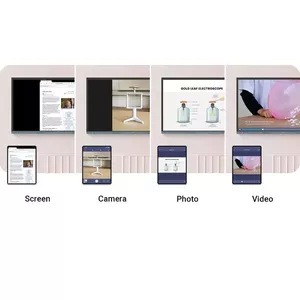
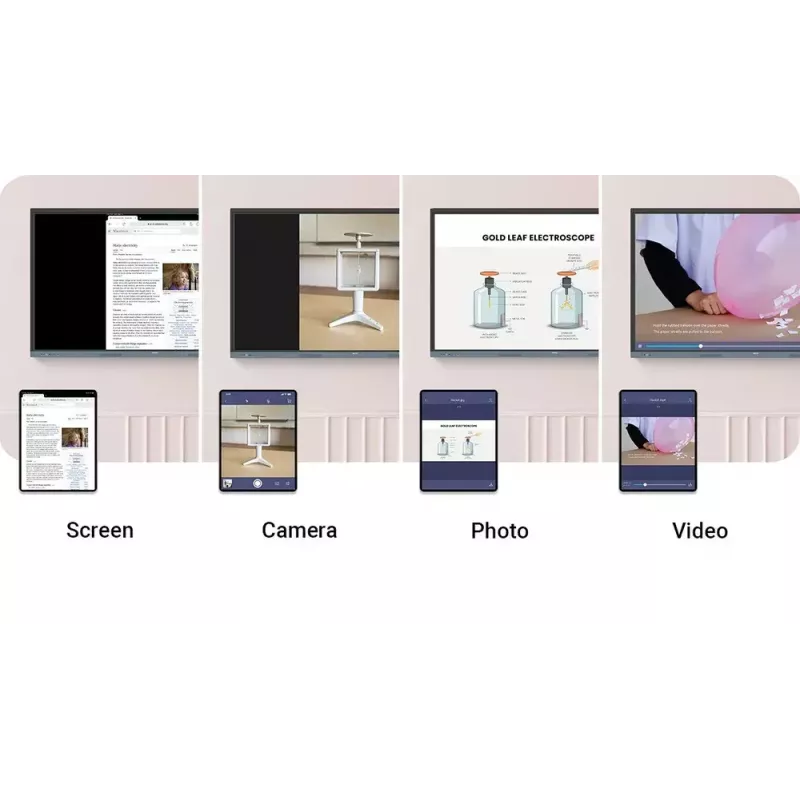
Beyond screen sharing
Do more than just cast your screen. Media sharing makes lessons more dynamic. Share photos, videos, or even a live camera feed from your device directly to the board.

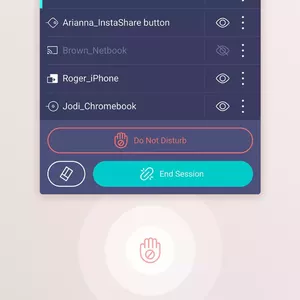
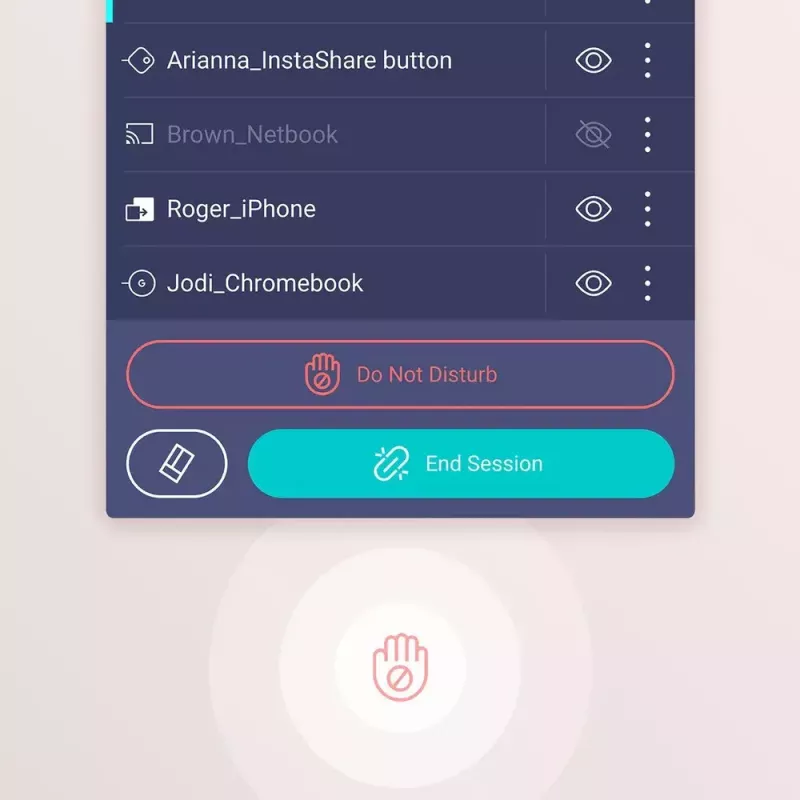
Moderate sessions with ease
Host controls allow you to effectively manage your sessions. Accept or reject sharing requests and show or hide screens, while the AI Guardian automatically blocks nude content.

Management made easy
BenQ takes out the complexity from device and user list management, significantly reducing IT workload so they can focus on other tasks.

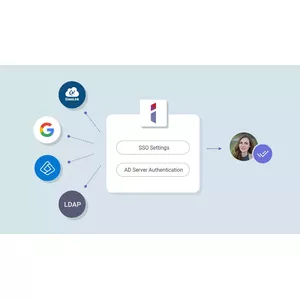
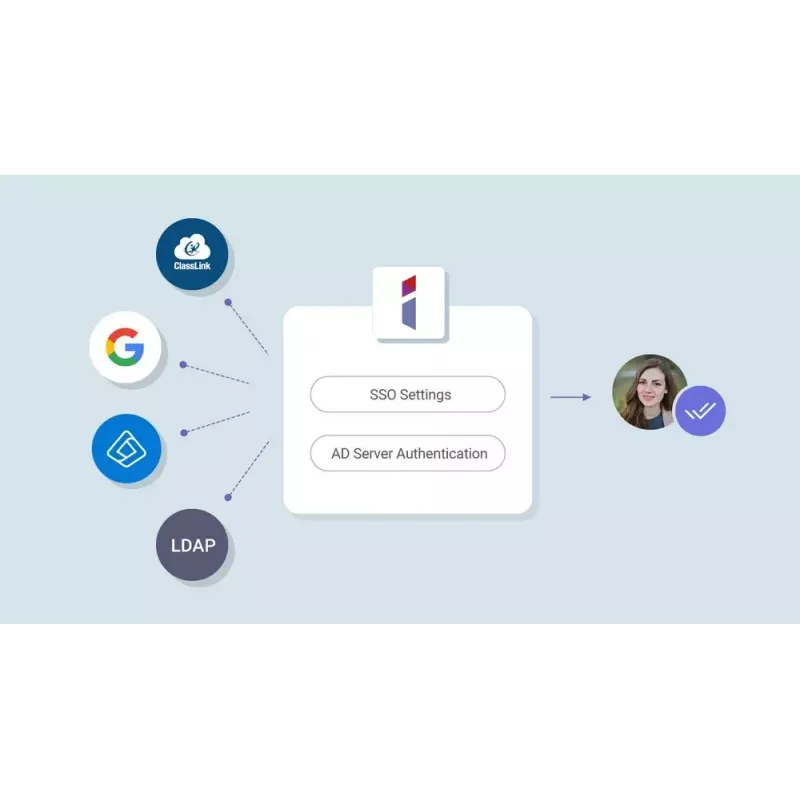
Effortless user list syncing
Simplify identity management by syncing any of your existing Google Workspace, Entra ID (formerly Azure Active Directory), ClassLink, LDAP, or SAML-based user lists.

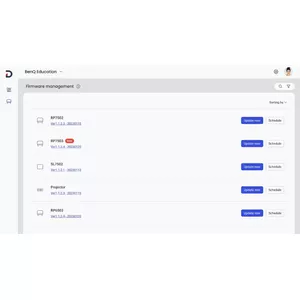
Centralised management
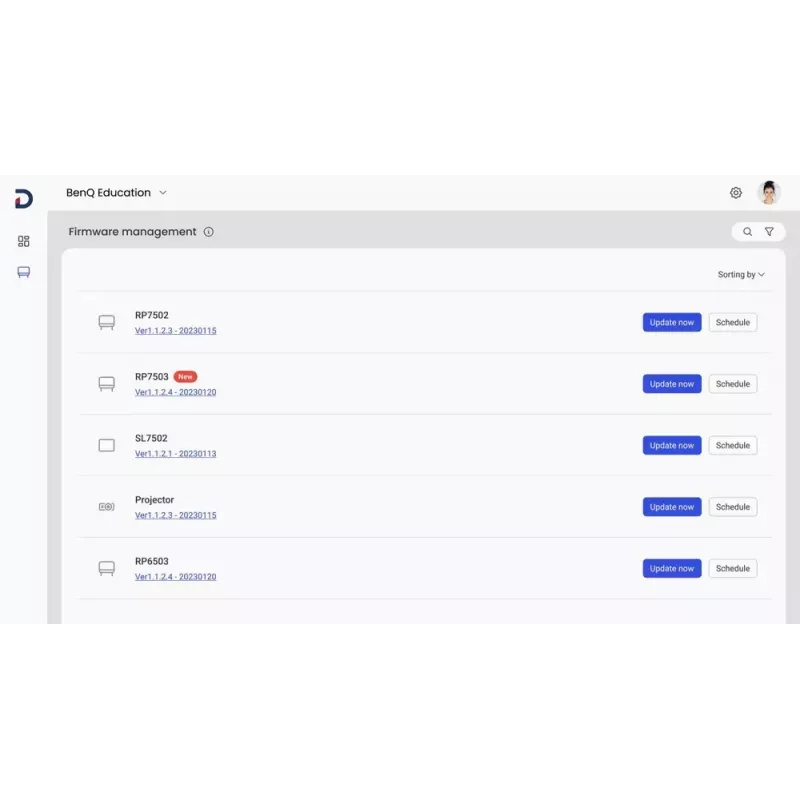
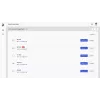
Remotely manage all your BenQ devices on an all-in-one console that lets you install, update, and delete apps, push firmware updates, and automate tasks such as startup and shutdown.

Enhanced data security
Safeguard your data through the RE04’s secure login options and access controls, regular system updates, and built-in Google Play Protect and Safe Browsing measures.

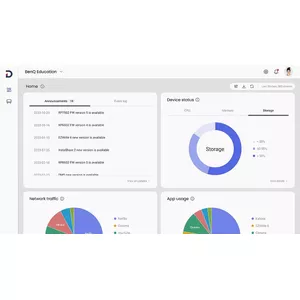
Data-driven efficiency
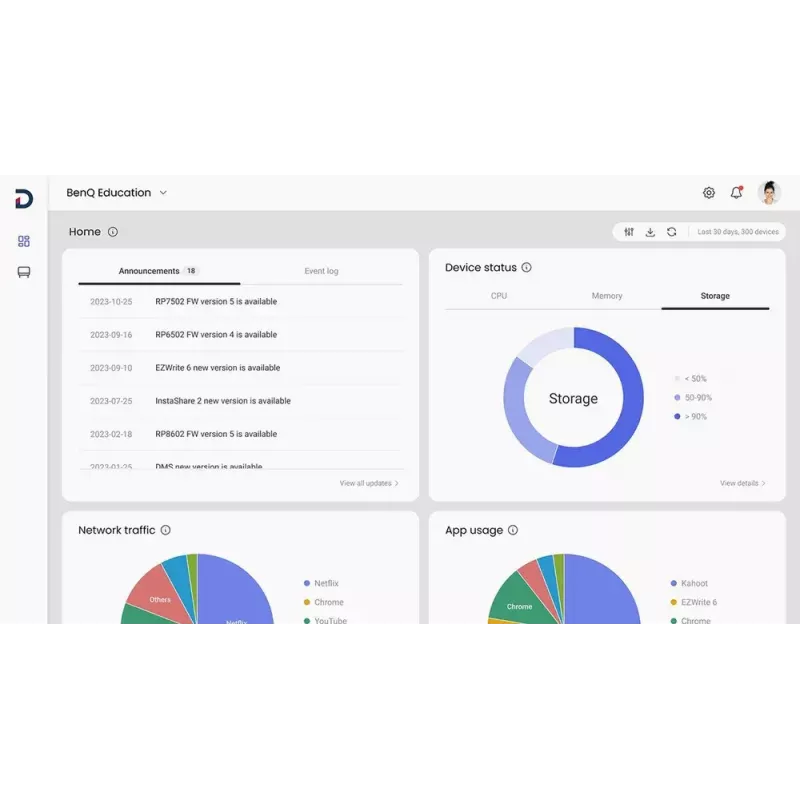
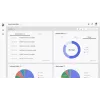
Generate specific and comprehensive device analytics so you can monitor how your boards are being utilised and adjust usage guidelines to maximise efficiency.

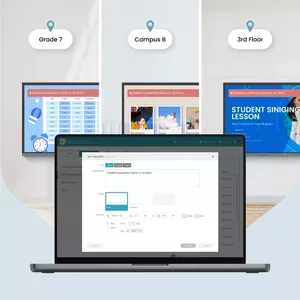
School-wide announcements
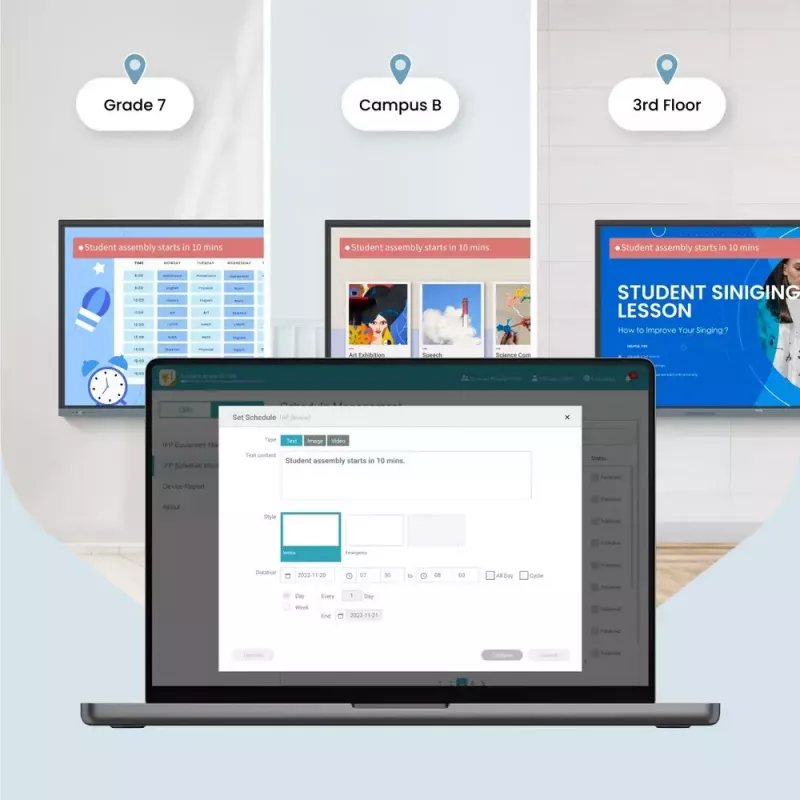
With X-Sign Broadcast, you can send out timely announcements to all your BenQ displays. Inform your school about upcoming events, important reminders, and emergencies.

ClassroomCare®
Bridging health and learning
ClassroomCare features are essential in helping schools create healthier learning spaces for students and teachers.

Easy on the eyes
Eye care technologies, such as the RE04’s low blue light filter and flicker-free screen, help reduce eye strain in class, while its anti-glare 4K screen ensures clear images every time.

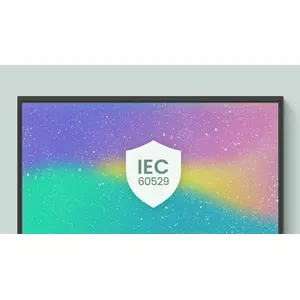
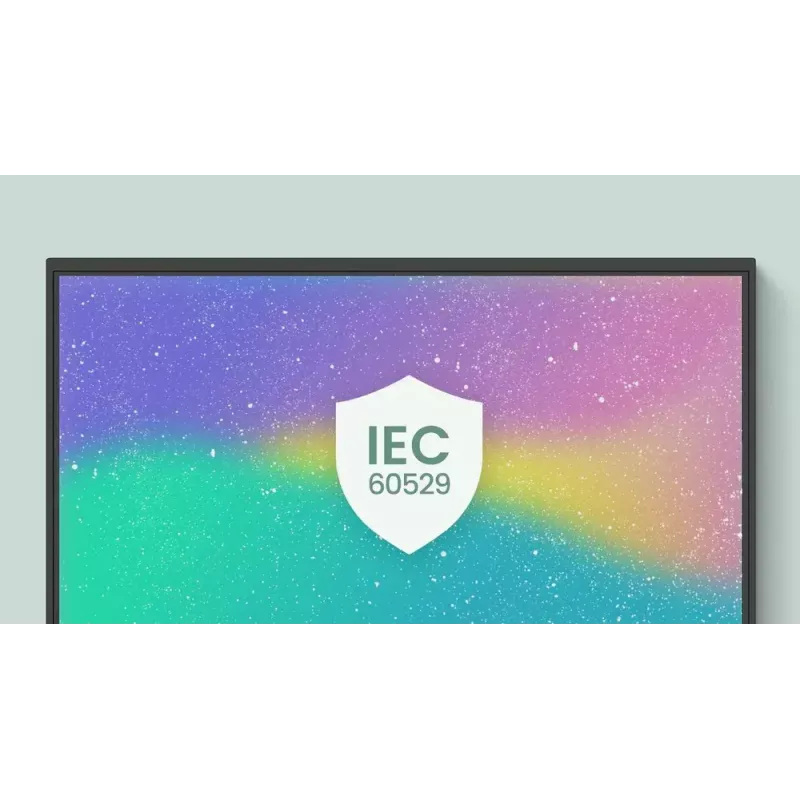
IP5X dust protection
The IEC 60529-complaint RE04 screen prevents dust accumulation even in the most dust-prone environments.

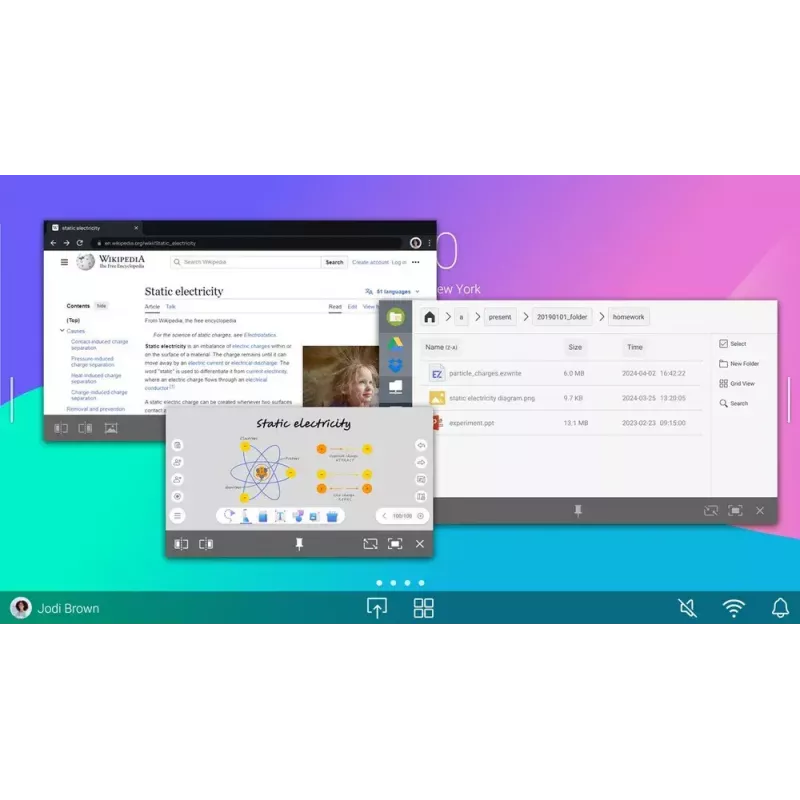
How to use

Mount the RE6504 on a suitable VESA-compatible bracket or place it on a cart so the 65" screen is visible to the whole class. Power on the board and sign in to Google services to access Google Drive, Meet and Play Store; install or open lesson apps directly from the Play Store when needed. Use the EZWrite app as the primary whiteboard to write, draw, import images and make annotations. Use the Floating Tool to capture snapshots, record the screen and annotate over any open app or video. Use InstaShare 2 to cast devices wirelessly and enable student interaction from anywhere in the room.

Recommendations

For best results place the panel at a comfortable viewing height for students and adjust room lighting to reduce reflections. Enable the low blue light filter and flicker-free settings to minimise eye strain during extended lessons. Keep frequently used apps, files and widgets on the home screen to save preparation time, and use BenQ management tools to keep firmware and user lists up to date.
Direct file access

Direct file access

Google Drive integration lets you access and save files to your cloud storage directly from the board.

Built-in data security

Keep your boards safe against security and privacy threats with Google Play Protect and Safe Browsing.
Built-in data security
Use your own files

Use your own files

Import a variety of lesson files, interact with their contents on the whiteboard, and then export the session as an editable file for a future class.

A tool for every need

Open any of EZWrite’s built-in tools designed to engage students and support a wide range of lesson activities and subjects.
A tool for every need
Take lessons to the cloud

Take lessons to the cloud

Extend the whiteboard so others can participate and interact with the board whether they join from their seats or from home.

Your own space and data

All accounts are secure and separate—giving you your own teaching space while preventing others from accessing your data.
Your own space and data
Enhance your lesson flow

Enhance your lesson flow

Increase teaching efficiency with multi-window mode, allowing you to whiteboard while using other apps alongside it.

Beyond screen sharing

Do more than just cast your screen. Media sharing makes lessons more dynamic: share photos, videos, or even a live camera feed from your device directly to the board.
Beyond screen sharing
Moderate sessions with ease

Moderate sessions with ease

Host controls let you effectively manage sessions: accept or reject sharing requests and show or hide screens, while the AI Guardian automatically blocks nude content.

Effortless user list syncing

Simplify identity management by syncing existing Google Workspace, Entra ID (formerly Azure Active Directory), ClassLink, LDAP, or SAML-based user lists.
Effortless user list syncing
Centralised management

Centralised management

Remotely manage all your BenQ devices from an all-in-one console that lets you install, update, and delete apps, push firmware updates, and automate tasks such as startup and shutdown.

Enhanced data security

Protect your data with the RE04’s secure login options and access controls, regular system updates, and built-in Google Play Protect and Safe Browsing features.
Enhanced data security
Data-driven efficiency

Data-driven efficiency

Generate detailed device analytics to monitor how your boards are used and adjust guidelines to maximise efficiency.

School-wide announcements

With X-Sign Broadcast, send timely announcements to all BenQ displays to inform your school about events, reminders, and emergencies.
School-wide announcements
IP5X dust protection

IP5X dust protection

The IEC 60529-compliant RE04 screen prevents dust accumulation even in the most dust-prone environments.
Destaques principais
  • Interactive classroom teaching and whole-class lessons
  • Presentations and collaborative workshops
  • Remote or hybrid lessons using Google Meet and cloud resources
  • Schools and training rooms requiring eye-care features
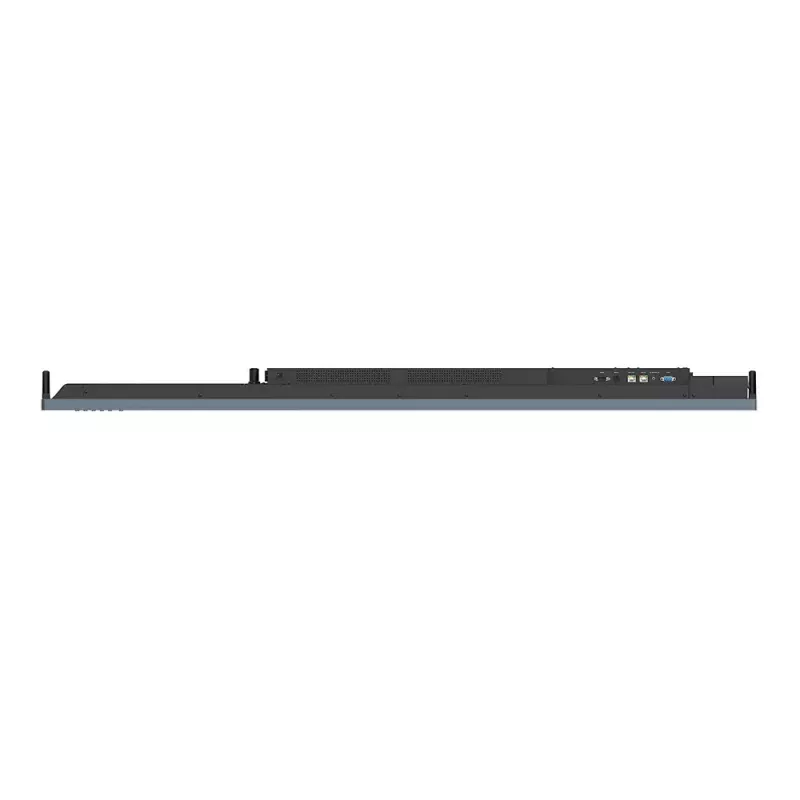
  • Model: BenQ RE6504 (MPN: 9H.F9ETK.DE6, EAN: 4718755093838)
  • Display diagonal: 65"
  • Resolution: 3840 x 2160 (4K Ultra HD)
  • Panel type: IPS
  • Brightness: 450 cd/m²
  • Response time: 8 ms
  • Contrast ratio (typical): 1200:1
  • Touch points: up to 40 simultaneous touches
  • Screen: anti-glare 4K touchscreen with gap-free writing
  • Operating system: built-in Android with Google certification
  • Connectivity: wireless casting (InstaShare 2), cloud and local file access
  • Speakers: built-in
  • Colour: Black, Grey
  • VESA mounting: Yes
Especificações
Altifalantes incorporados
Yes
Altura da embalagem
1010 mm
Altura do ecrã
907 mm
Área ativa do ecrã (L x A)
1428.5 x 803.5 mm
Arquitetura do processador
ARM Cortex-A53+Cortex-A73
Brilho do ecrã
450 cd/m²
Cabos incluídos
HDMI, USB, VGA
Caneta stylus
Yes
Capacidade de armazenamento interno
64 GB
Cartões de memória compatíveis
MicroSD (TransFlash)
Código do Sistema Harmonizado (HS)
8528521000
Colocação suportada
Indoor
Consumo de energia (em espera)
0.5 W
Consumo de energia (típico)
66.7 W
Cor do produto
Black, Grey
Design do produto
Interactive flat panel
Diagonal do ecrã
165.1 cm (65")
Dureza da superfície
9H
Ecrã antirreflexo
Yes
Ecrã tátil
Yes
Entrada de microfone
Yes
Entradas DisplayPort
1
Espaço de cor RGB
NTSC
Ethernet LAN
Yes
Finalidade
Education
Formato do ecrã
Flat
Frequência de entrada CA
50 - 60 Hz
Humidade relativa de armazenamento (H-H)
10 - 80%
Humidade relativa de funcionamento (H-H)
20 - 80%
Interface de montagem do painel
600 x 400 mm
Interface RS-232
Yes
Kit de montagem
Yes
Largura da embalagem
180 mm
Largura do ecrã
1482.1 mm
Leitor de cartões integrado
Yes
Memória interna
4 GB
Modelo da placa gráfica integrada
ARM Mali-G52
Montagem VESA
Yes
Núcleos do processador
4
Número de altifalantes incorporados
2
Número de canetas stylus
2
Número de entradas HDMI
3
Número de pontos de toque simultâneos
40
Número de portas DisplayPort
1
Número de portas HDMI
4
Número de portas USB
8
Número de saídas HDMI
1
Orientação
Horizontal
País de origem
China
Peso da embalagem
49 kg
Peso do ecrã
36 kg
Porta USB
Yes
Portas de entrada VGA (D-Sub)
1
Portas Ethernet LAN (RJ-45)
2
Potência nominal RMS
40 W
Processador integrado
Yes
Produtos por palete
6 pc(s)
Profundidade da embalagem
1640 mm
Profundidade do ecrã
87.7 mm
Proporção de aspeto nativa
16:9
Rácio de contraste (dinâmico)
30000:1
Rácio de contraste (típico)
1200:1
Ranhura para módulo OPS
Yes
Resolução do ecrã
3840 x 2160 pixels
Sensor de luz ambiente
Yes
Sistema informático
Yes
Sistema operativo instalado
Android
Tecnologia do ecrã tátil
Infrared
Telecomando incluído
Yes
Temperatura de armazenamento (T-T)
-10 - 60 °C
Temperatura de funcionamento (T-T)
0 - 40 °C
Tempo de resposta
8 ms
Tensão de entrada CA
100 - 240 V
Tipo de conector USB
USB Type-A, USB Type-B, USB Type-C
Tipo de HD
4K Ultra HD
Tipo de painel
IPS
Velocidades de dados Ethernet LAN
10,100,1000 Mbit/s
Versão DisplayPort
1.2
Versão do sistema operativo
Android 13.0
Versão HDMI
2.0
Versão USB
2.0/3.2 Gen 1 (3.1 Gen 1)
Vida útil do painel
50000 h
Wi-Fi
No

Folheto

Abrir documento
Histórico de preços nos últimos 6 meses
Ecrã interativo BenQ RE6504 165,1 cm (65") 450 cd/m² 4K Ultra HD preto, cinzento ecrã tátil processador integrado Android
Atual
1 871,21 €
Mais baixo
1 669,02 €
Mais alto
2 734,08 €
Variação 24 h
+59,88 €   +3%
Semana
+41,51 €   +2%
Mês
+26,53 €   +1%

Produtos populares nesta categoria

Vendedor: UAB KUR LT · Laisvės pr. 125A, LT-06118 Vílnius, Lituânia · Código da empresa 303192950 · NIF/IVA UE LT100008198612 · Envio a partir da UE (Lituânia)
Olá, sou o assistente de IA da DistriNode. Posso ajudá-lo a encontrar produtos, comparar opções, criar orçamentos em PDF ou abrir pedidos de suporte.
Todas as categorias