
Conta Contactos
O seu carrinho
Envio por DPD e FedEx
Precisa de ajuda? Pergunte à IA

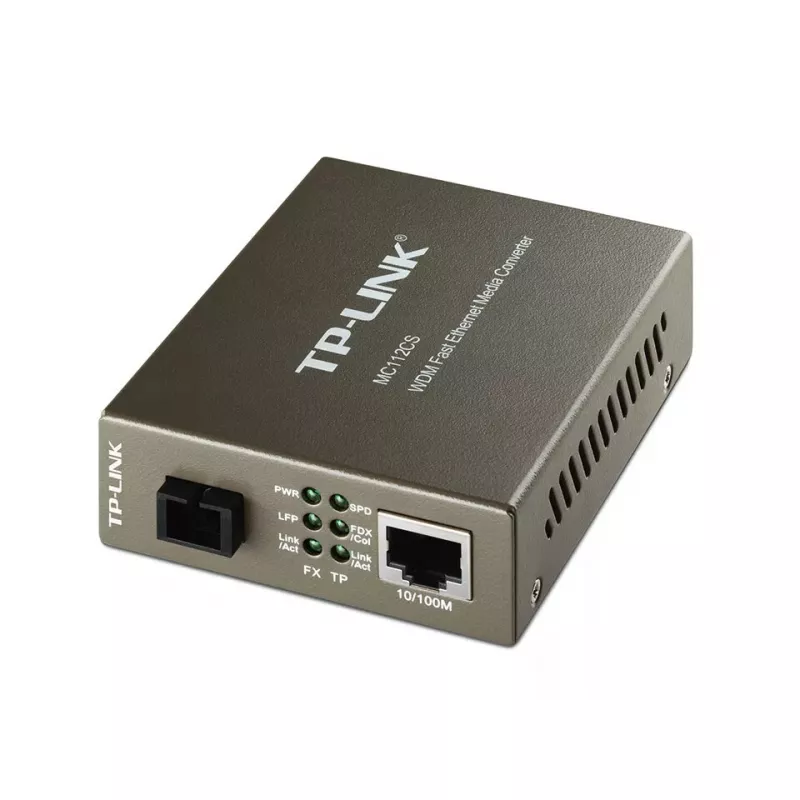
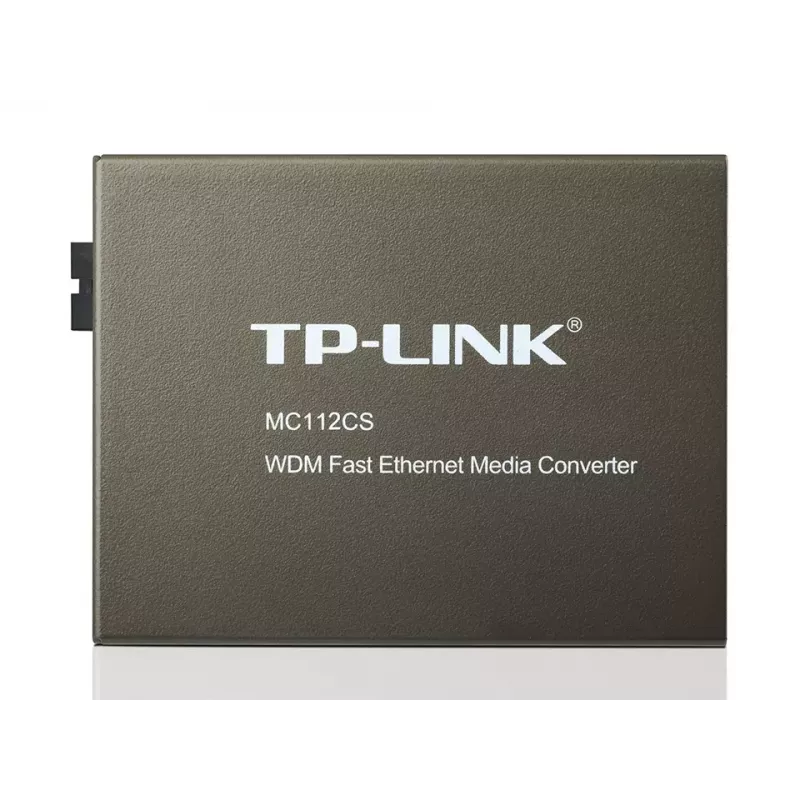
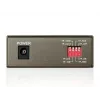
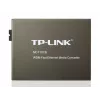
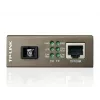
TP-Link MC112CS conversor de suporte de rede 100 Mbit/s monomodo preto

TP-Link MC112CS conversor de suporte de rede 100 Mbit/s monomodo preto
60 mês
TP-Link MC112CS conversor de suporte de rede 100 Mbit/s monomodo preto
38,43 €
The TP-Link MC112CS is a WDM media converter that converts 100BASE-FX single‑mode fiber to 100BASE‑TX copper Ethernet or vice versa using a single SC connector. Compliant with IEEE 802.3u standards, the unit operates at full wire speed and supports longwave (LX) laser operation: it transmits at 1310... Ler mais
Stock 40 Código 2452380 Marca TP-LINK Modelo MC112CS Garantia 5 anos

Envios e devoluções

Entrega prevista Quinta-feira, Outubro 22
Receberá atualizações através do nosso sistema de seguimento detalhado
Opções de pagamento
Cartão bancárioVisaMastercardPayPalApple PayGoogle PayTransferência bancária

The TP-Link MC112CS is a WDM media converter that converts 100BASE-FX single‑mode fiber to 100BASE‑TX copper Ethernet or vice versa using a single SC connector. Compliant with IEEE 802.3u standards, the unit operates at full wire speed and supports longwave (LX) laser operation: it transmits at 1310 nm and receives at 1550 nm. Using WDM technology, the MC112CS requires only one fiber strand for bidirectional data transfer and supports single‑mode fiber links up to 20 km. The compact standalone device includes status LEDs and requires no chassis.

Advantages

The MC112CS reduces cabling cost by using WDM single‑fiber transmission, provides automatic MDI/MDI‑X and auto‑negotiation on the TX (RJ‑45) port, and delivers IEEE‑compliant 10/100Base‑TX to 100Base‑FX conversion. Its SC fiber connector and support for extended distances (up to 20,000 m) make it suitable for long‑range network links while consuming low power.

Suitable for

  • Extending Ethernet over single‑mode fiber links up to 20 km
  • Connecting copper Ethernet equipment to fiber backbones
  • Point‑to‑point links where single‑fiber WDM cabling is preferred
  • Small installations requiring a standalone media converter

Key specifications

  • Model: TP‑Link MC112CS (MPN: MC112CS)
  • Standards: IEEE 802.3u 10/100Base‑TX, 100Base‑FX
  • Fiber type: Single‑mode (SC connector)
  • Wavelengths: Transmit 1310 nm / Receive 1550 nm (WDM)
  • Max fiber distance: 20,000 m (20 km)
  • Ethernet port: 1 × RJ‑45 (Auto MDI/MDI‑X, auto‑negotiation)
  • Data rate: Supports 10/100 Mbps Ethernet (device datasheet lists up to 1000 Mbit/s capability)
  • Power consumption: max 2.41 W
  • Certifications: FCC, CE
  • Color: Black

How to use

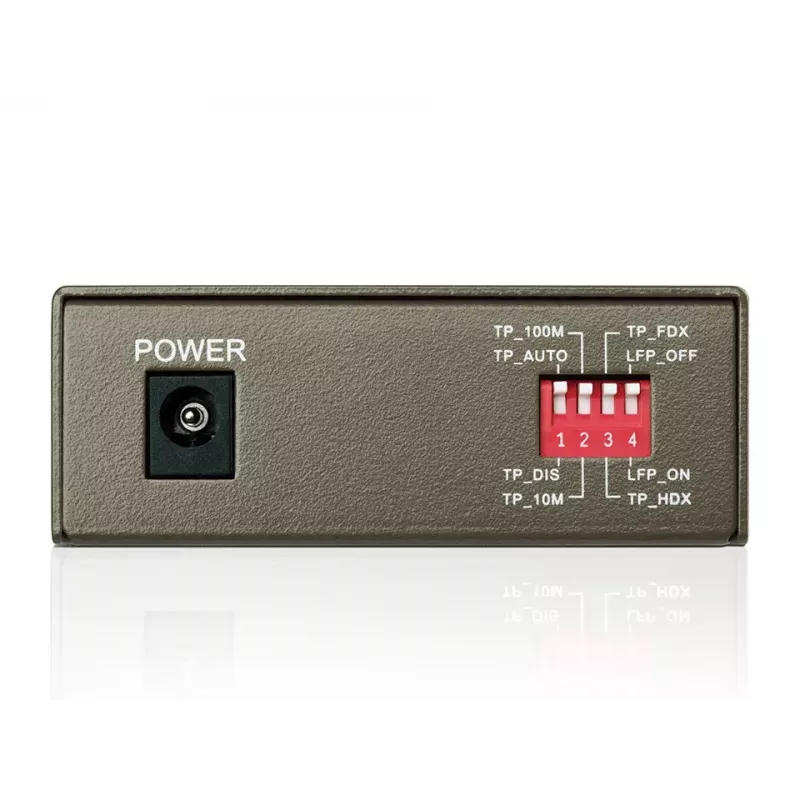
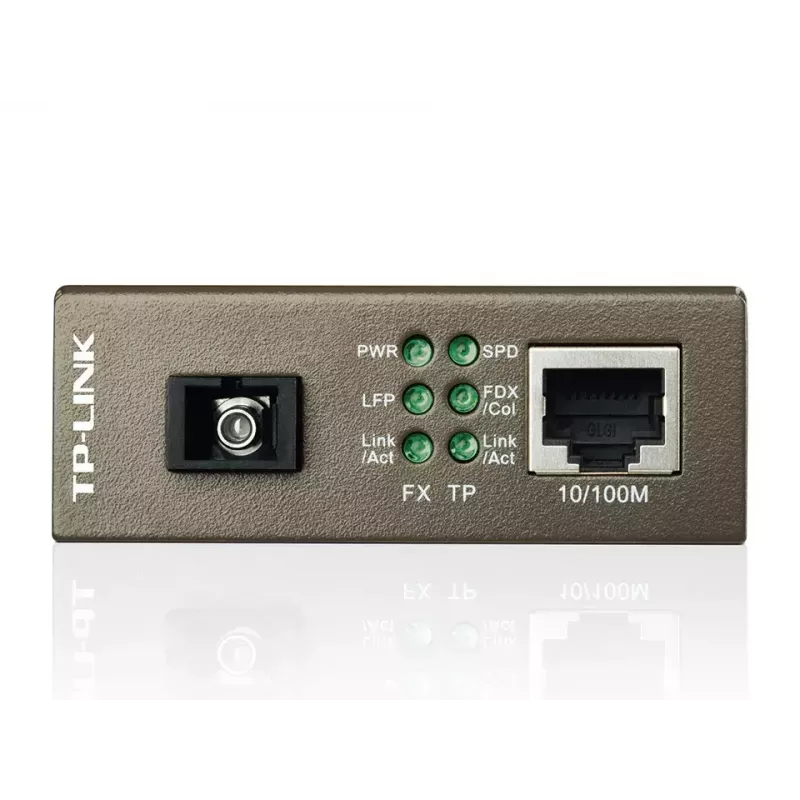
Install the MC112CS near the device to be connected and power it using the supplied adapter. Connect the copper Ethernet device to the RJ‑45 port; the converter will perform auto MDI/MDI‑X and auto‑negotiate speed and duplex on that port. Use a single‑mode fiber cable with SC connectors and ensure the opposite end device is configured for complementary WDM wavelengths (it should transmit at 1550 nm and receive at 1310 nm). Verify link and activity via the front panel LEDs and confirm proper operation on both ends of the fiber link.

Recommendations

Use certified single‑mode SC fiber and verify that the remote media converter or transceiver supports the complementary WDM wavelengths (TX 1550 nm / RX 1310 nm) to ensure correct bidirectional operation. For distances near 20 km, check fiber attenuation and connector quality; consider testing link performance after installation.
Destaques principais
  • Extending Ethernet over single‑mode fiber links up to 20 km
  • Connecting copper Ethernet equipment to fiber backbones
  • Point‑to‑point links where single‑fiber WDM cabling is preferred
  • Small installations requiring a standalone media converter
  • Model: TP‑Link MC112CS (MPN: MC112CS)
  • Standards: IEEE 802.3u 10/100Base‑TX, 100Base‑FX
  • Fiber type: Single‑mode (SC connector)
  • Wavelengths: Transmit 1310 nm / Receive 1550 nm (WDM)
  • Max fiber distance: 20,000 m (20 km)
  • Ethernet port: 1 × RJ‑45 (Auto MDI/MDI‑X, auto‑negotiation)
  • Data rate: Supports 10/100 Mbps Ethernet (device datasheet lists up to 1000 Mbit/s capability)
  • Power consumption: max 2.41 W
  • Certifications: FCC, CE
  • Color: Black
Especificações
Altura
27 mm
Altura da embalagem
65 mm
Auto MDI/MDI-X
Yes
Certificação
FCC, CE
Certificados de sustentabilidade
RoHS
Comprimento de onda
1550 nm
Conector de fibra ótica
SC
Consumo de energia (máx.)
2.41 W
Cor do produto
Black
Distância máxima de transmissão
20000 m
Humidade relativa de armazenamento (H-H)
5 - 90
Humidade relativa de funcionamento (H-H)
10 - 90
Indicadores LED
Activity, Power
Interno
No
Largura
94.5 mm
Largura da embalagem
165 mm
Normas de rede
IEEE 802.3x, IEEE 802.3u, IEEE 802.3
Número de portas de fibra
1
Peso da embalagem
360 g
Portas Ethernet LAN (RJ-45)
1
Profundidade
73 mm
Profundidade da embalagem
204 mm
Taxa máxima de transferência de dados
1000 Mbit/s
Tecnologia de cablagem Ethernet de fibra
100BASE-FX
Tecnologia de conectividade
Wired
Temperatura de armazenamento (T-T)
-40 - 70
Temperatura de funcionamento (T-T)
0 - 40
Tipo de interface Ethernet
Gigabit Ethernet
Tipos de cabos suportados
Cat5e, Cat5, Cat4, Cat3
Velocidades de dados Ethernet LAN
1000

Folheto

Abrir documento

Documento

Abrir documento
Histórico de preços nos últimos 6 meses
TP-Link MC112CS conversor de suporte de rede 100 Mbit/s monomodo preto
Atual
38,43 €
Mais baixo
37,32 €
Mais alto
48,48 €
Variação 24 h
+0,80 €   +2%
Semana
-3,11 €   -7%
Mês
-3,67 €   -9%

Produtos populares nesta categoria

Olá, sou o assistente de IA da DistriNode. Posso ajudá-lo a encontrar produtos, comparar opções, criar orçamentos em PDF ou abrir pedidos de suporte.