


Faça uma pergunta sobre este produto
Suporte para monitor BakkerElkhuizen Q-riser 100
Envios e devoluções

65,28 €
Sem IVA:53,07 €

27,27 €
Sem IVA:22,17 €


472,32 €
Sem IVA:384,00 €


56,20 €
Sem IVA:45,69 €


43,08 €
Sem IVA:35,02 €


158,00 €
Sem IVA:128,45 €


3 068,94 €
Sem IVA:2 495,08 €

-90x90h.webp "Configure você mesmo o PC Gaming — Ryzen 7 7700 + RTX 5070, 32GB DDR5 | DistriNode")
1 786,67 €
Sem IVA:1 452,58 €

1 263,54 €
Sem IVA:1 027,27 €
1 235,85 €
Sem IVA:1 004,76 €


2 015,47 €
Sem IVA:1 638,60 €
1 563,05 €
Sem IVA:1 270,77 €


40,45 €
Sem IVA:32,88 €

16,90 €
Sem IVA:13,74 €


210,22 €
Sem IVA:170,91 €


472,25 €
Sem IVA:383,94 €


Smart addition to your ergonomic screen set-up.
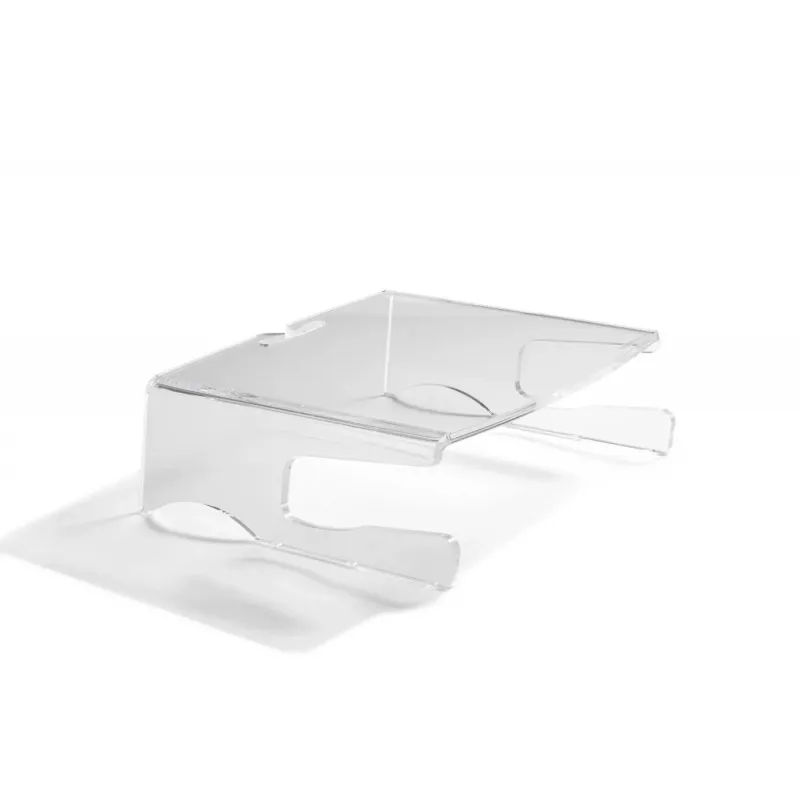
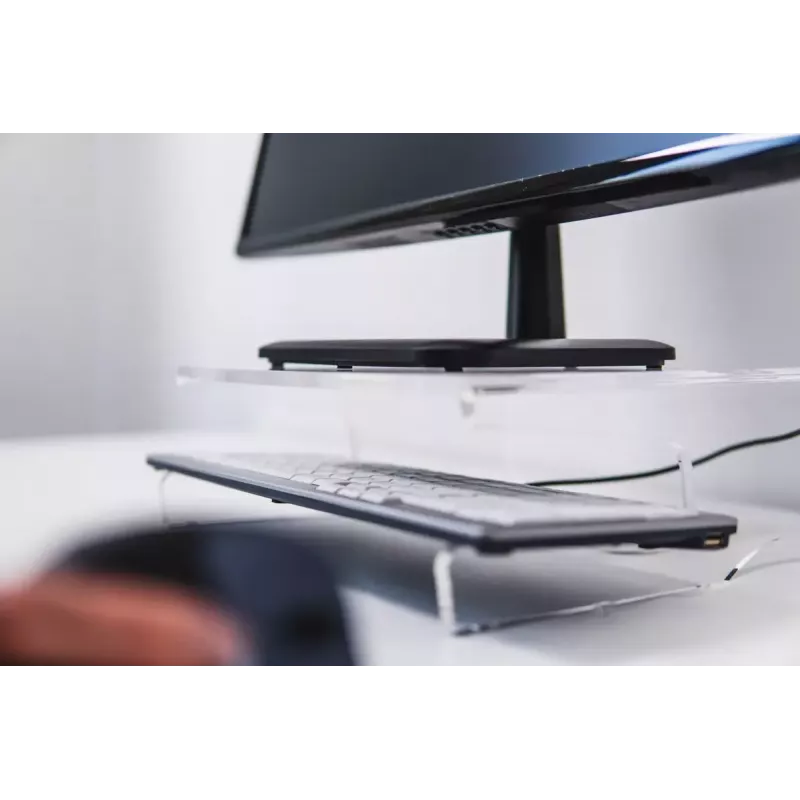
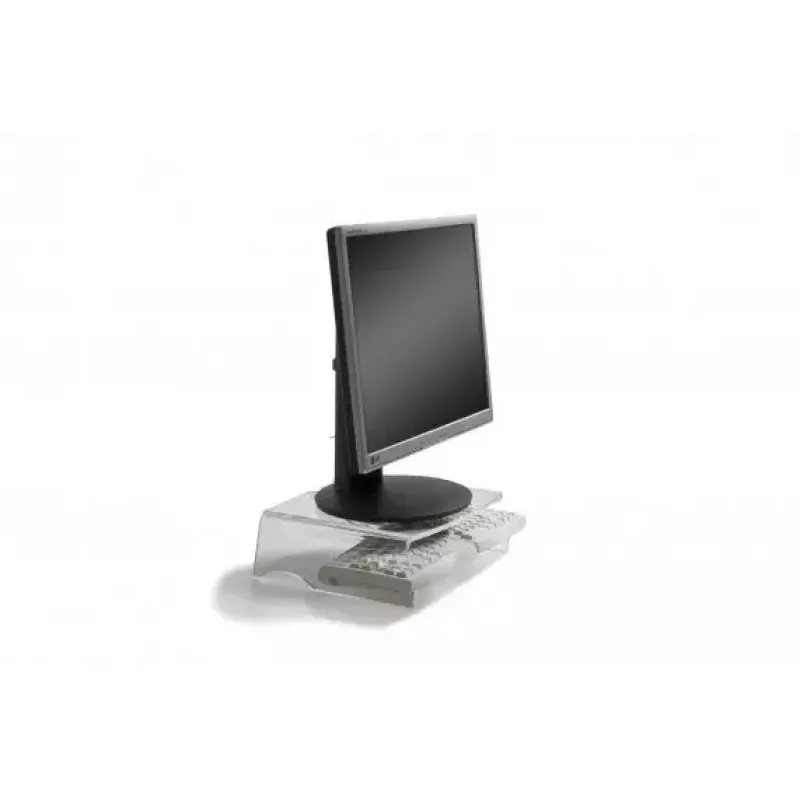
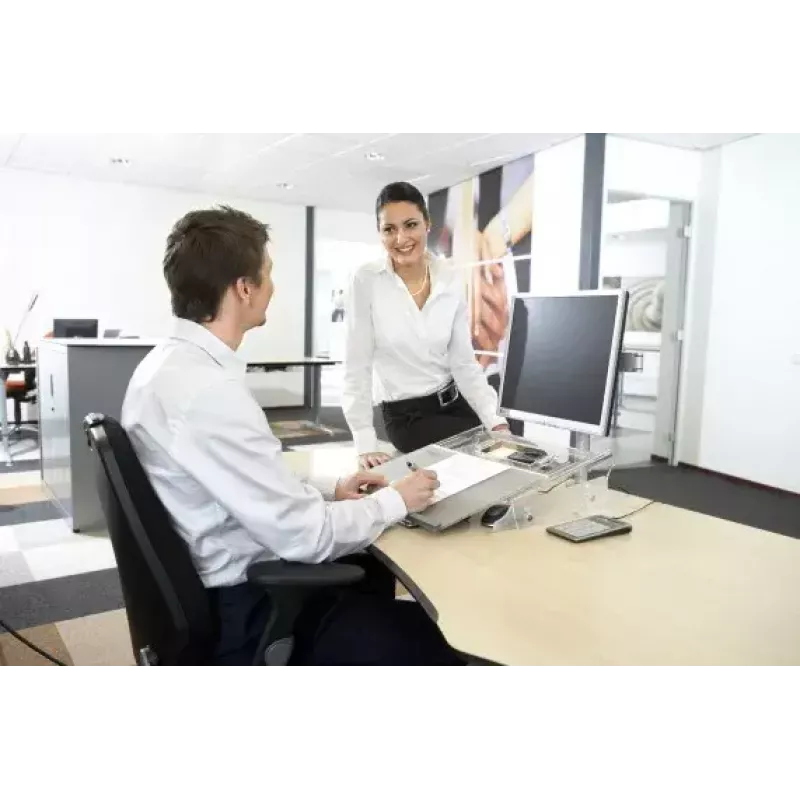
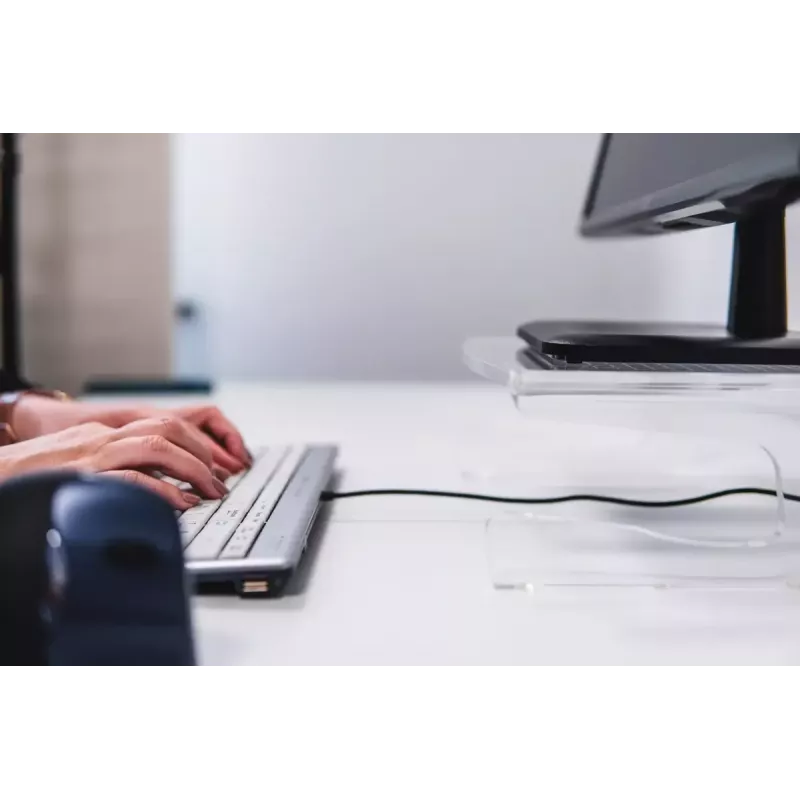
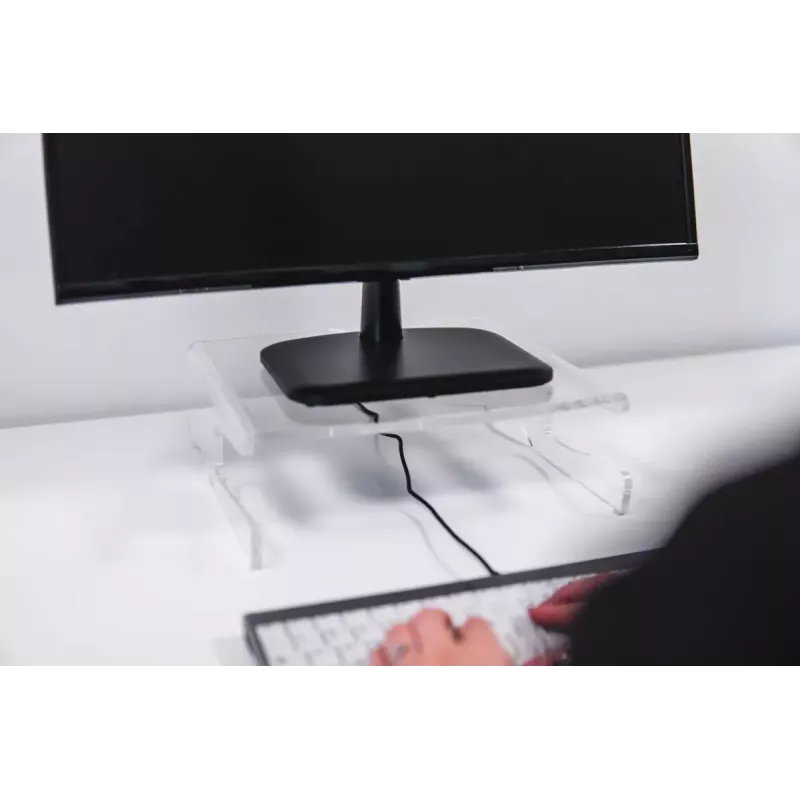
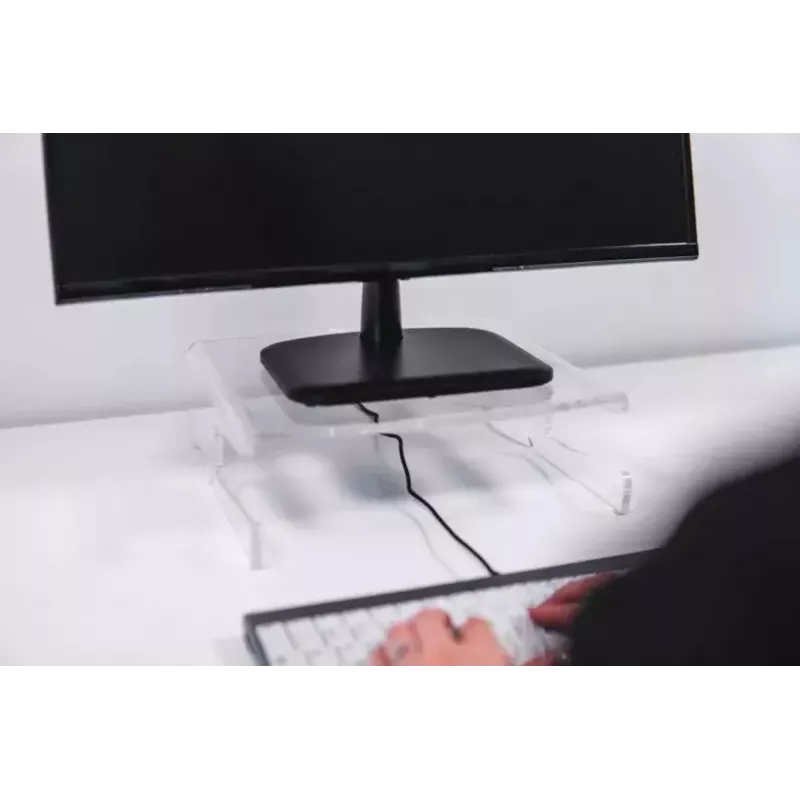
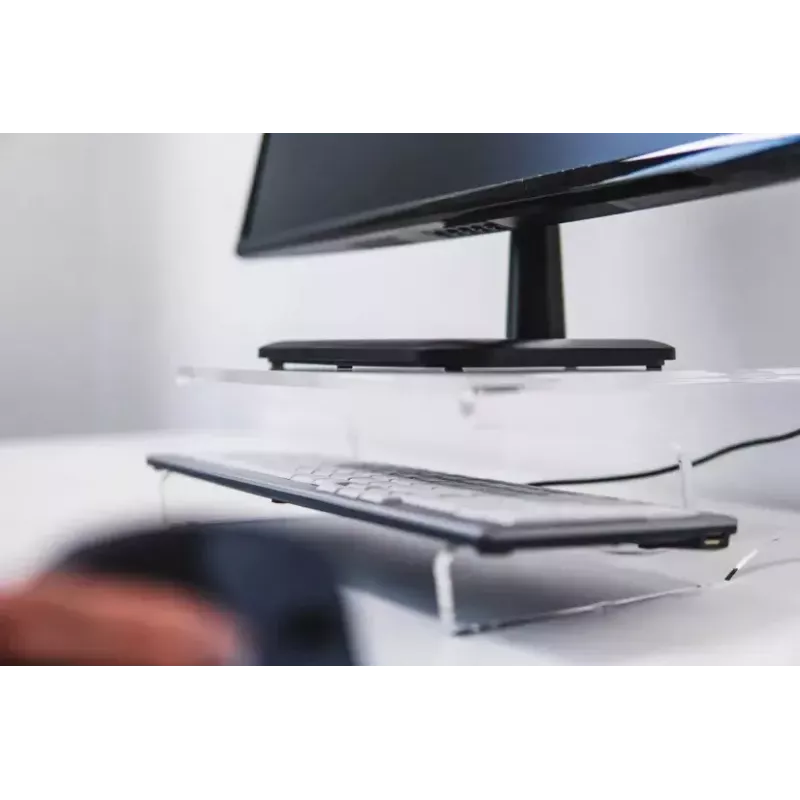
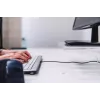
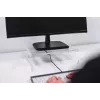
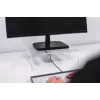
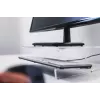
The Q-Riser 100 ergonomic monitor stand optimises your workspace to work more comfortably at your monitor. With the Q-Riser 100 monitor stand you add 105 mm height to your flatscreen, and you can automatically adapt an upright and healthier posture, which prevents strain on your neck and eye discomfort. This monitor stand is made of high-quality (sustainable) acrylic material and is therefore very stable. You can free-up the area on your desk underneath the Q-Riser 100 and use the neat storage space above the front feet. Improve your productivity with the optimal screen height for you and with a properly managed and clear workspace.
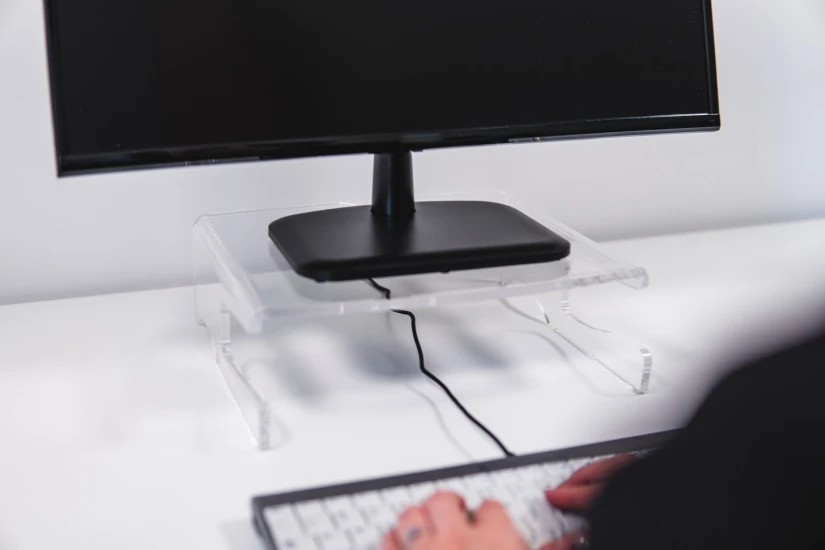
The Q-Riser 100 ergonomic monitor stand optimises your workspace to work more comfortably at your monitor. With the Q-Riser 100 monitor stand you add 105 mm height to your flatscreen, and you can automatically adapt an upright and healthier posture, which prevents strain on your neck and eye discomfort. This monitor stand is made of high-quality (sustainable) acrylic material and is therefore very stable. You can free-up the area on your desk underneath the Q-Riser 100 and use the neat storage space above the front feet. Improve your productivity with the optimal screen height for you and with a properly managed and clear workspace.
Ergonomic height.
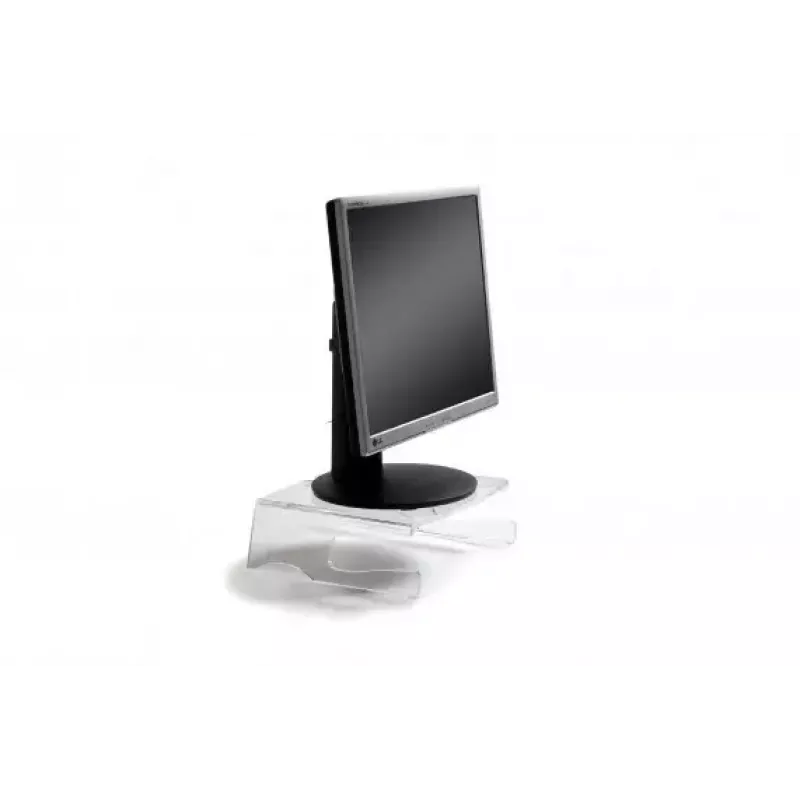
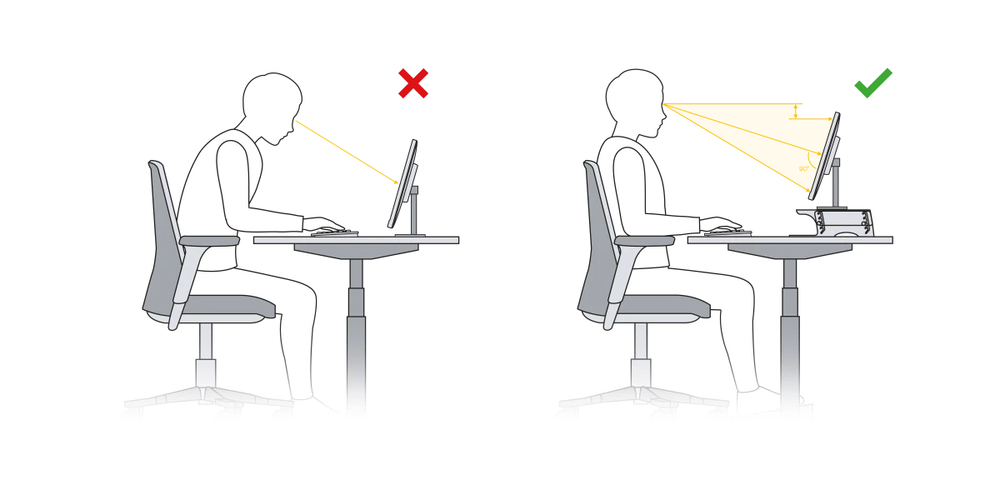
The Q-Riser 100 monitor stand allows you to adjust your body to an healthy and ergonomic position. With this monitor stand you adjust your screen height to 105 mm, which brings your screen to a comfortable viewing height. At the same time, it is also important to adjust the distance to the screen. Easily move your monitor stand in the depth of your desk, till the top of your monitor is just below your eye level.This small adjustments to your workspace will improve your overall wellbeing and increase your performance at work.
Ergonomic background
Distance between your eyes and the screen should be 50-80 cm (approximately an arm length), depending on monitor size and resolution. Adjust the distance of your screen (source: VGB DGUV Information 215-410, 2019, S. 93.).The angle of your line of vision to the middle of the screen should be approximately -35°, so also adjust the height of your screen (source: VGB DGUV Information 215-410, 2019, S.46.)
Stable and safe set-up.
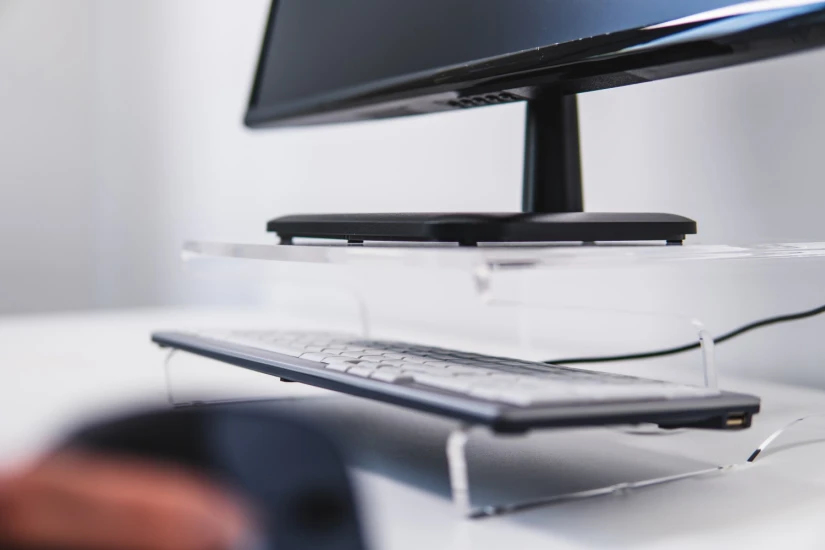
Place your screen stand on the 300 mm x 300 mm large surface of the Q-Riser 100 monitor stand. In total your monitor can have a weight up to 10 kg. The high-quality clear acrylic material is very robust and at the same time stable.With the Q-Riser 100 monitor stand your screen stays firmly in place and you will have a solid working set-up on your desk.
How to use
Place the Q-riser 100 on a flat section of your desk and set your monitor on top so the screen centre is at eye level when seated upright. Ensure the monitor’s weight does not exceed 10 kg and that the screen size is within the supported range. Use the space beneath the front feet to store small items and keep the desk surface organised.
Recommendations
For optimal ergonomics, adjust chair height and viewing distance together with the monitor stand so your eyes align with the top third of the screen. Clean the transparent acrylic with a soft, lint-free cloth and a mild cleaner to maintain clarity.
Produtos populares nesta categoria
- Suporte para monitor Gembird MA-DA1-04-W com fixação à secretária para ecrãs de 17–32 polegadas, VESA 75x75–100x100, carga máx. 10 kg, branco
- Elevador de monitor em vidro para secretária, máx. 20 kg
- Suporte para monitor de secretária Equip 650880
- ASUS AAS01R 124,5 cm (49") Braço de mesa Preto
- Suporte para dois monitores Neomounts DS45-600BL2V para 2 ecrãs de 10–32 polegadas, VESA 75x75–100x100, carga máx. 9 kg, autónomo, preto